X-Hax
Modding / sa1-modding / Autodemo research






 1
1 3
3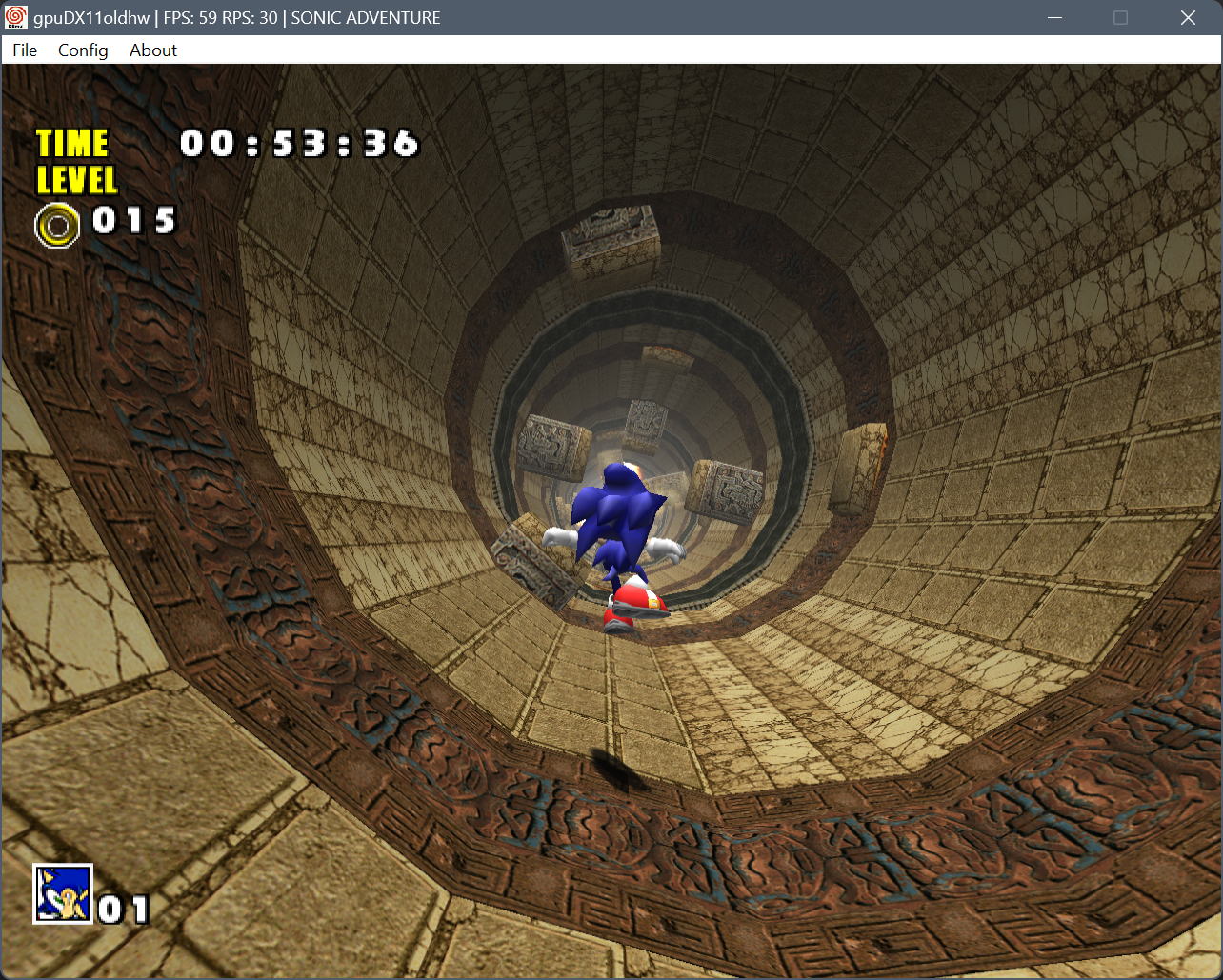
 1
1 1
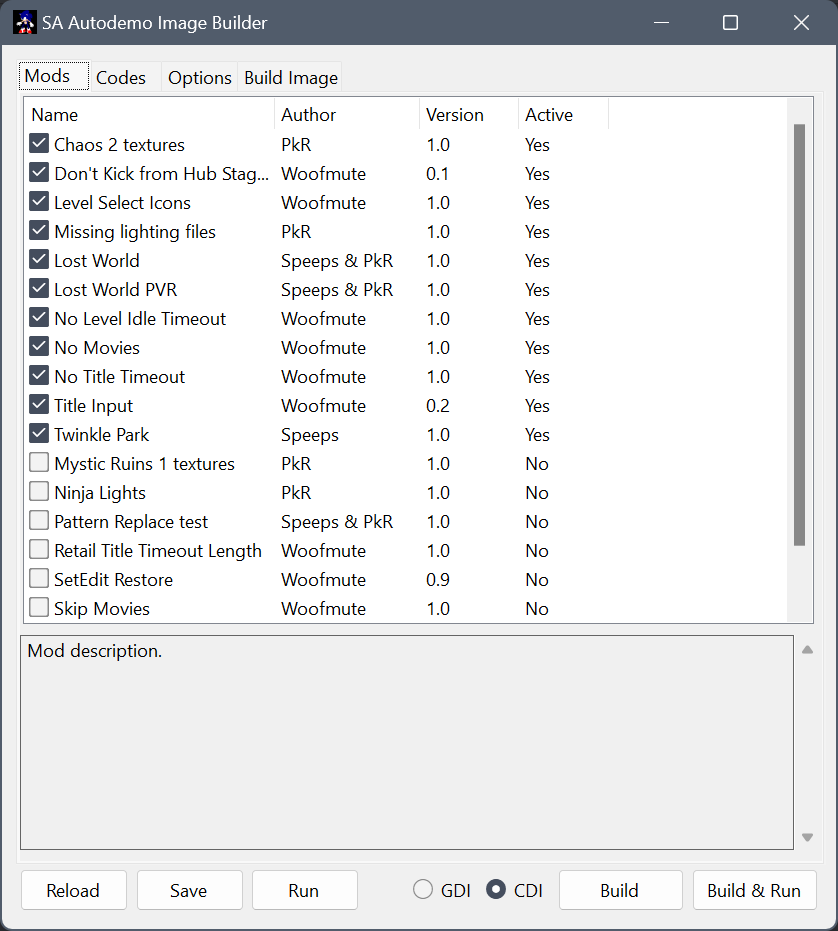
1data_orig folder with untouched game files and use it to speed up build process. 1
1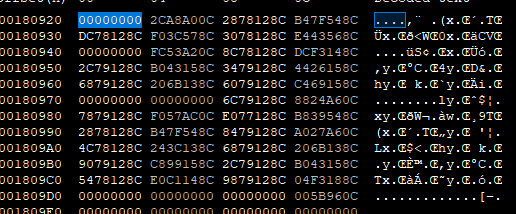
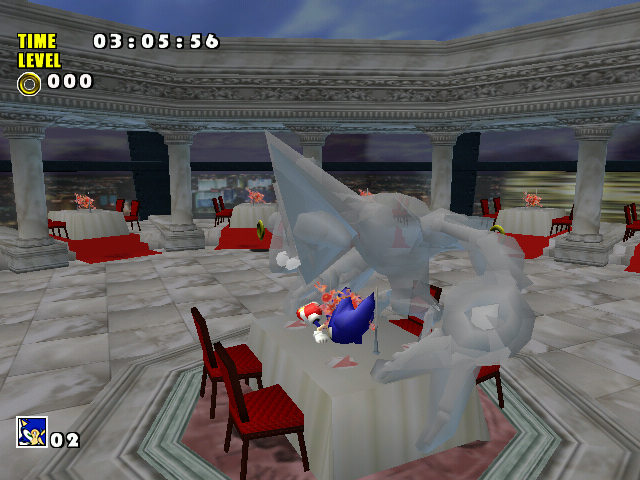
- STG00: Complete
- STG01: Mostly complete, some data is not marked
- STG05: Mostly complete, end of the file has a lot of undefined data
- STG07: Mostly complete, one block at the end is still mostly undefined
- STG08: Mostly complete, also has a lot of undefined data at the end still.
- STG09: Complete
- ADV00OBJ: Complete
- ADV01OBJ: Complete
- ADV02: Complete
- ADV02OBJ: Maybe half complete, most functions have been marked (not named) and some data has been defined.
- LAND1800: Complete
- B_CHAOS0: Complete
- B_CHAOS2: Complete
- B_CHAOS4: Complete
- B_CHAOS6: Complete
- B_CHAOS7: Complete
- B_E101_R: Complete
- B_EGM1: Complete
- B_EGM3: Complete (or at least nearly complete, may have a few bits of undefined data)
- B_ROBO: Complete
- AL_GARDEN00: Complete
- AL_GARDEN01: Complete
- AL_GARDEN02: Complete
- AL_MAIN: Complete
- AL_RACE: Complete
- MINICART: Complete
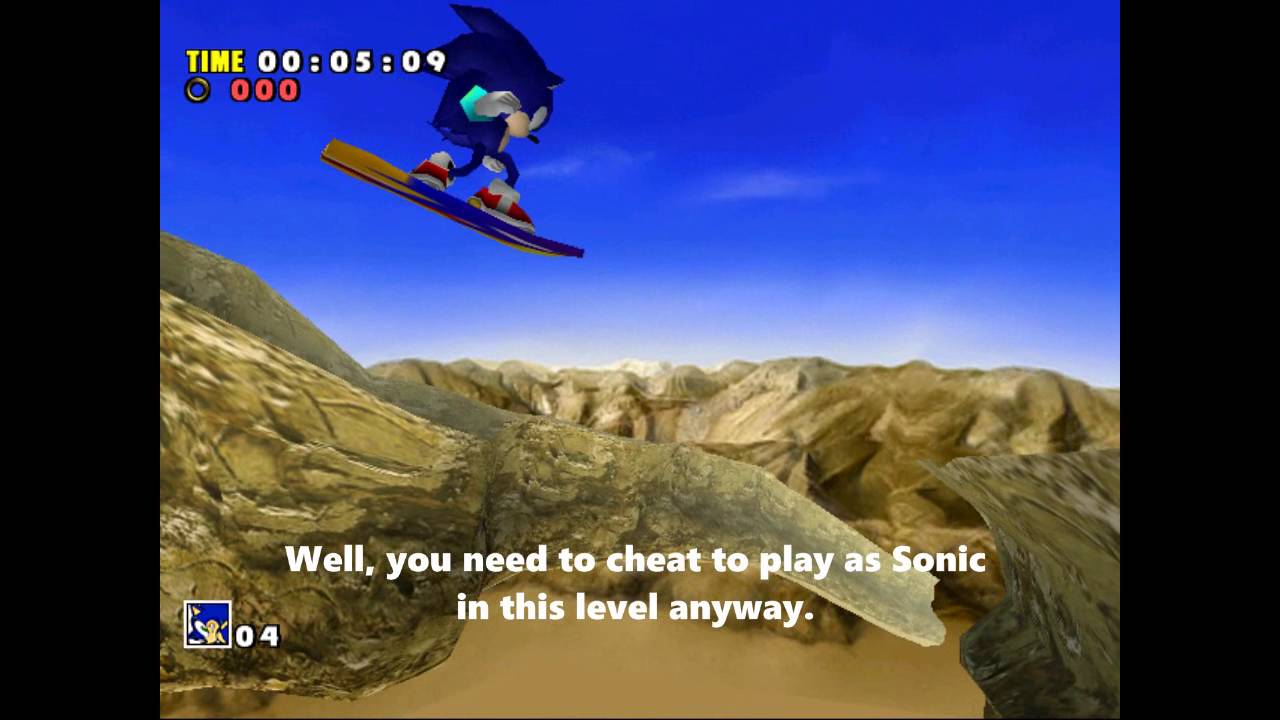
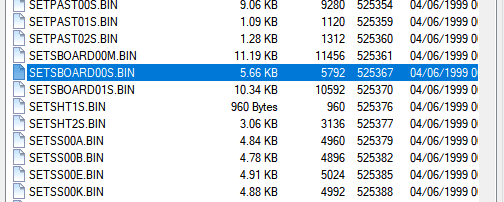
- SBOARD: Complete (edited)sel_s.pvr, sel_t.pvr and so on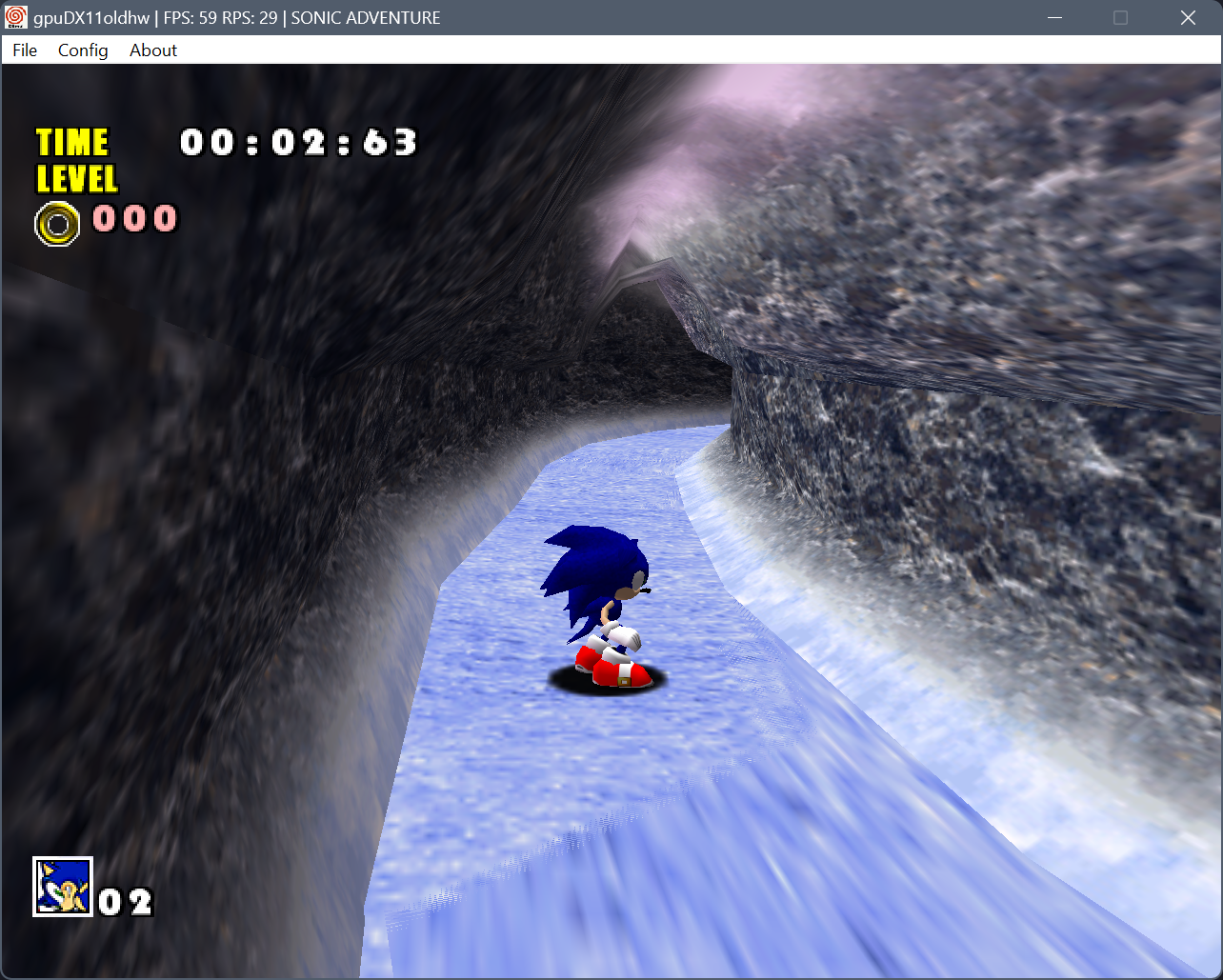
 1
1; at the start of its line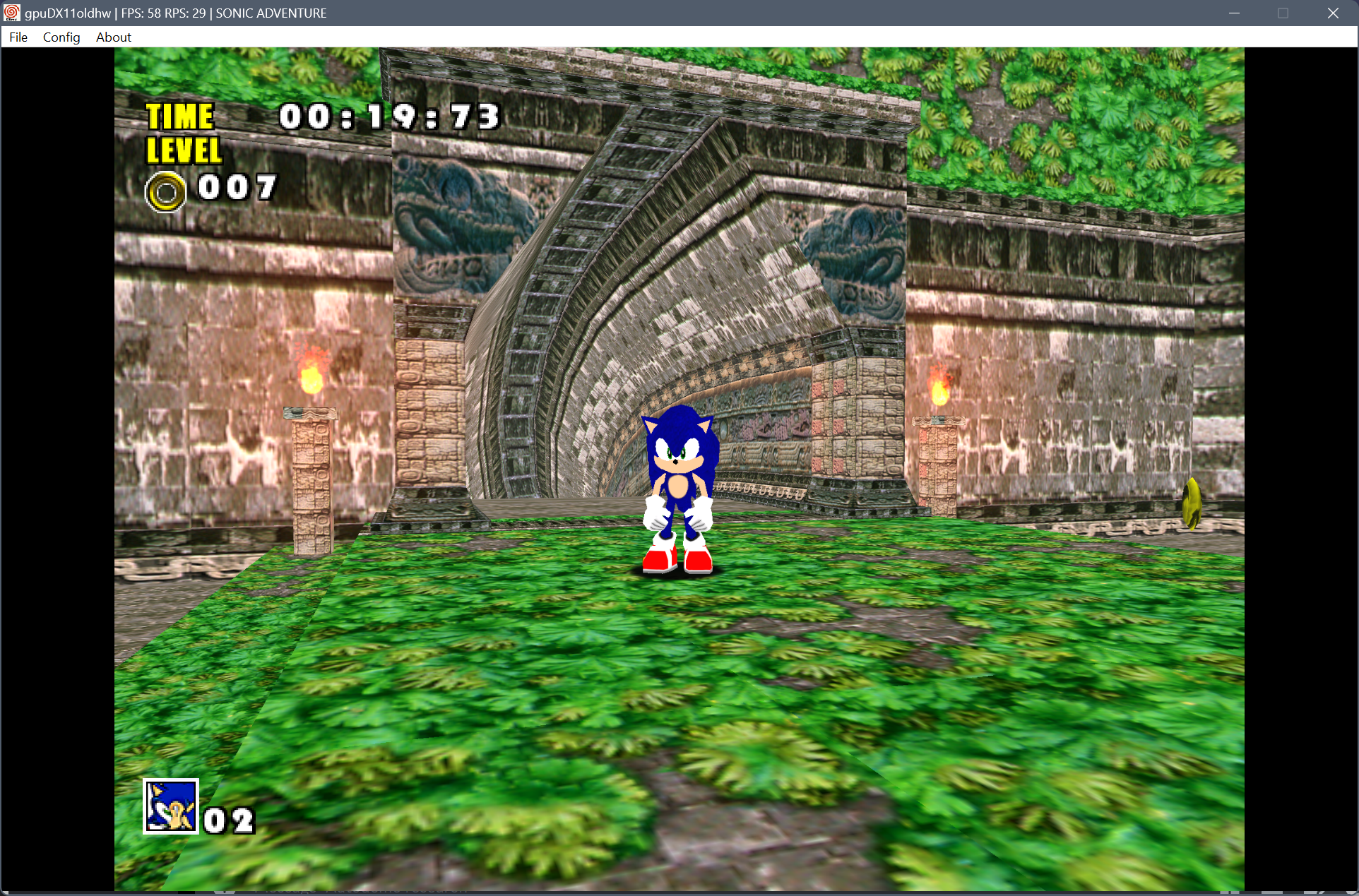
; at the start of its line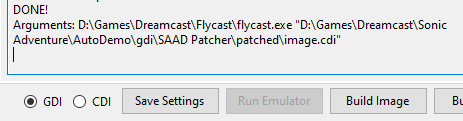
 2
2
 1
1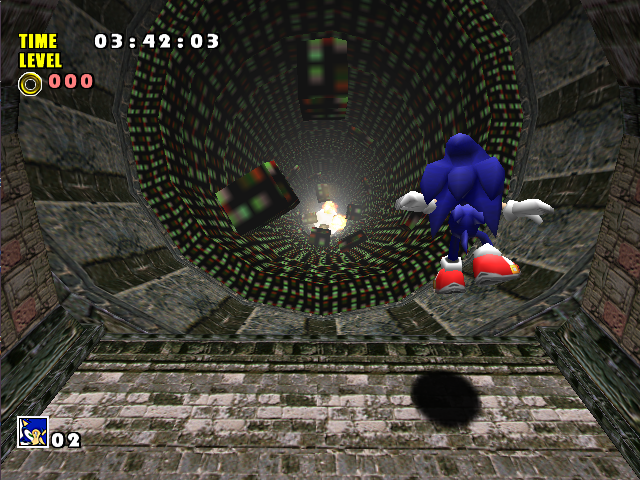
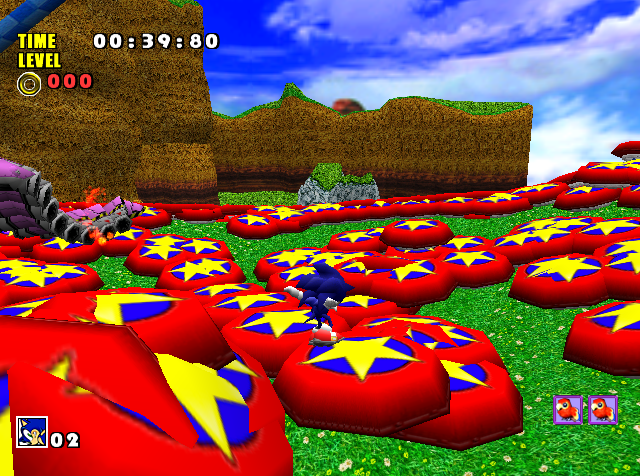
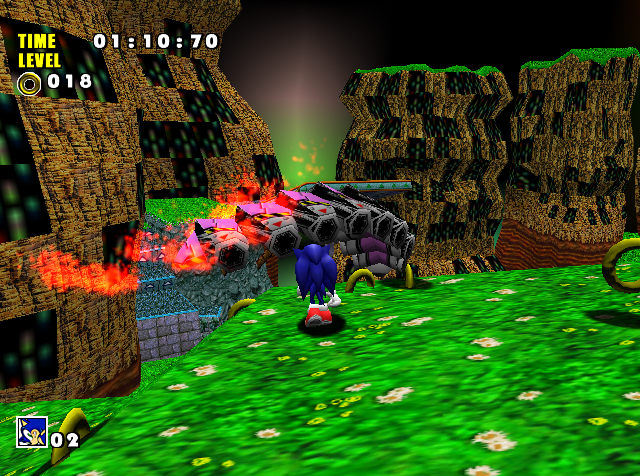
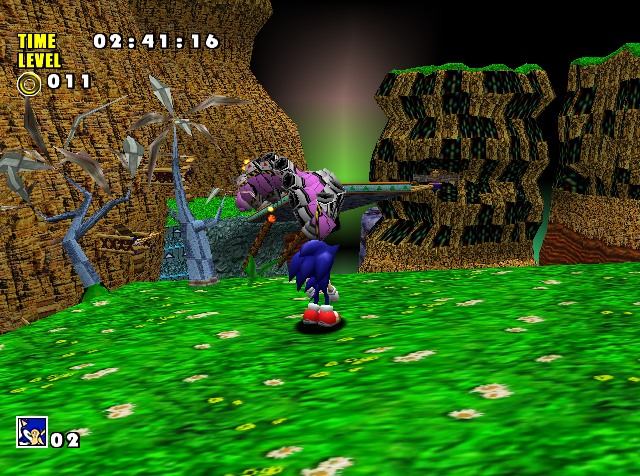
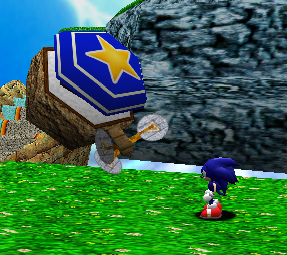
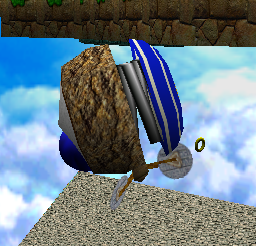
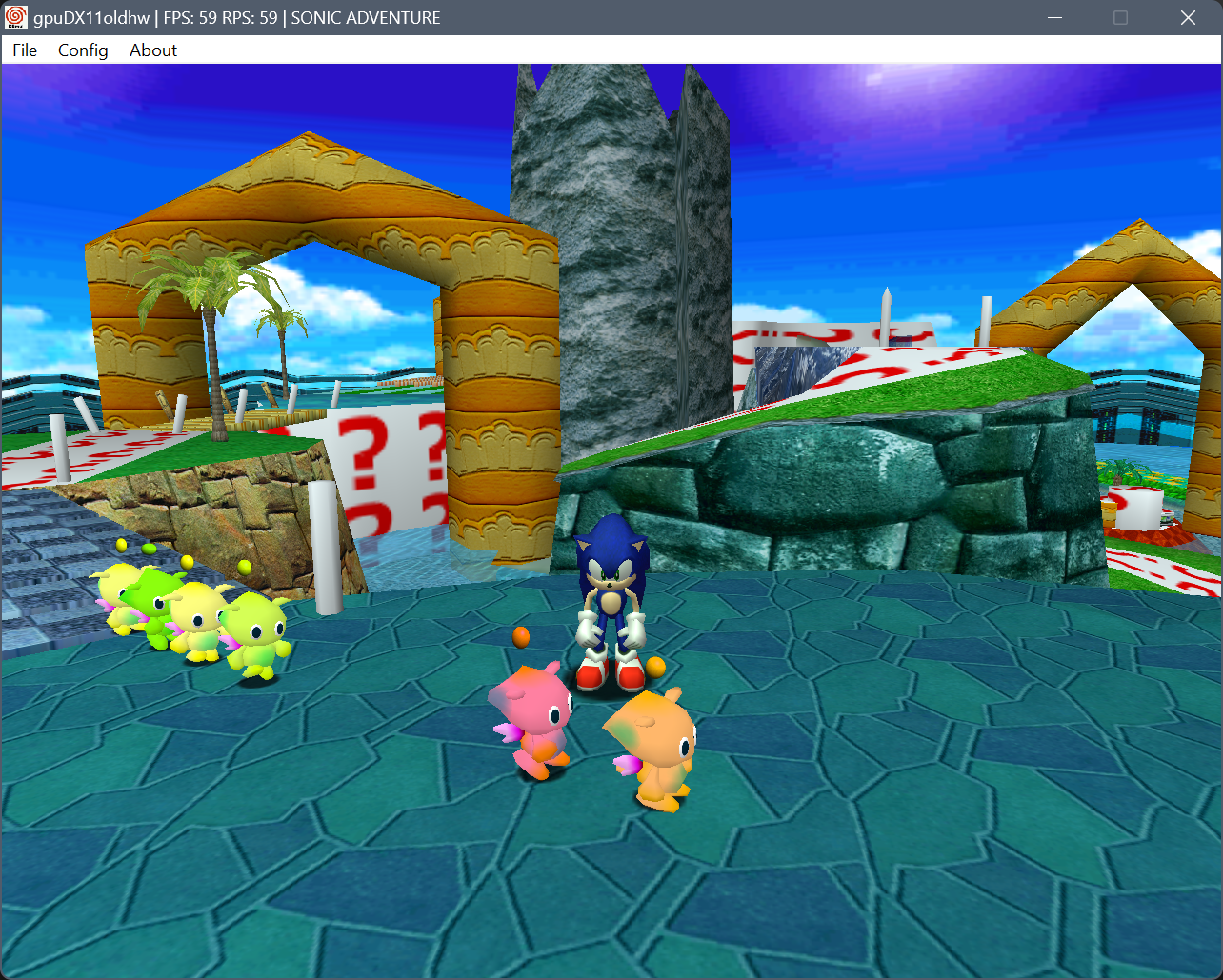
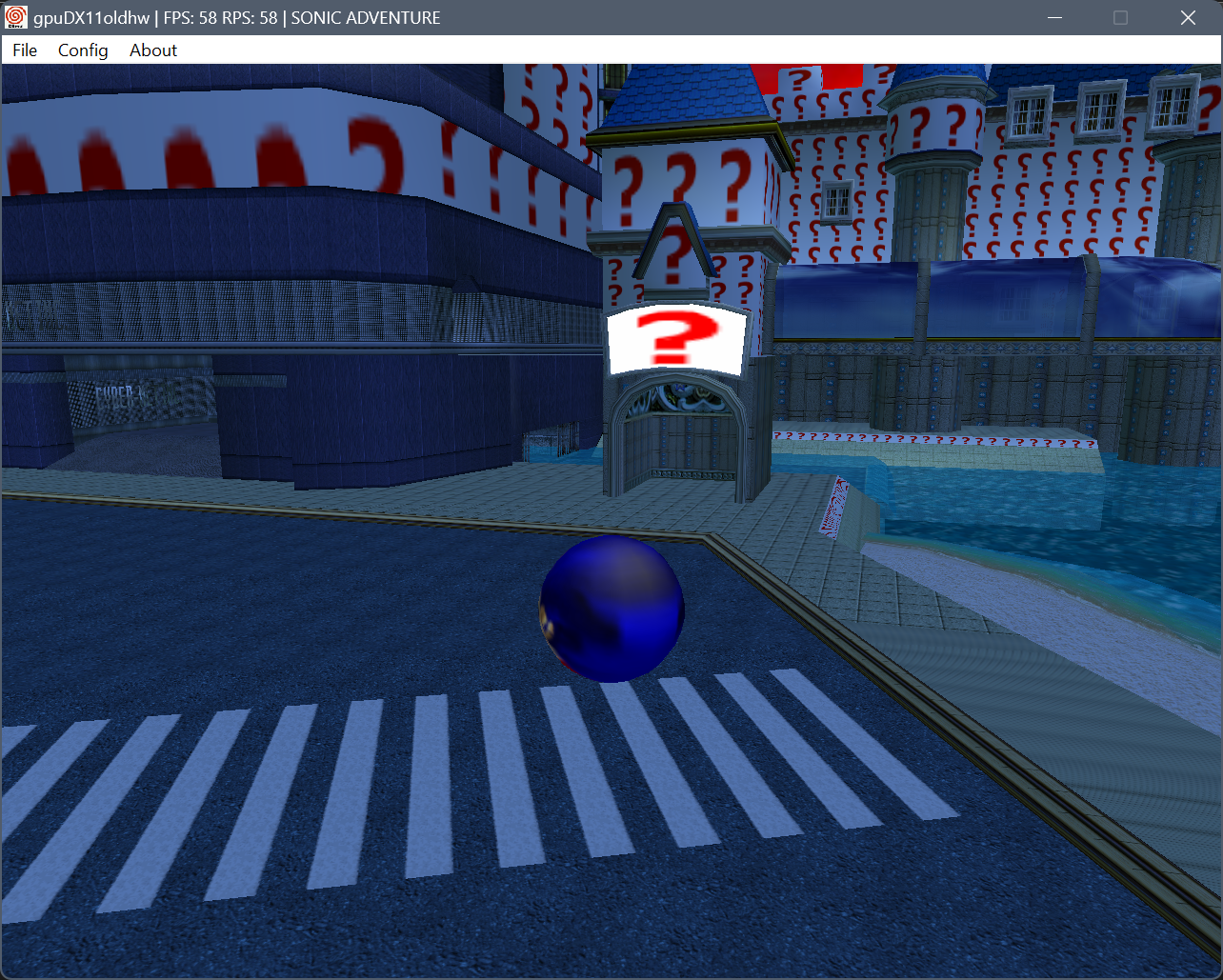
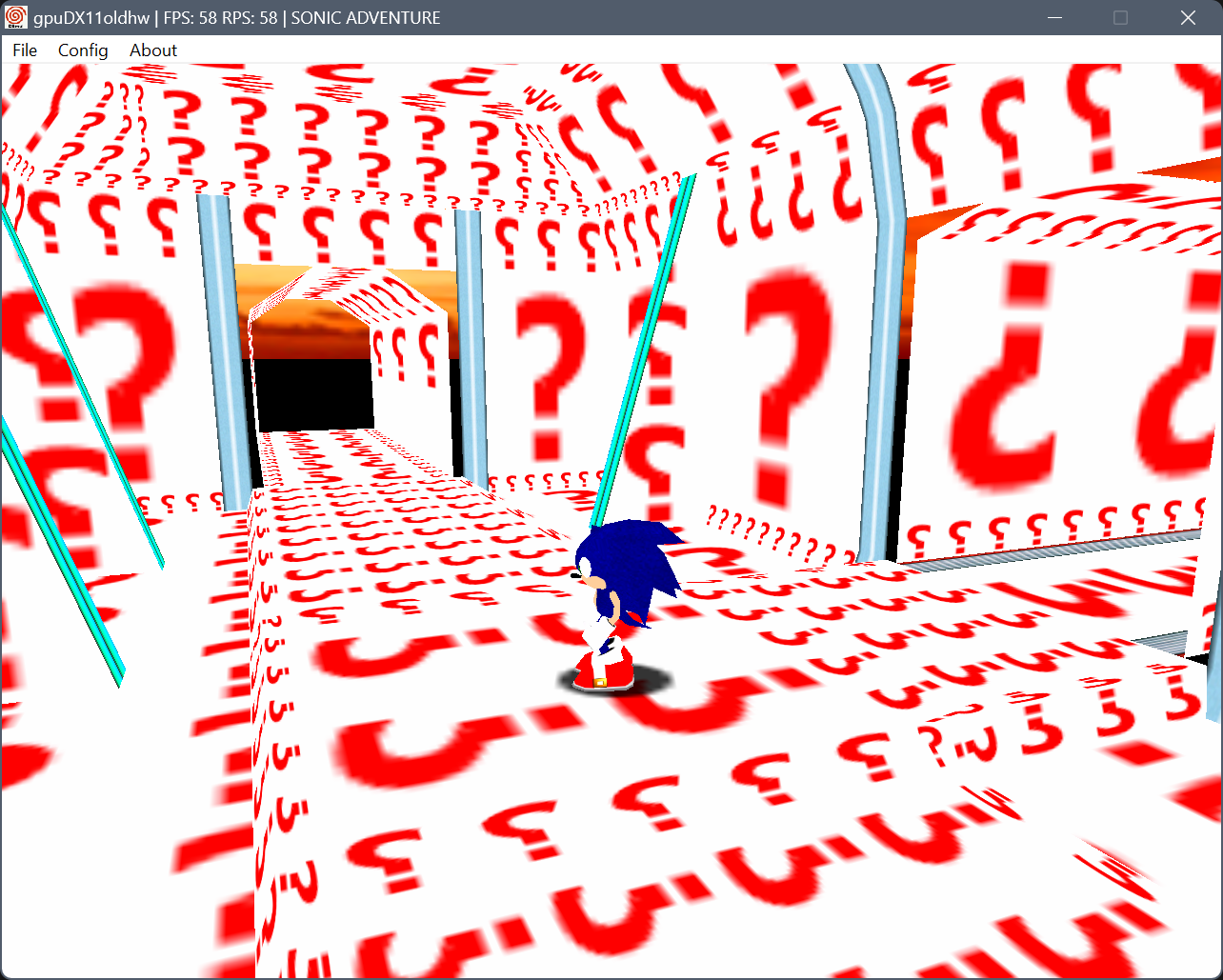
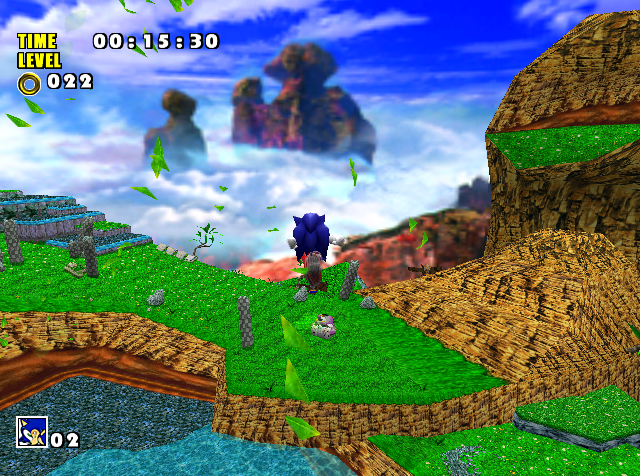
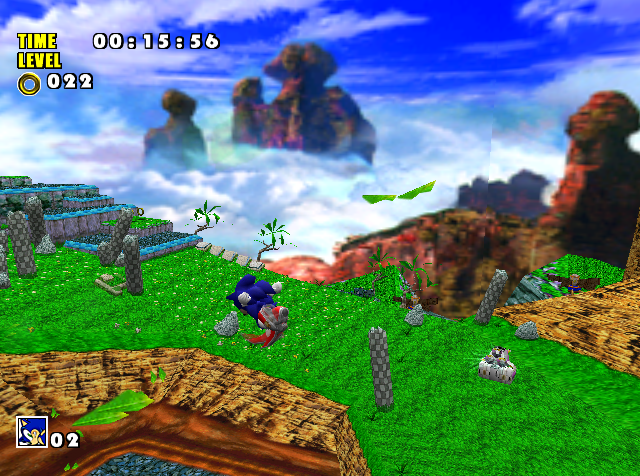
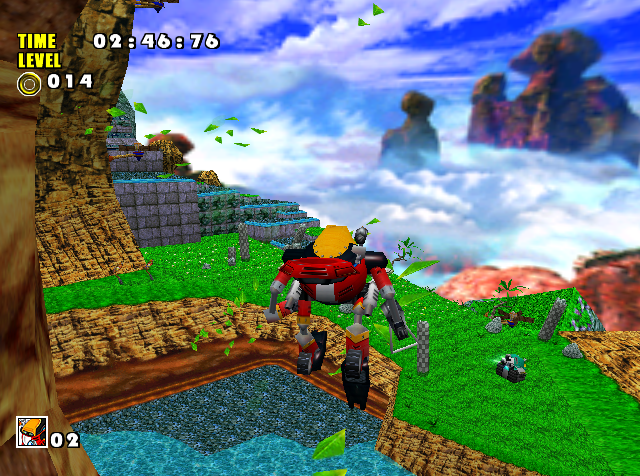
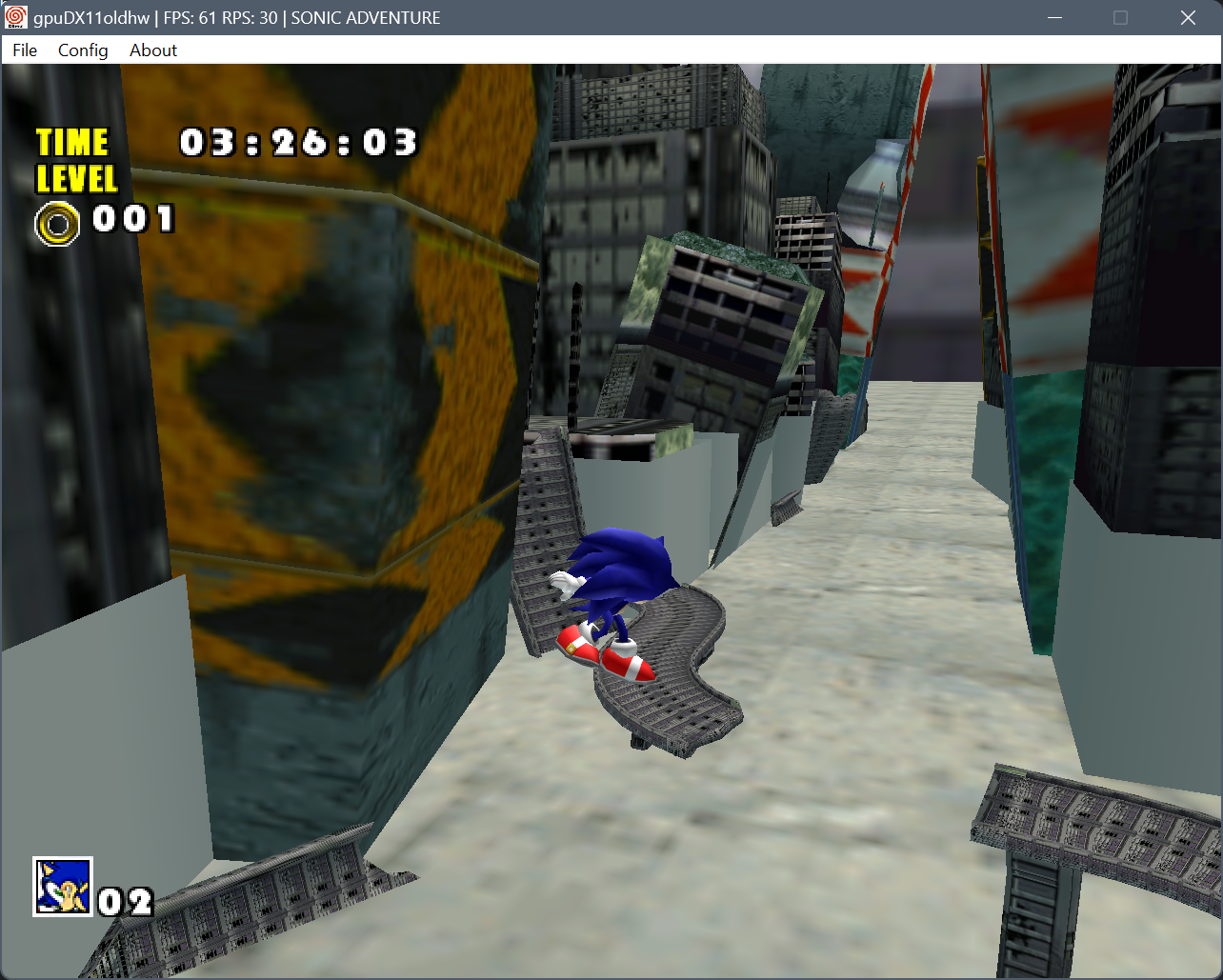
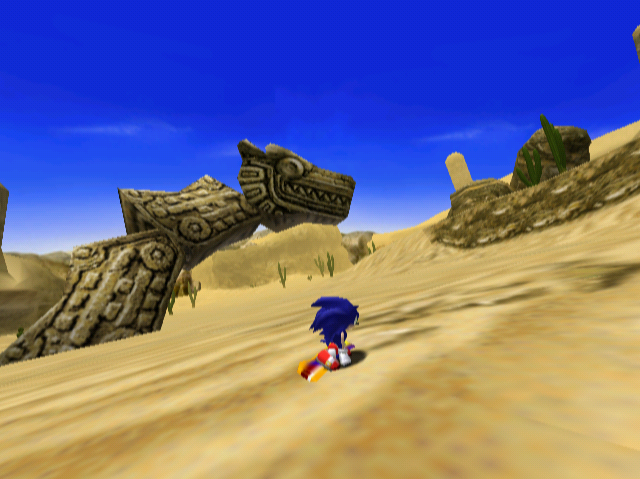
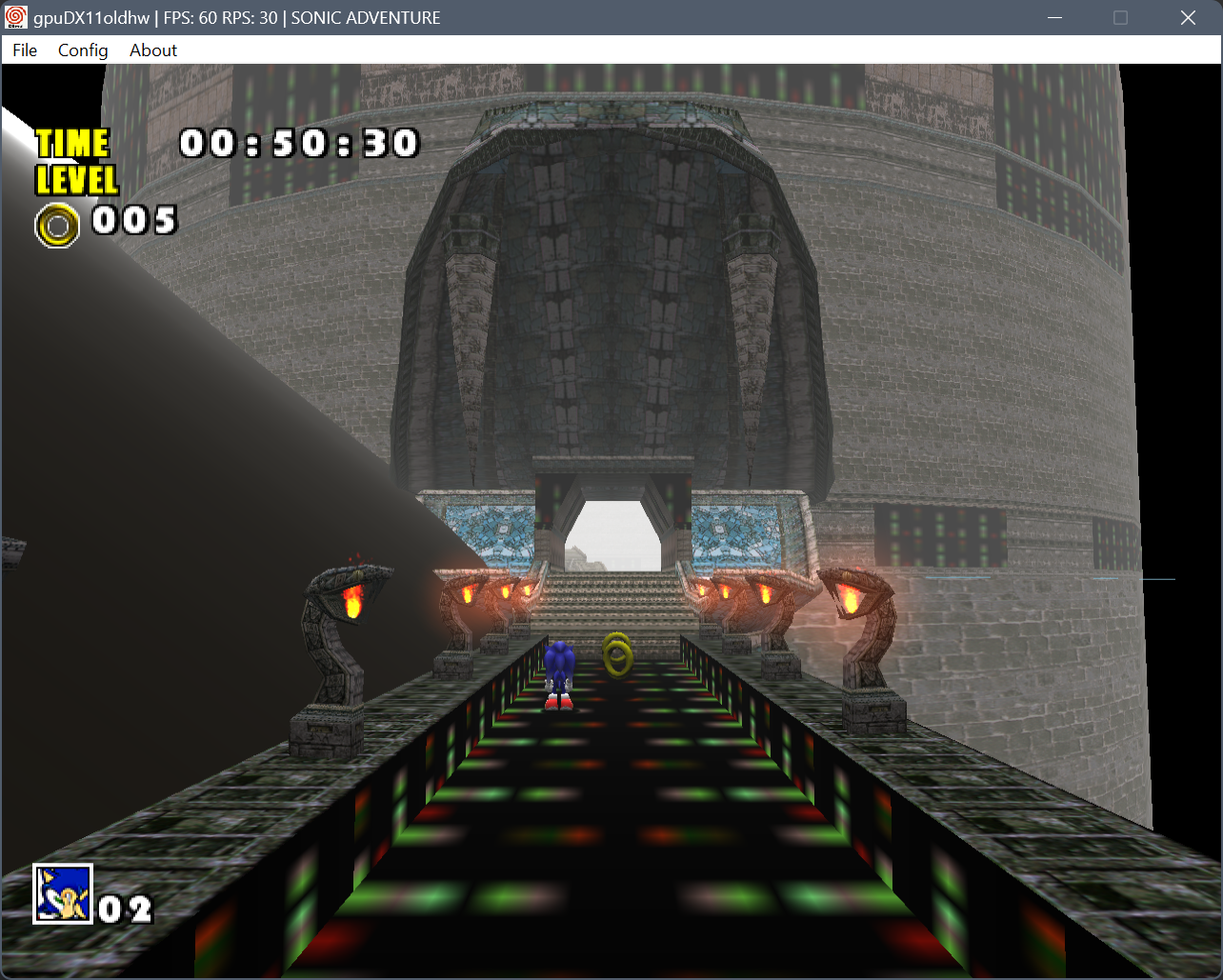
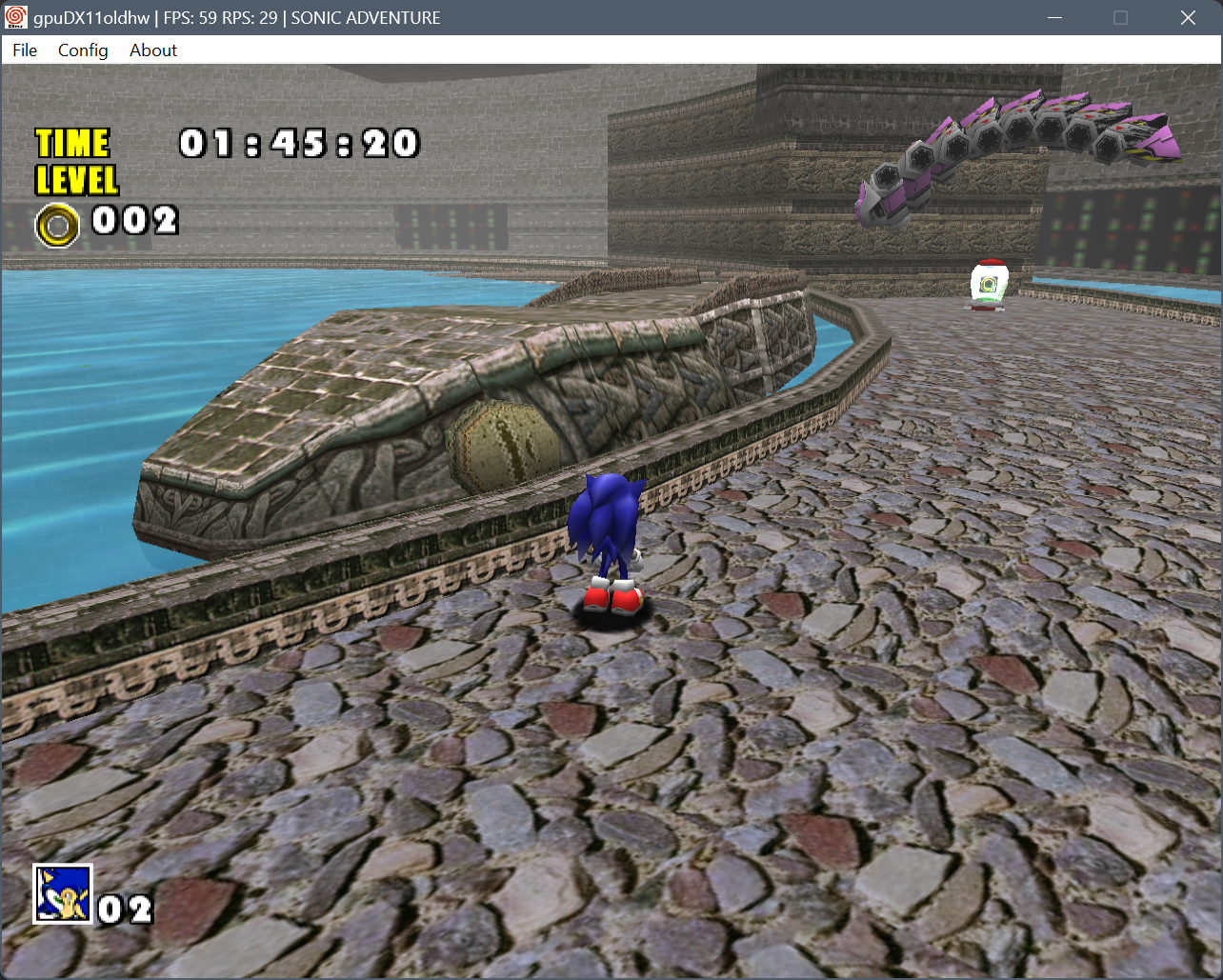
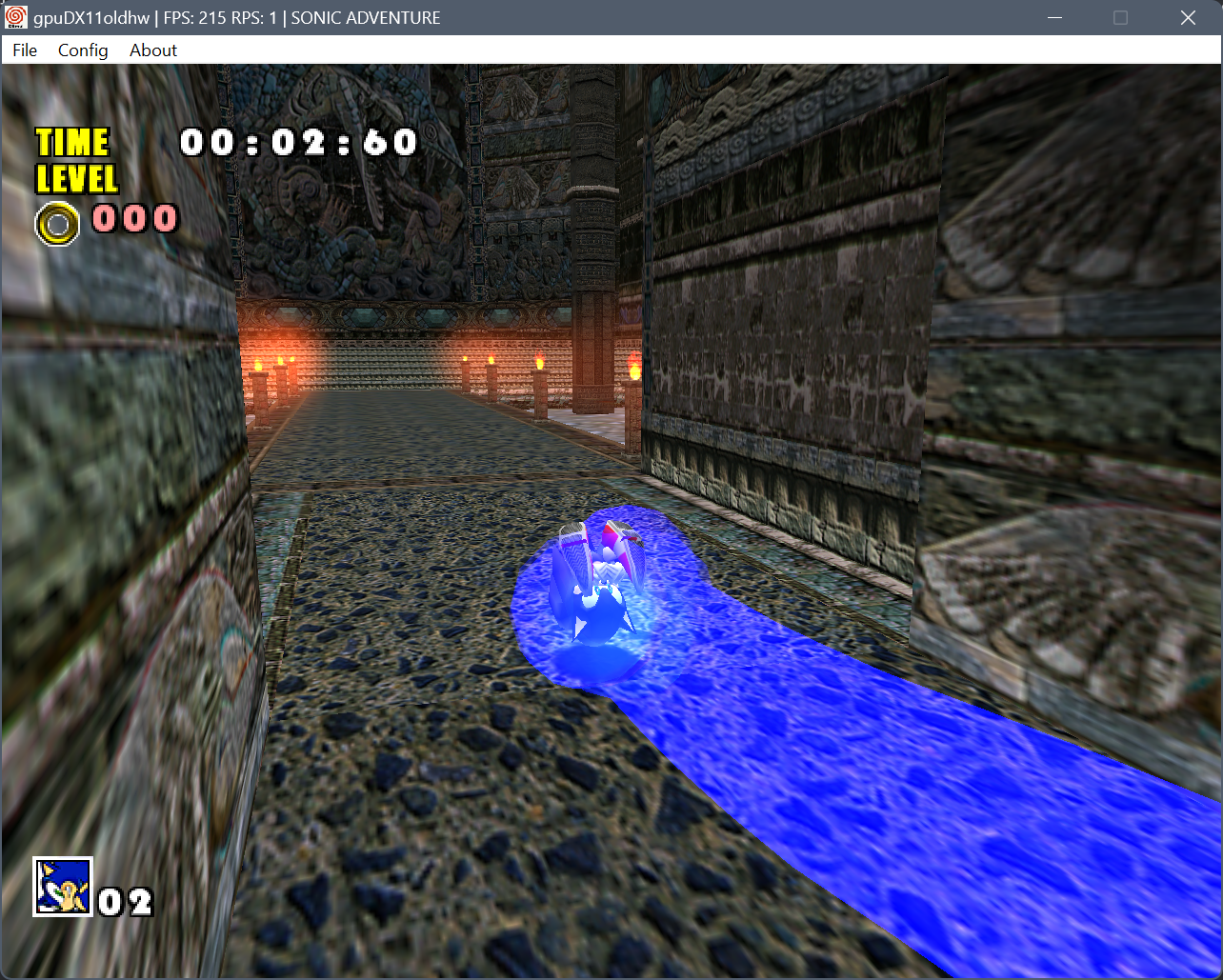
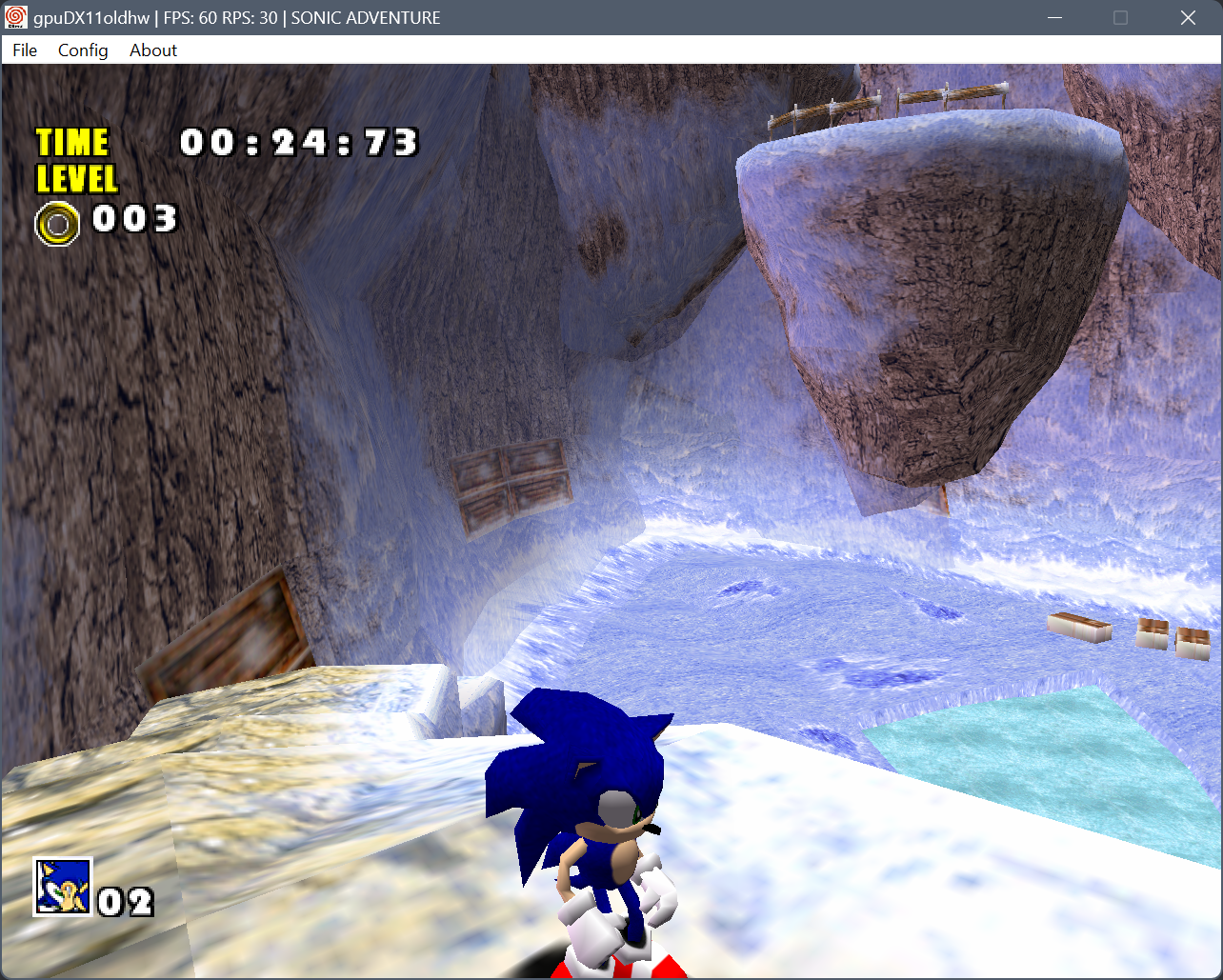
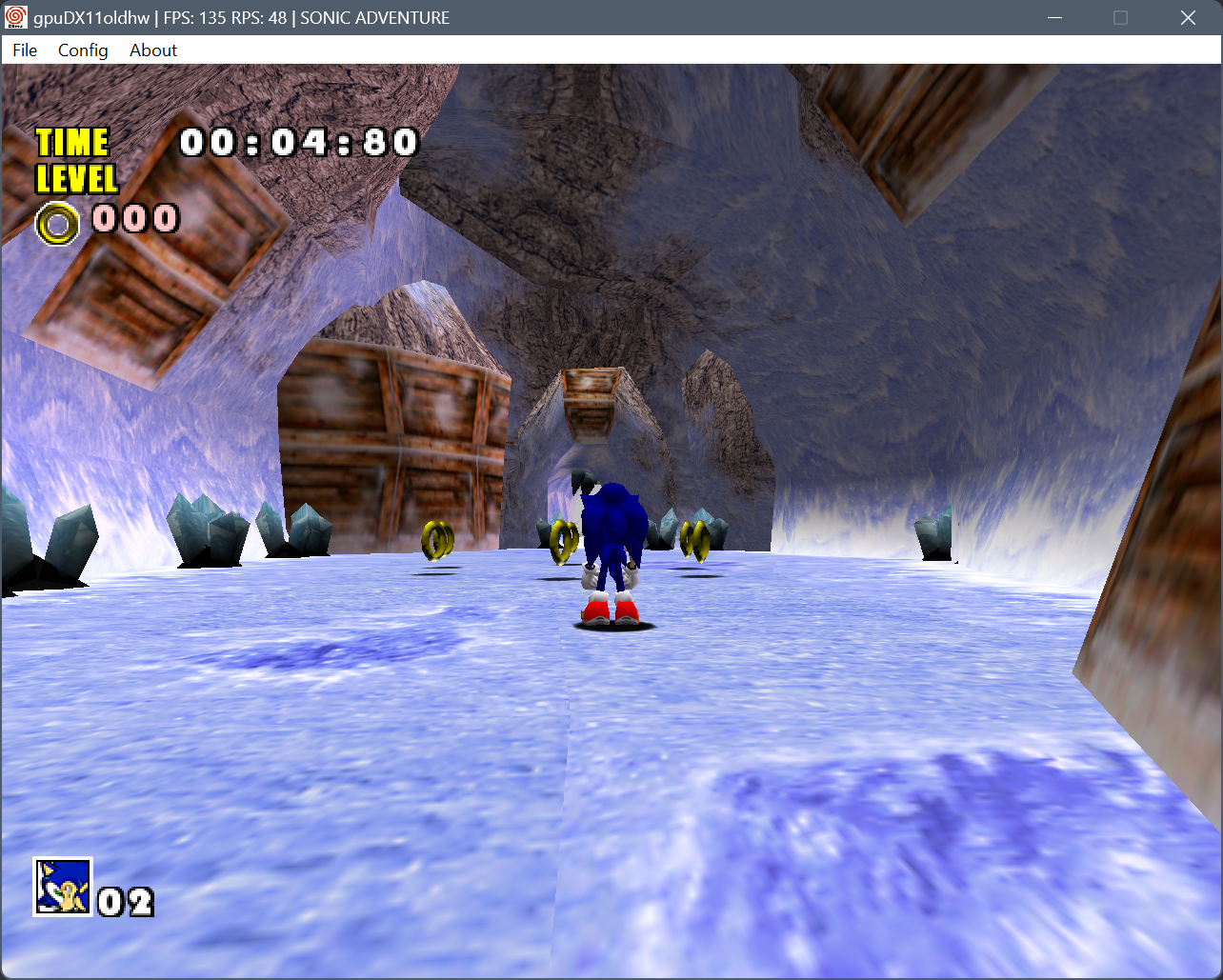
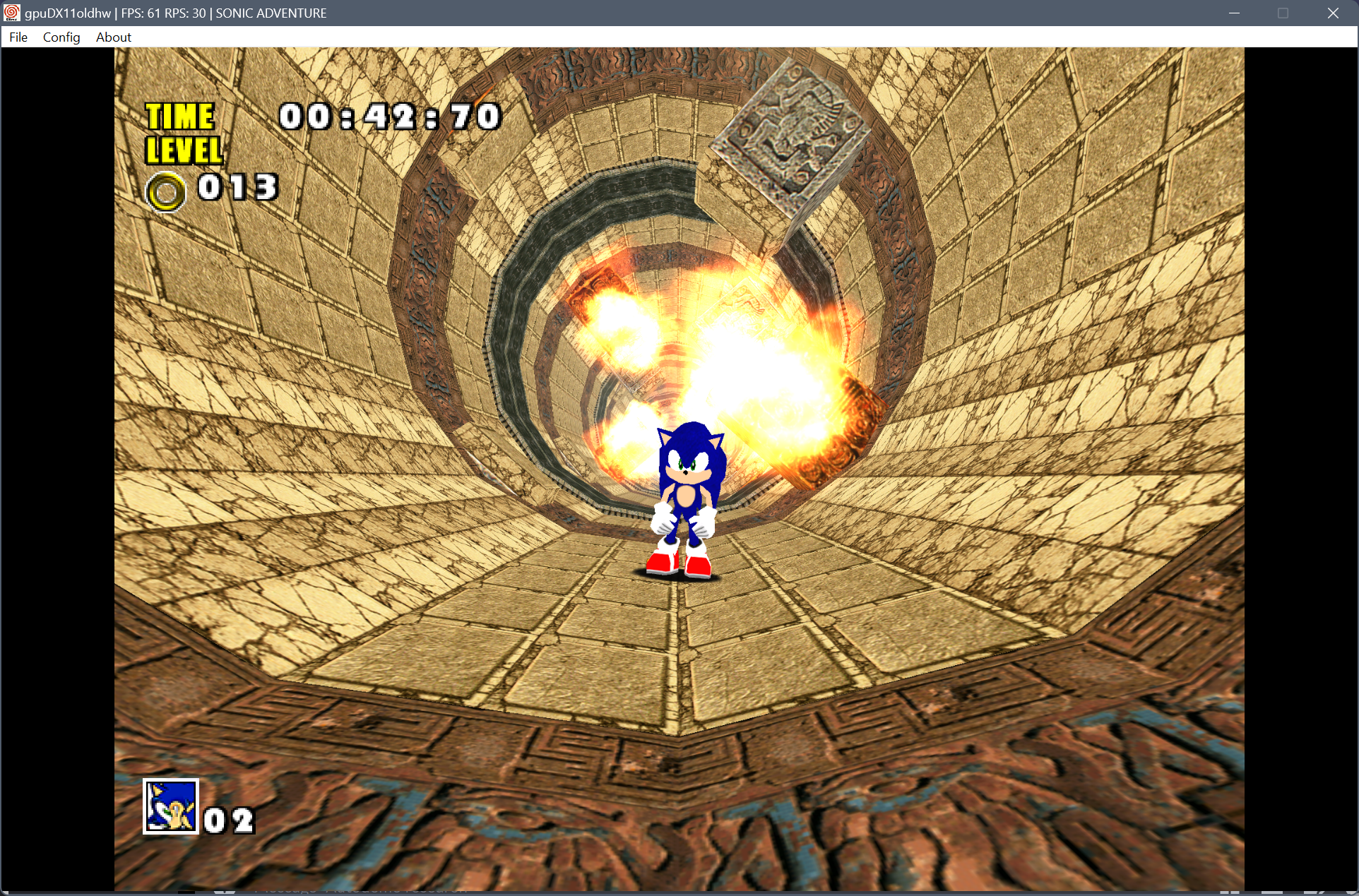
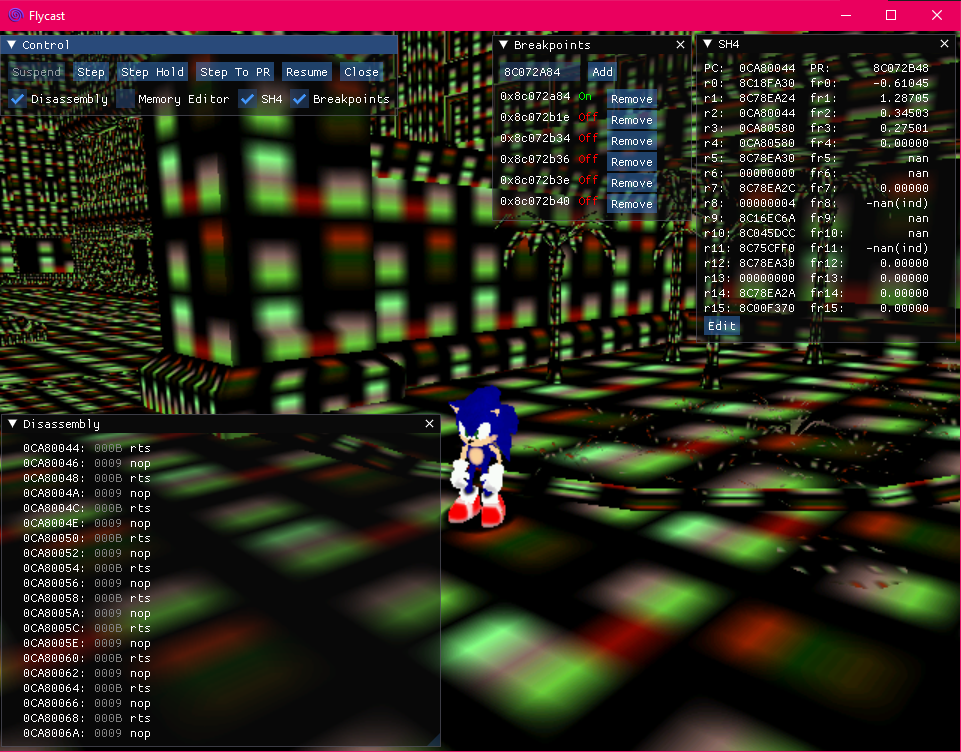
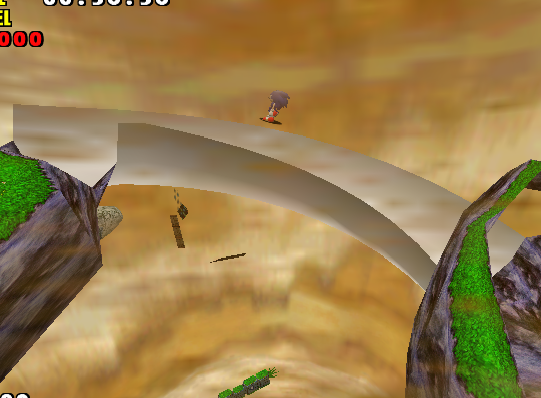
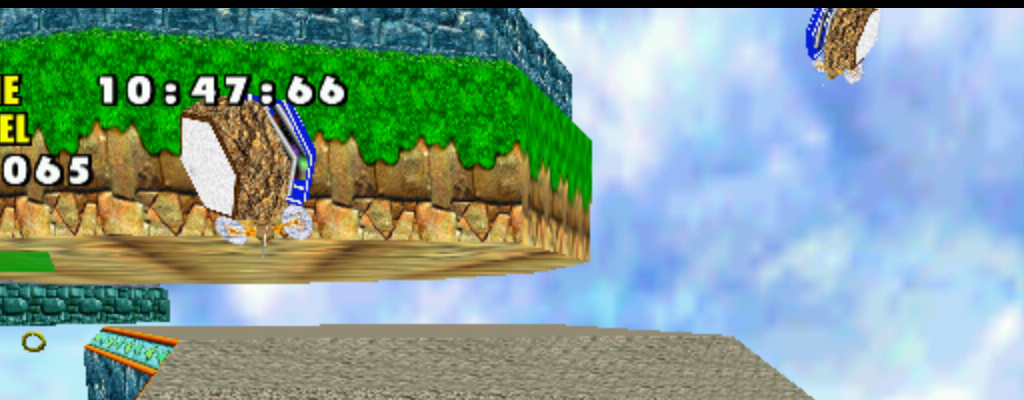
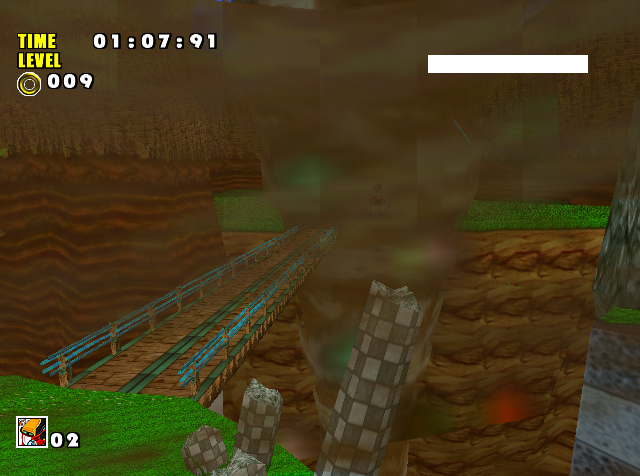
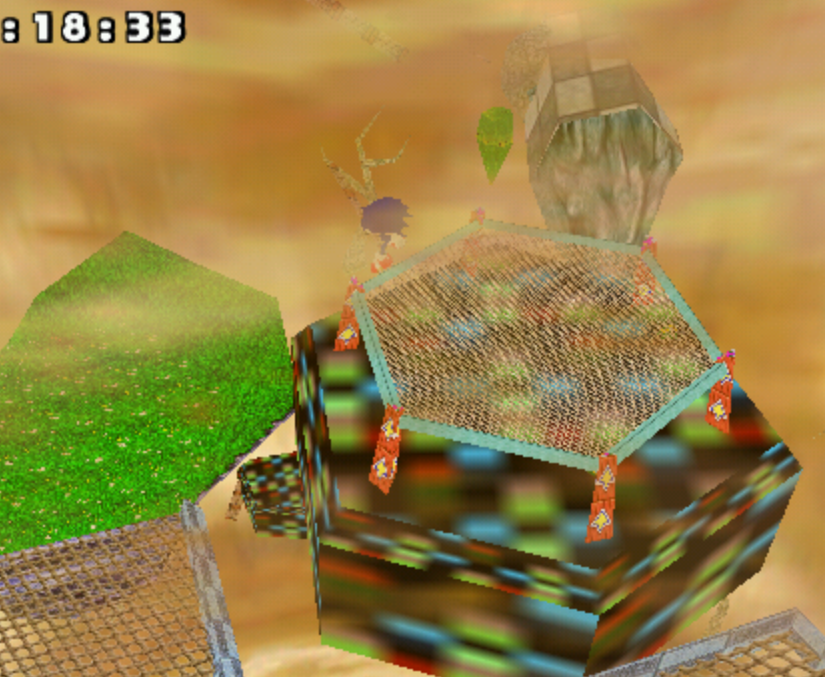
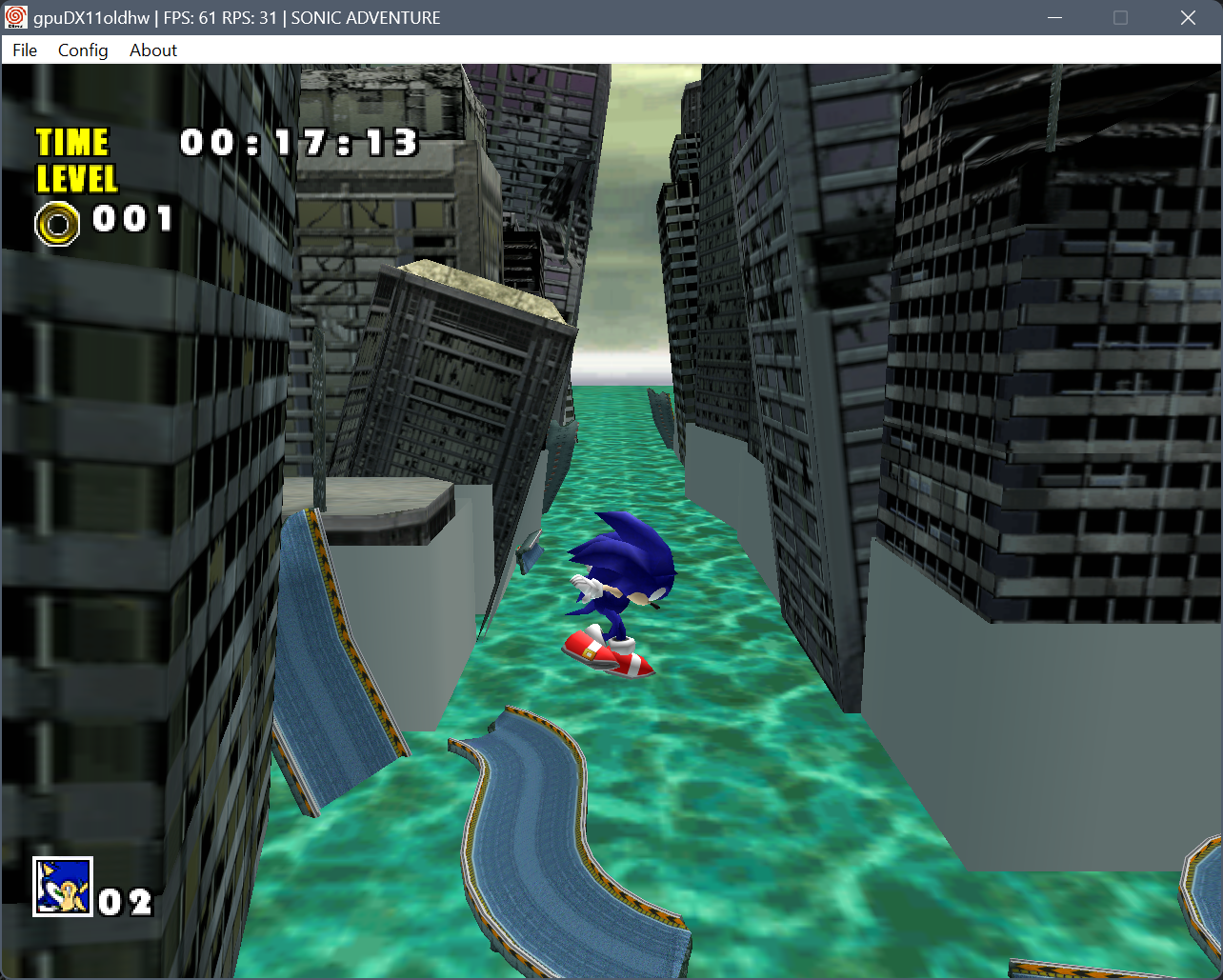
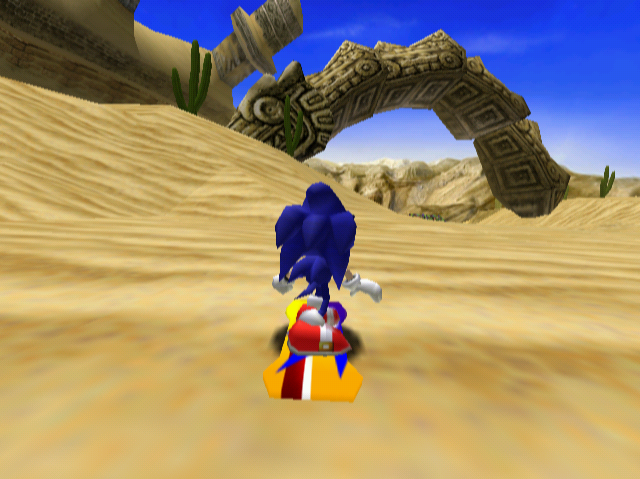
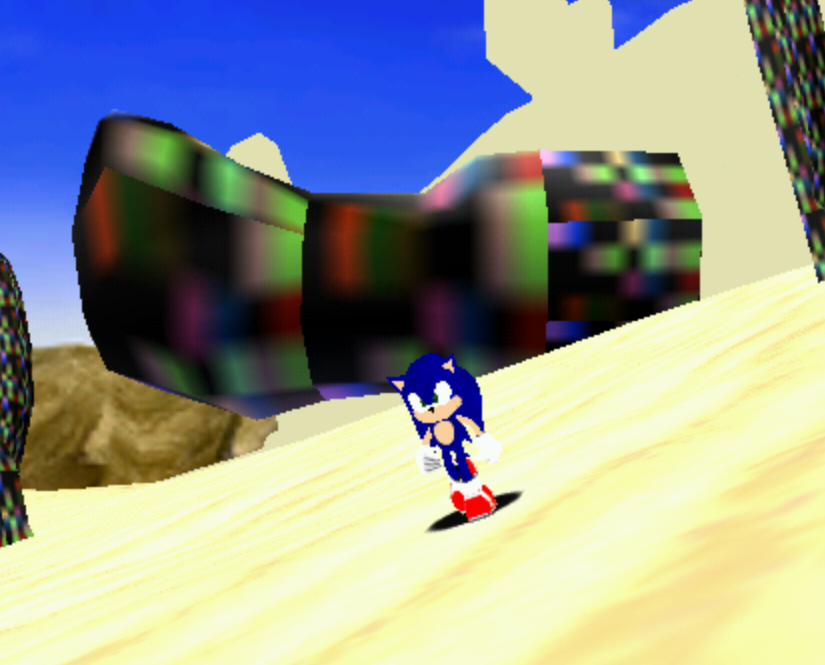
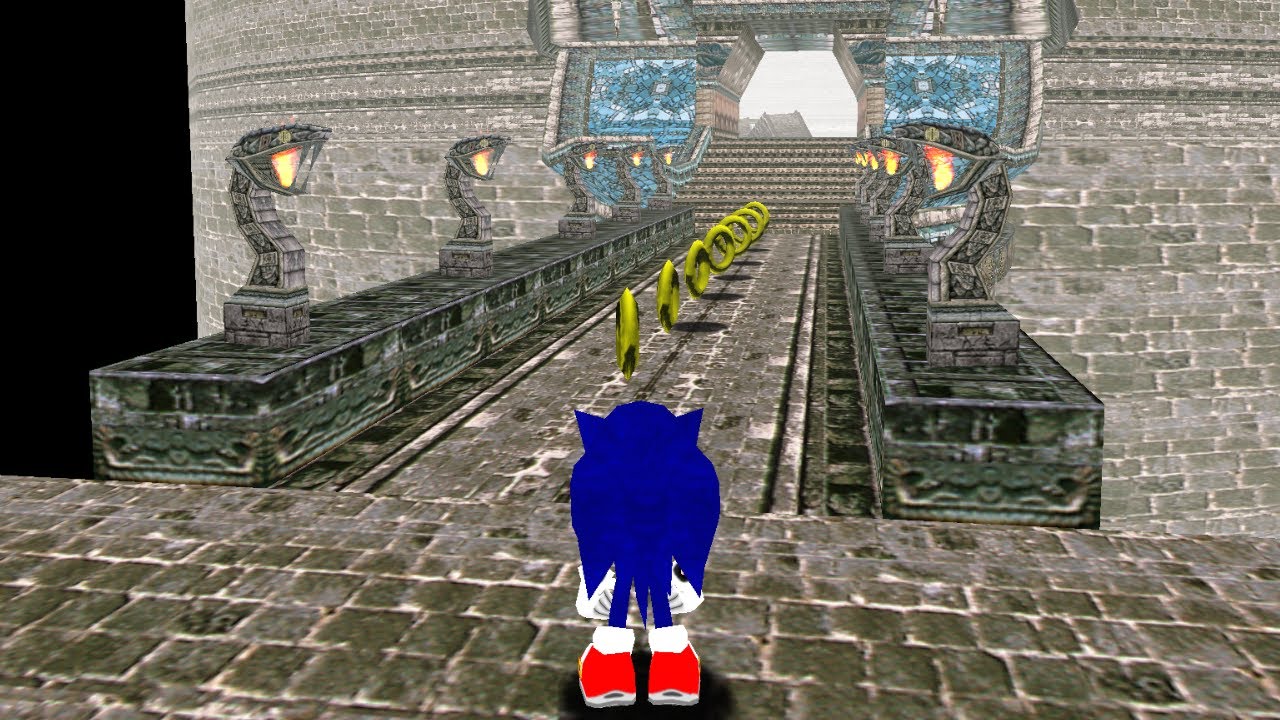
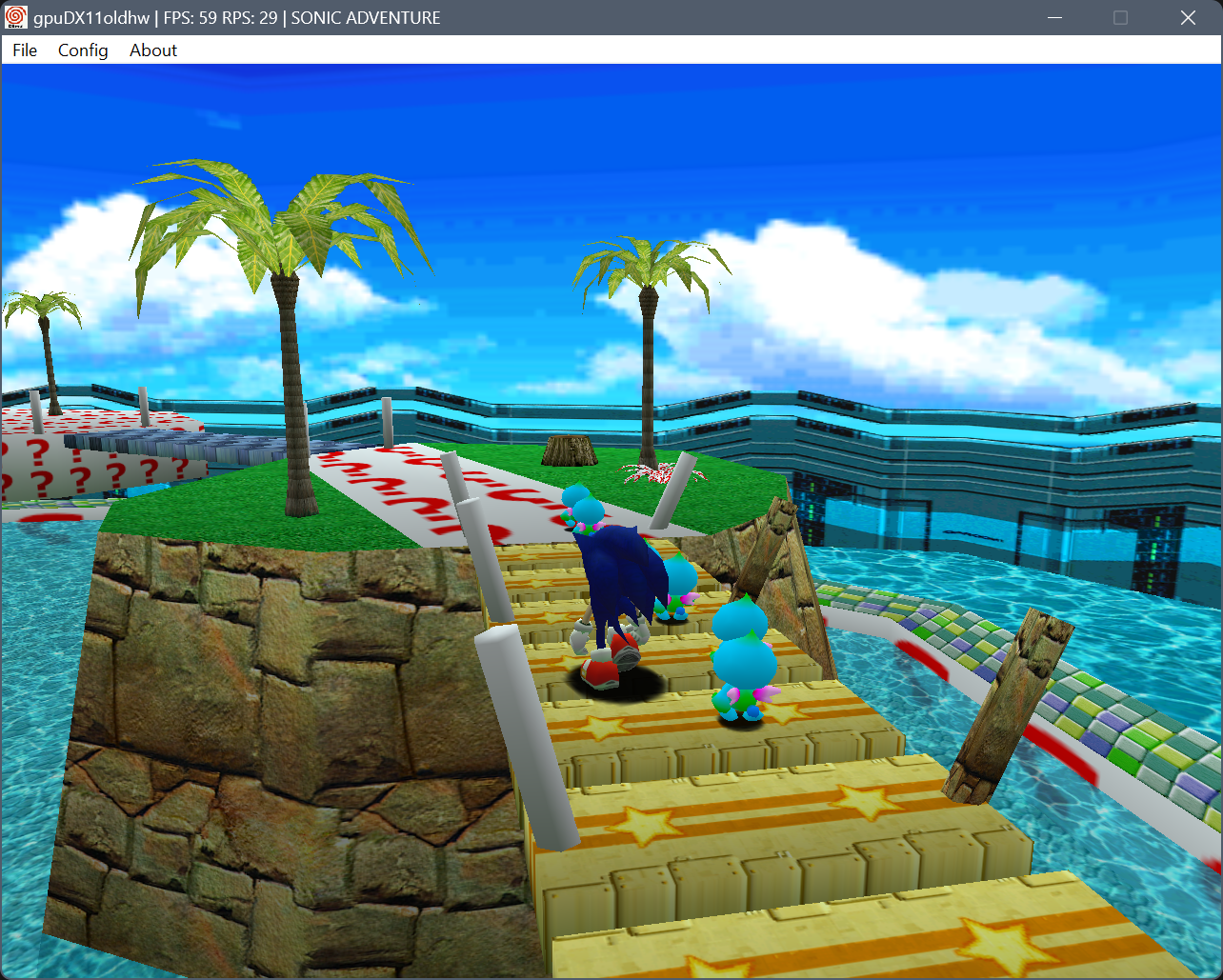
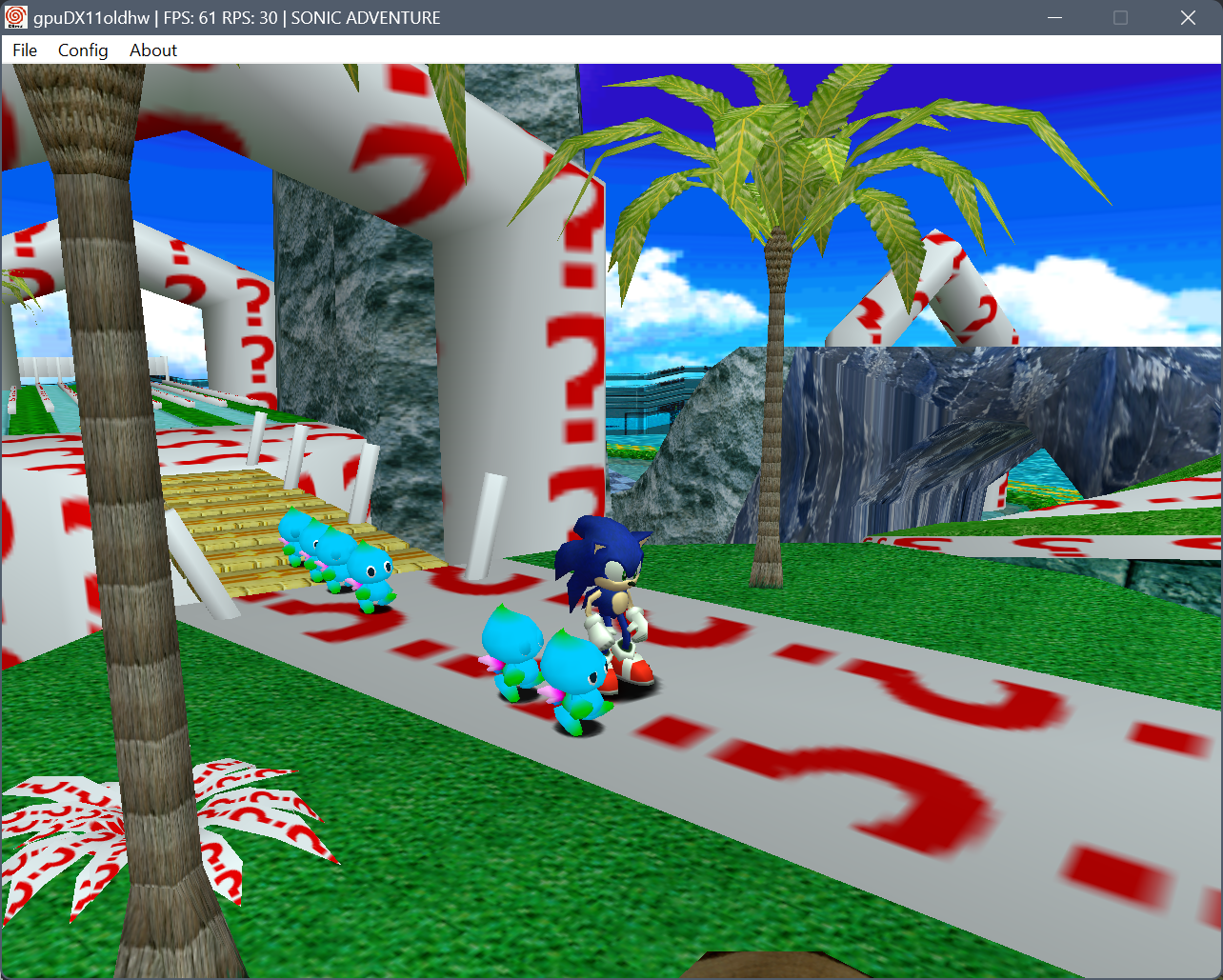
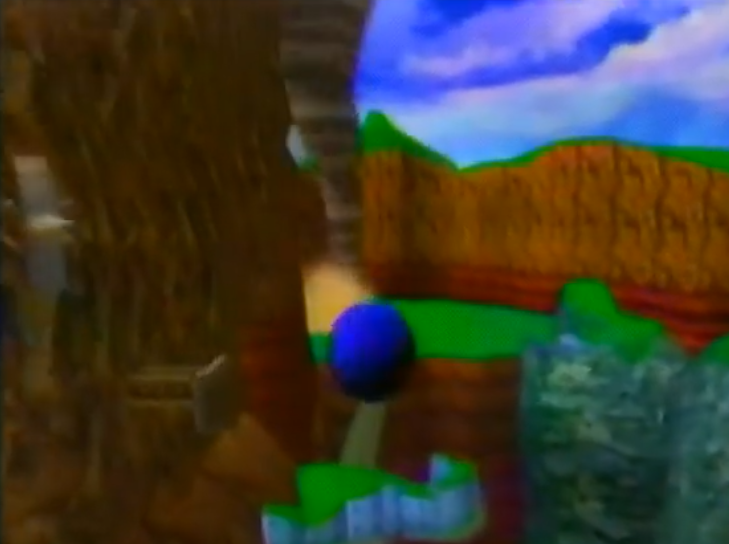
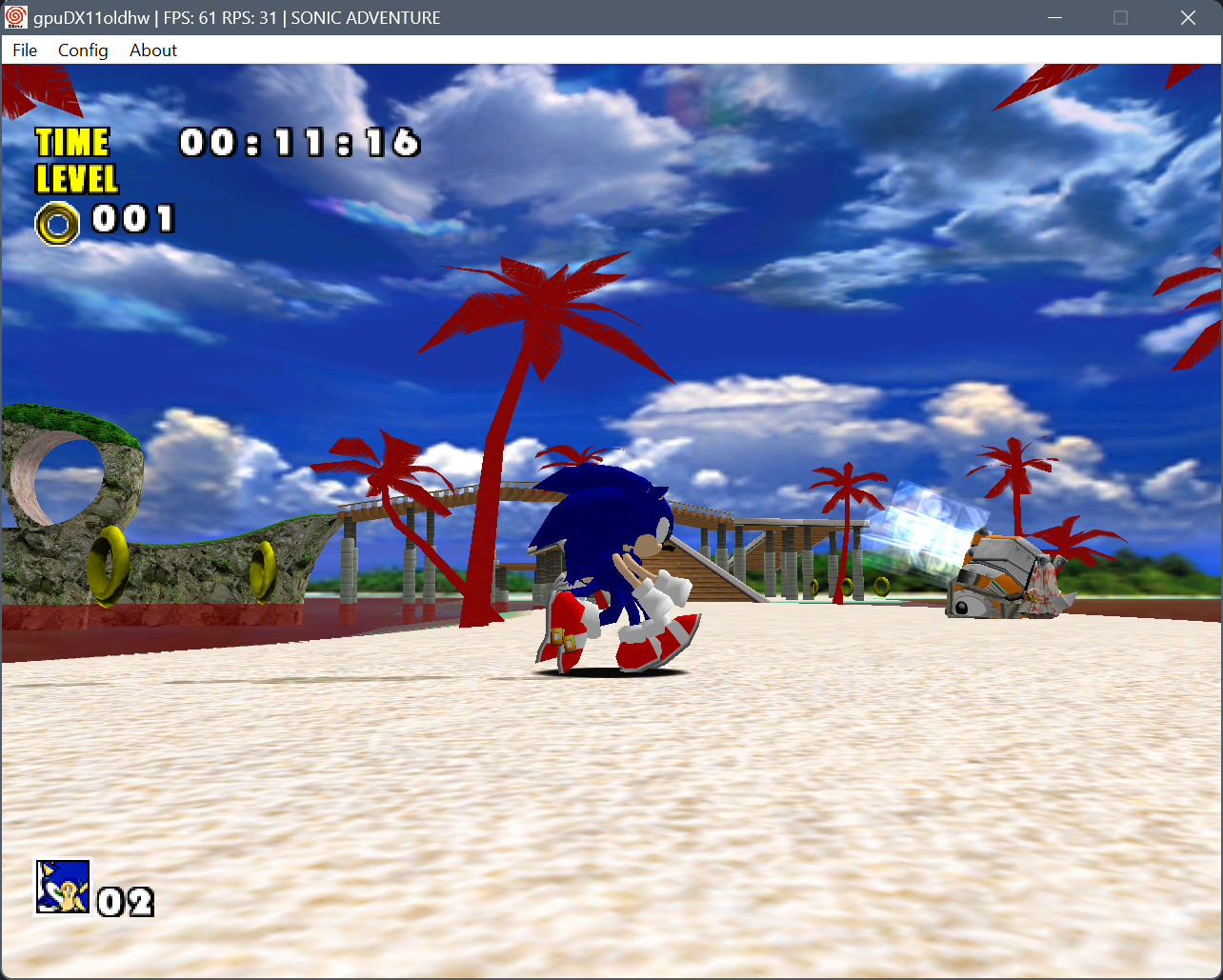
For some reason, Demul has several issues with this stage. The snake and boulder throw polygons everywhere and Act 3 runs at 1 FPS. None of these happen in Flycast though.
The real question is does it happen on hardware? Wanna find out? lol


 1
1
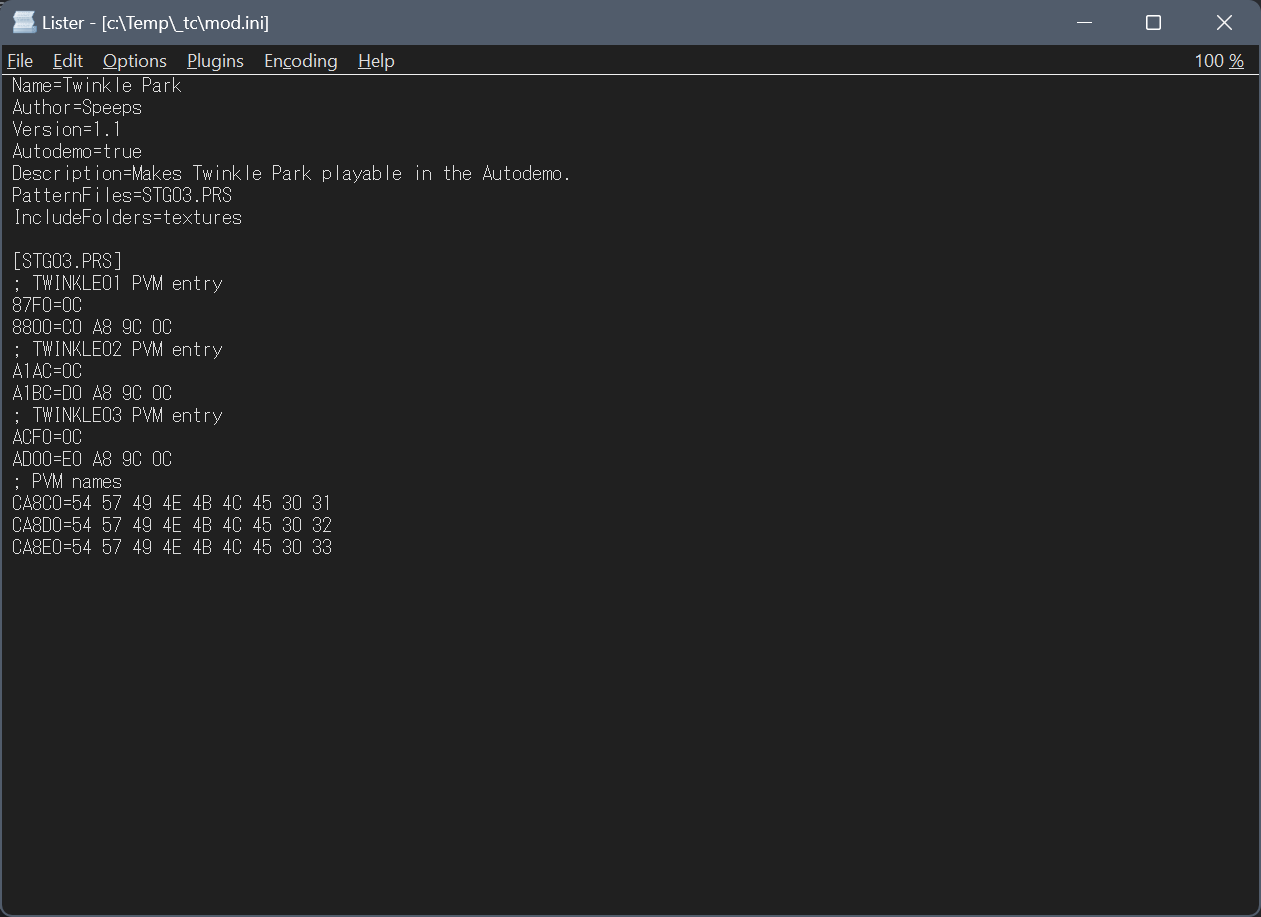
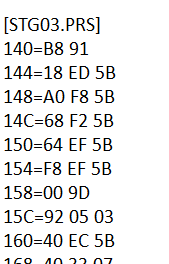
patternpatchmaker STG03.PRS STG03new.PRS -i
Then you add the contents of the output file to the bottom of mod.ini (edited)RecreatePVM obj_ruin.tls.satex -q
('-q' will take the first texture matching by name, removing that will ask you every time there's more than one texture with the same name).
The tool needs a "textures" folder with PVRs (can have subfolders) it will look through to find matches.
I have a huge collection from almost all versions of SA1, some SDK textures and the AD WV mod. Here it is: https://dcmods.unreliable.network/owncloud/data/PiKeyAr/files/SA1%20research/textures_lookup.7z
Might need to add Shuffle and SA2 textures just in case (edited)

 3
3 1
1IEA since that was in the files you shared 3
3
 1
1 1 1
1 1 1
1 1
1 4
4 1
1
 4 1
4 1 2
2
 1
1
 1
1 1
1 4
4
m128_tp029 was renamed to cr_029 I think 3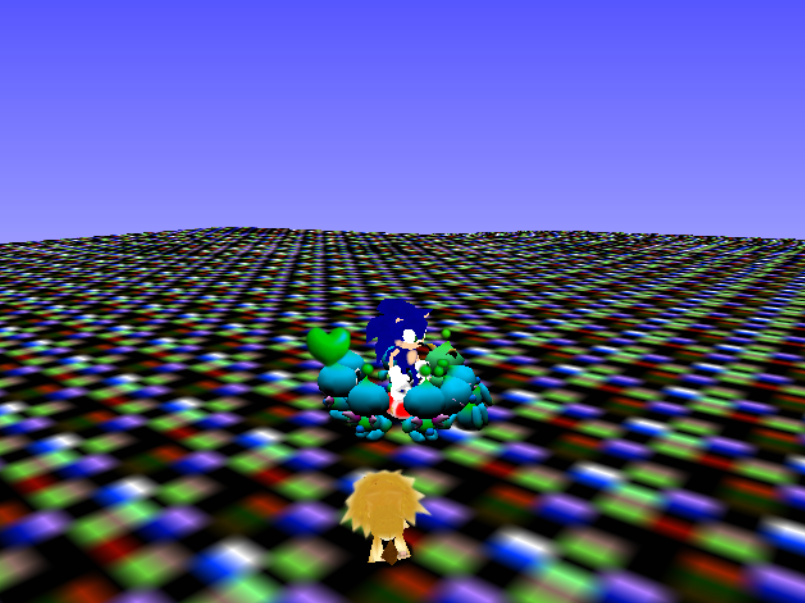
 1
1

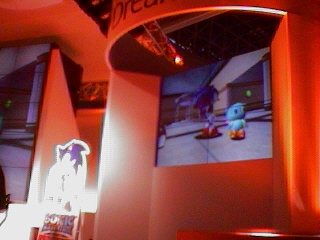
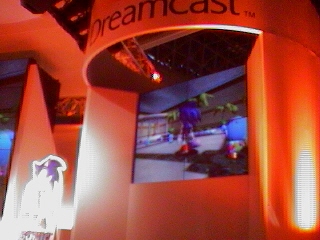
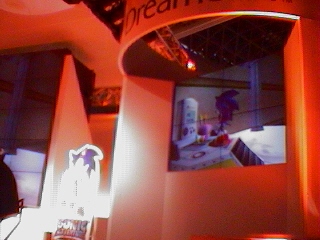
Jul 05, 1996    - Release of NiGHTS into Dreams
Nov 26, 1996    - Sonic Team flies to Cancun, Mexico.
Nov 27, 1996    - Sonic Team visits Chichén Itzá, Yucatán, Mexico.
Nov 28, 1996    - Sonic Team visits Tulu'um, Yucatán, Mexico.
Nov 29, 1996    - Sonic Team visits the San Gervasio Ruins, Yucatán, Mexico.
Nov 30, 1996    - Sonic Team visits the Tikal ruins, Guatemala.
Dec 01, 1996    - Sonic Team visits the Uaxactún ruins, Guatemala.
Dec 02, 1996    - Sonic Team visits Tulu'um, Yucatán, Mexico again.
Dec 03, 1996    - A day break for Sonic Team.
Dec 04, 1996    - Sonic Team visits Nazca Lines, Lima, Peru
Dec 05, 1996    - Sonic Team visits Cusco, Peru.
Dec 06, 1996    - Sonic Team visits Machu Picchu, Peru.
Dec 07, 1996    - Sonic Team visits their final location, Pachacamac, Lima, Peru.
Dec 24, 1996    - Initial Build date of the GD-Rom for Sonic Adventure [NTSC-J]
Jun 20, 1997    - Release of Sonic Jam in NTSC-J Region
Nov 11, 1997    - Oldest files to exist in Sonic Adventure (From the AutoDemo)
Feb 26, 1998    - Release of Burning Rangers in Japan, last game of Sonic Team before Sonic Adventure
Aug 22, 1998    - Tokyo International Forum unveiling of Sonic Adventure
Sep 07, 1998    - European Computer Trade Show Public showing of Sonic Adventure.
Oct 06, 1998    - SEGA New Challenge Conference II, featured 5 game booths with Sonic (Unknown), Tails (Unknown), Knuckles (Red Mountain), Amy (Final Egg), and Gamma (Red Mountain)
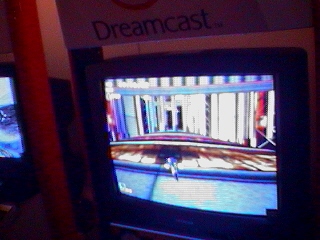
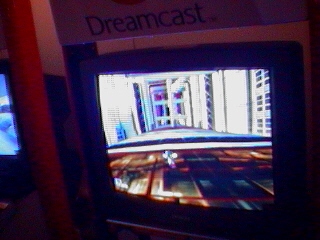
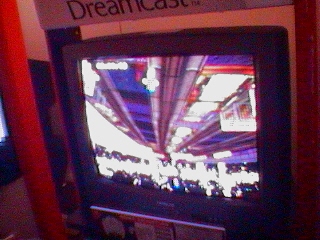
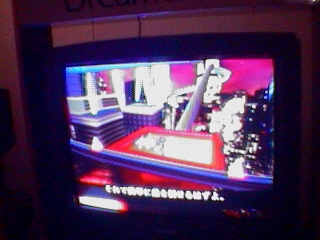
Oct 10, 1998    - Tokyo Game Show version of the game shown, featured three playable levels.
Oct 16, 1998    - Build date of the Sonic Adventure AutoDemo
Dec 23, 1998    - Release of Sonic Adventure in NTSC-J Region
Sep 09, 1999 - Release of Sonic Adventure in NTSC-U Region 1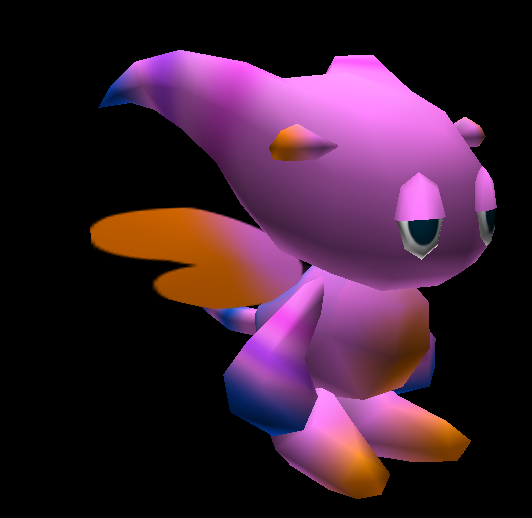
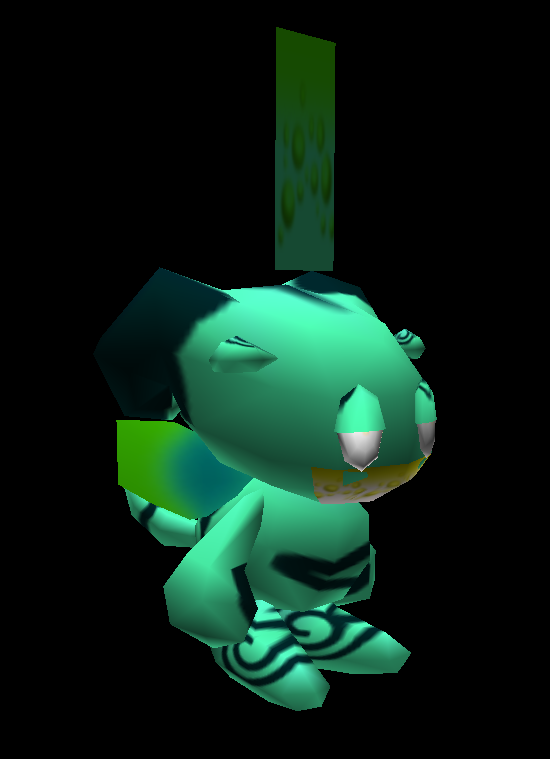
 1
1
 1
1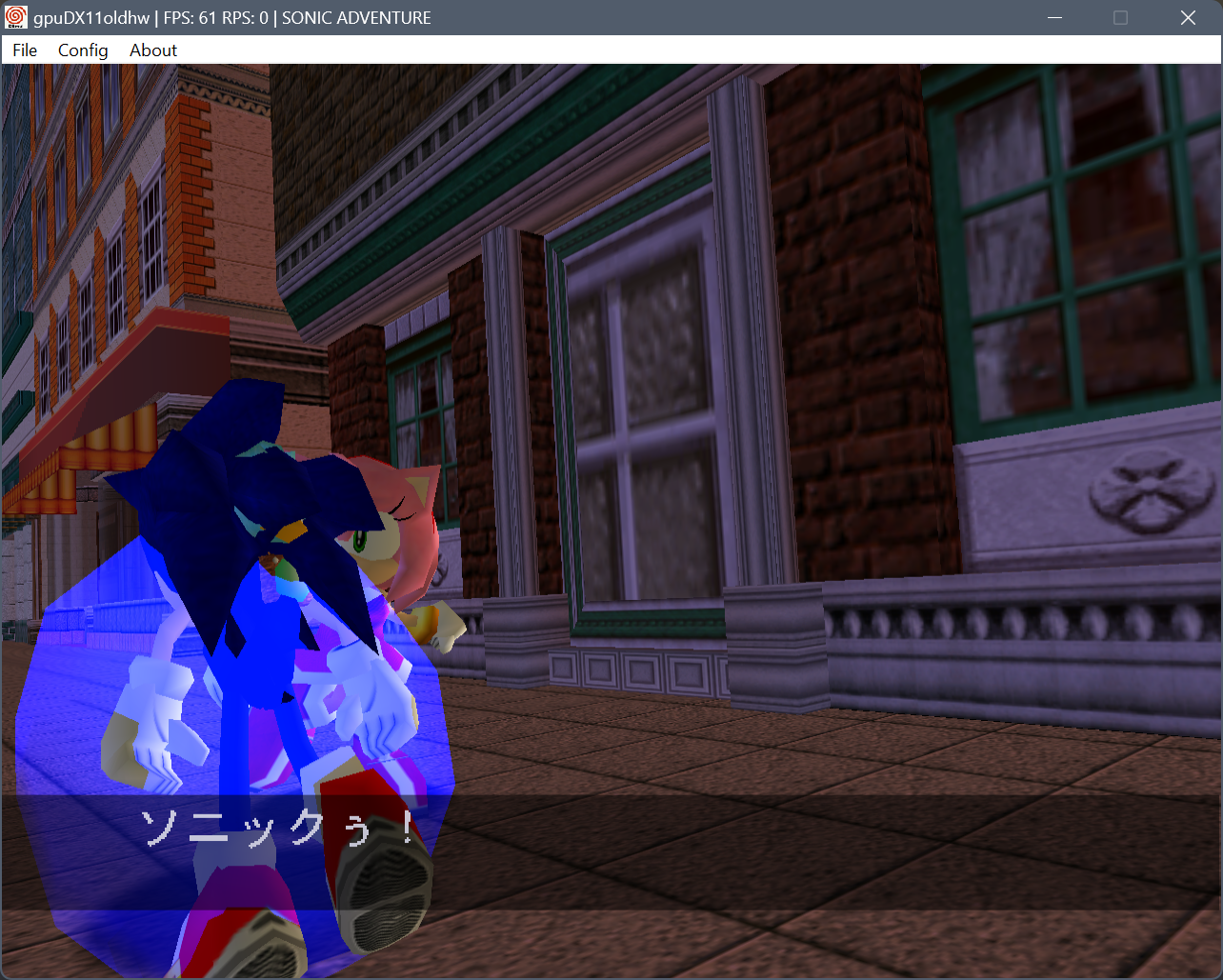 2
2


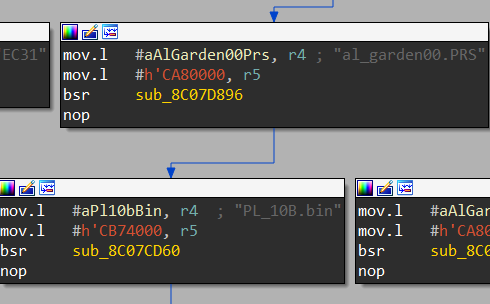
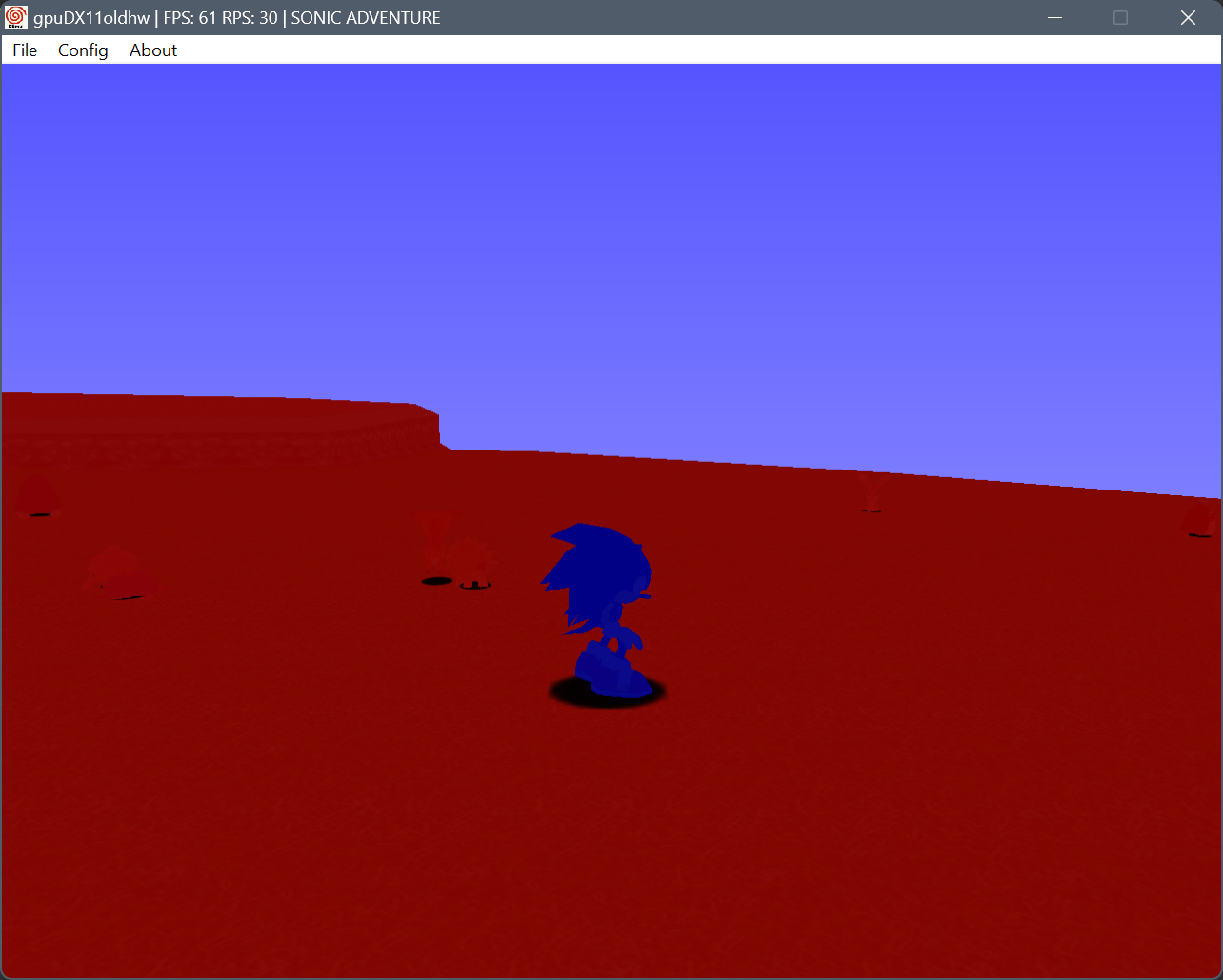
PL_ and SL_ stringsstruct ass {
int unk;
data* chaodata;
ass* next;
}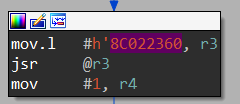
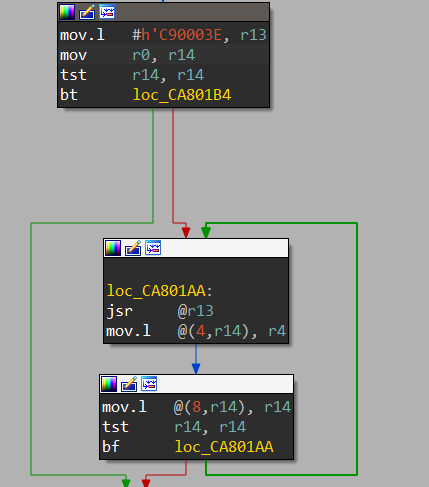
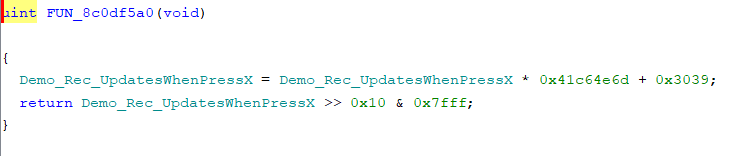
list* curr = 8C022360(1);
while(curr) {
  spawnChaoWithData(curr->chaodata);
  curr = curr->next;
}
BlockBitTool: Processes an Autodemo landtable that uses Block Bits for individual texture pointers, and outputs a fixed landtable and a .satex texlist.
RecreatePVM: Builds a PVM from a list of texture names in a .txt or .satex file by looking up textures by name in the textures folder. Useful in combination with BlockBitTool.
PatternPatchMaker: Creates byte or pattern (pointer) patches for SA1 Image Builder by comparing original and modified files. (edited) 1 1 1Jul 05, 1996 - Release of NiGHTS into Dreams
Nov 26, 1996 - Sonic Team flies to Cancun, Mexico.
Nov 27, 1996 - Sonic Team visits Chichén Itzá, Yucatán, Mexico.
Nov 28, 1996 - Sonic Team visits Tulu'um, Yucatán, Mexico.
Nov 29, 1996 - Sonic Team visits the San Gervasio Ruins, Yucatán, Mexico.
Nov 30, 1996 - Sonic Team visits the Tikal ruins, Guatemala.
Dec 01, 1996 - Sonic Team visits the Uaxactún ruins, Guatemala.
Dec 02, 1996 - Sonic Team visits Tulu'um, Yucatán, Mexico again.
Dec 03, 1996 - A day break for Sonic Team.
Dec 04, 1996 - Sonic Team visits Nazca Lines, Lima, Peru
Dec 05, 1996 - Sonic Team visits Cusco, Peru.
Dec 06, 1996 - Sonic Team visits Machu Picchu, Peru.
Dec 07, 1996 - Sonic Team visits their final location, Pachacamac, Lima, Peru.
Dec 24, 1996 - Initial Build date of the GD-Rom for Sonic Adventure [NTSC-J]
Jun 20, 1997 - Release of Sonic Jam in NTSC-J Region
Nov 11, 1997 - Oldest files to exist in Sonic Adventure (From the AutoDemo)
Feb 26, 1998 - Release of Burning Rangers in Japan, last game of Sonic Team before Sonic Adventure
Aug 22, 1998 - Tokyo International Forum unveiling of Sonic Adventure
Sep 07, 1998 - European Computer Trade Show Public showing of Sonic Adventure.
Oct 06, 1998 - SEGA New Challenge Conference II, featured 5 game booths with Sonic (Unknown), Tails (Unknown), Knuckles (Red Mountain), Amy (Final Egg), and Gamma (Red Mountain)
Oct 10, 1998 - Tokyo Game Show version of the game shown, featured three playable levels.
Oct 16, 1998 - Build date of the Sonic Adventure AutoDemo
Dec 23, 1998 - Release of Sonic Adventure in NTSC-J Region
Sep 09, 1999 - Release of Sonic Adventure in NTSC-U Region 
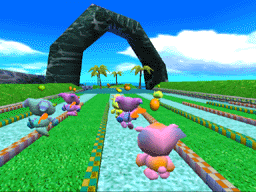
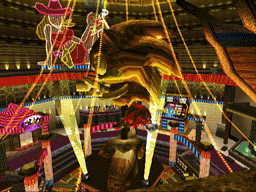

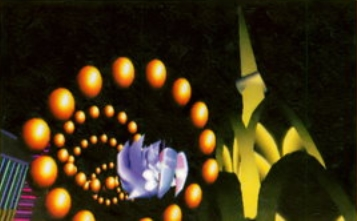
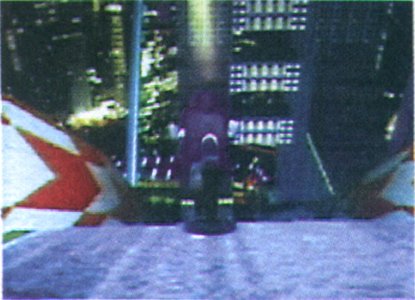
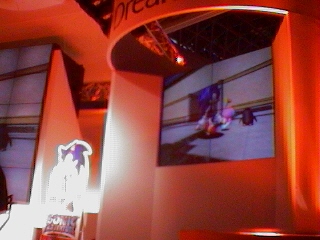
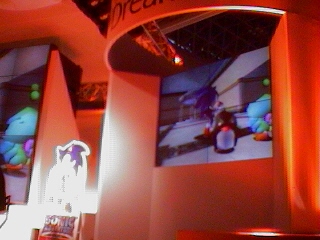
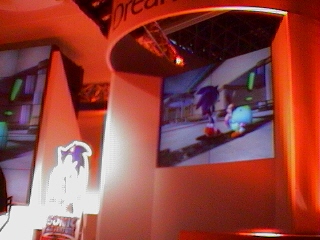
 1
1


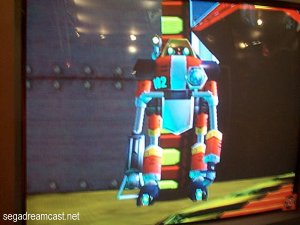
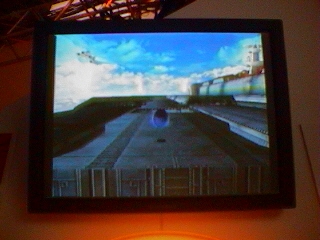
 1
1 
 1
1
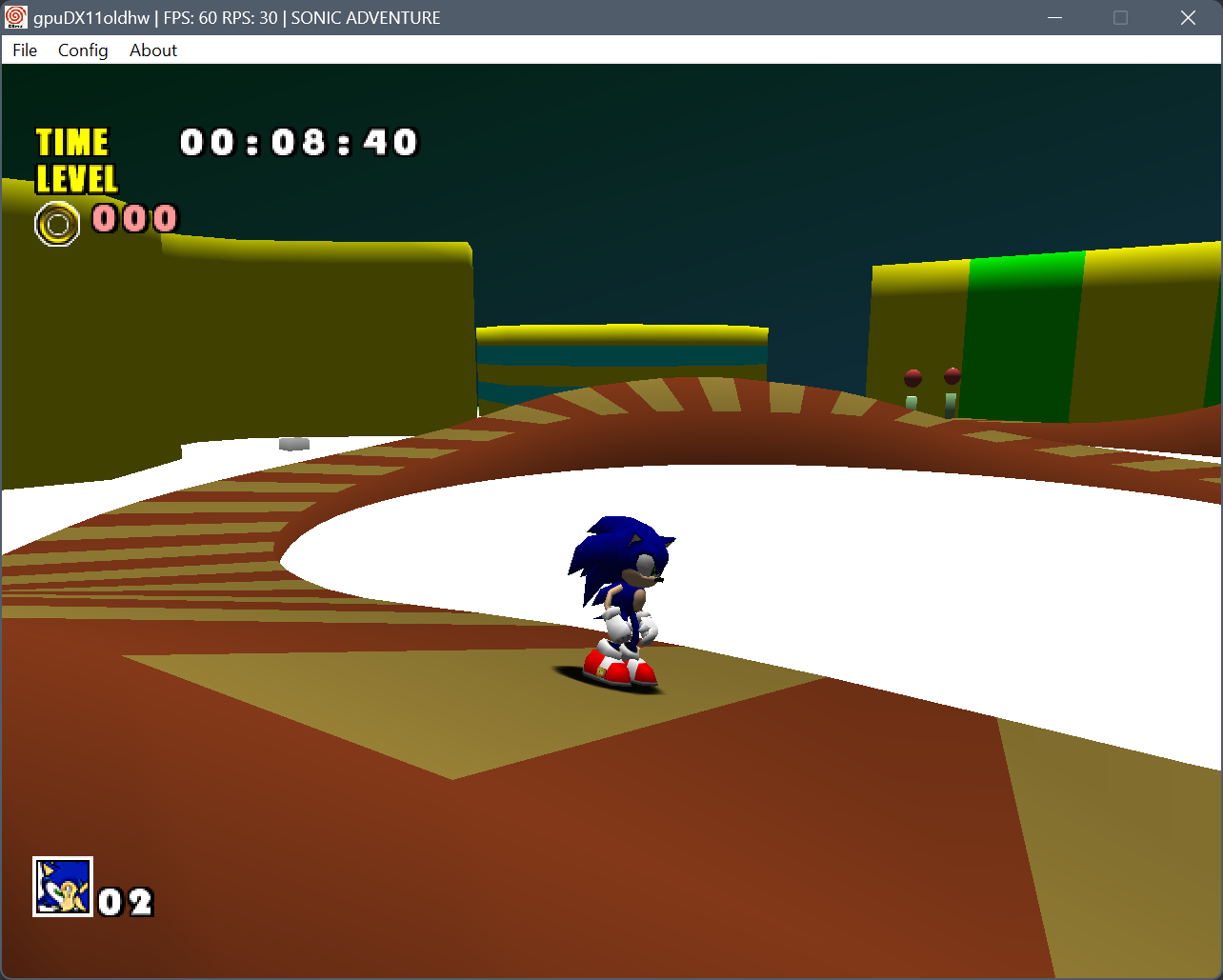 3
3 1
1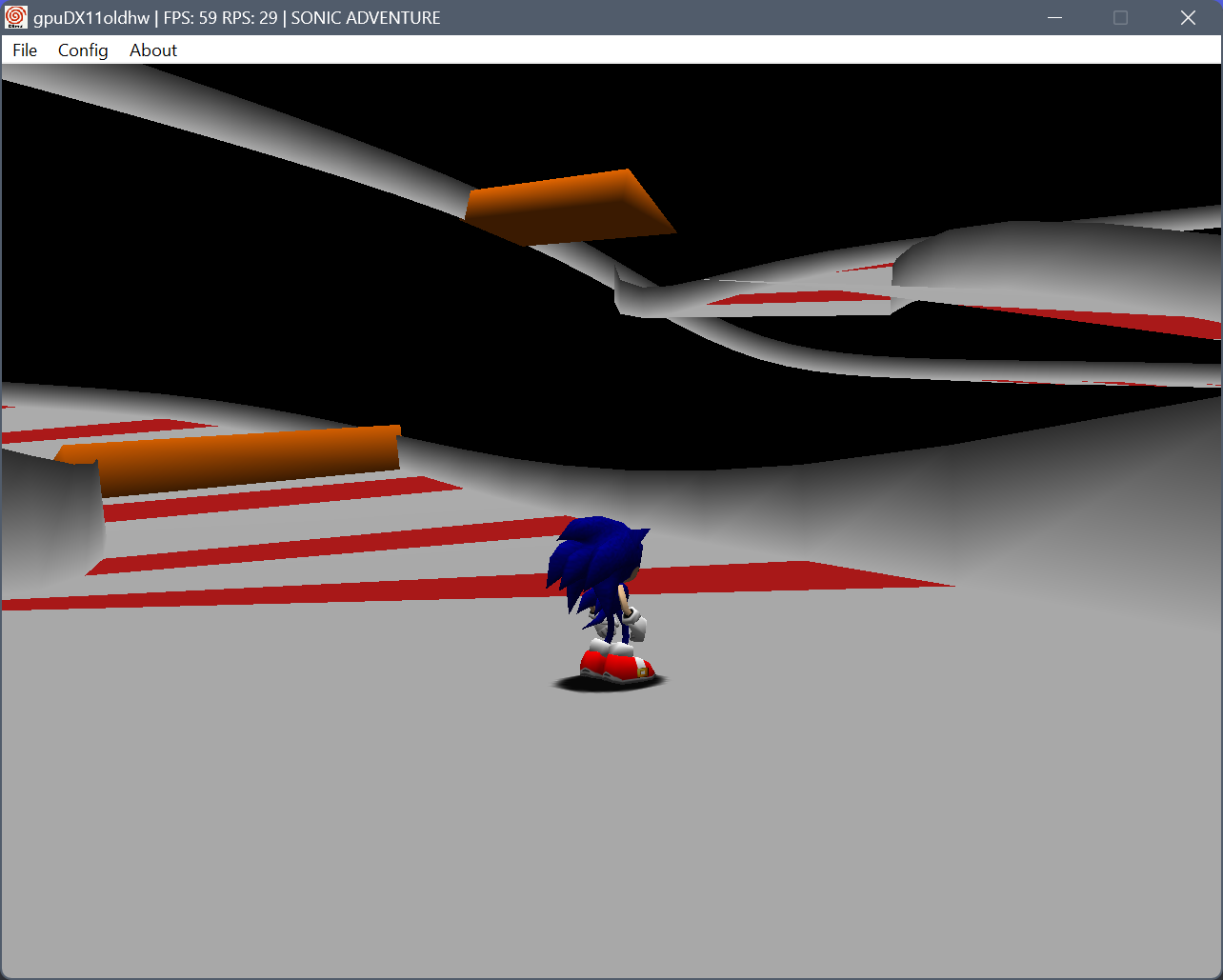
 3
3DrawObject,8C030592,8C5FDEB2
DrawModel,8C03068C,8C5F1D2C
ActionClip,8c5ac6ba,8c5aecbc
DrawLandModel,8c030788,8C5F1D2C
DrawModelWhatever,8c030718,8C5F1D2C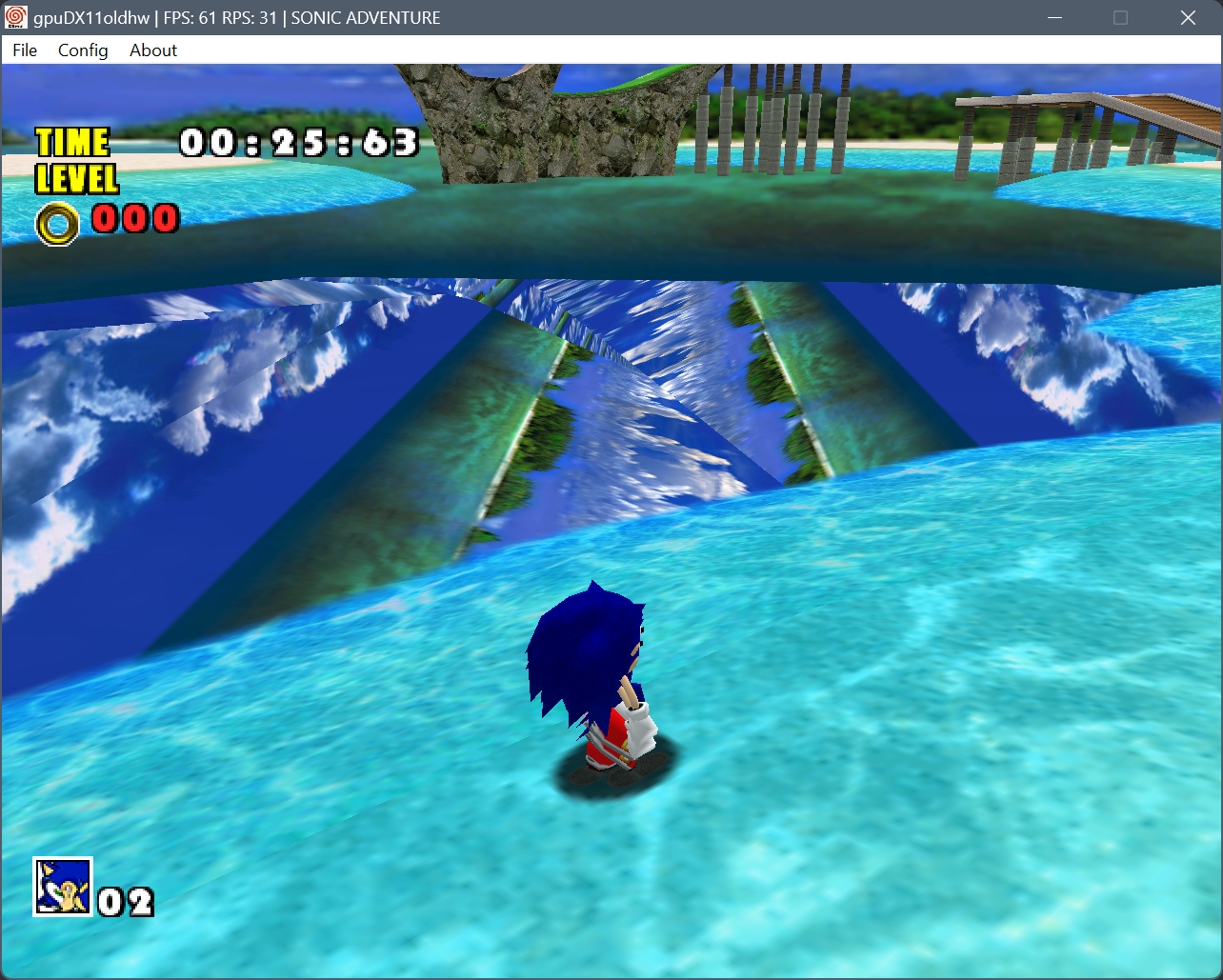
 1
1 1
1 1
1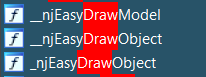 1
1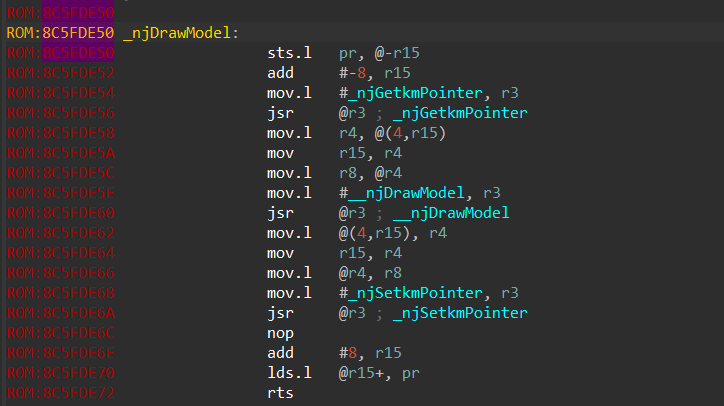 1
1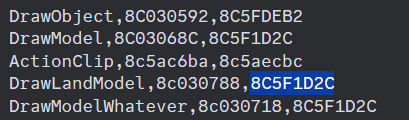
DrawModel,8C03068C,8C5FDE50
DrawLandModel,8c030788,8C5FDE50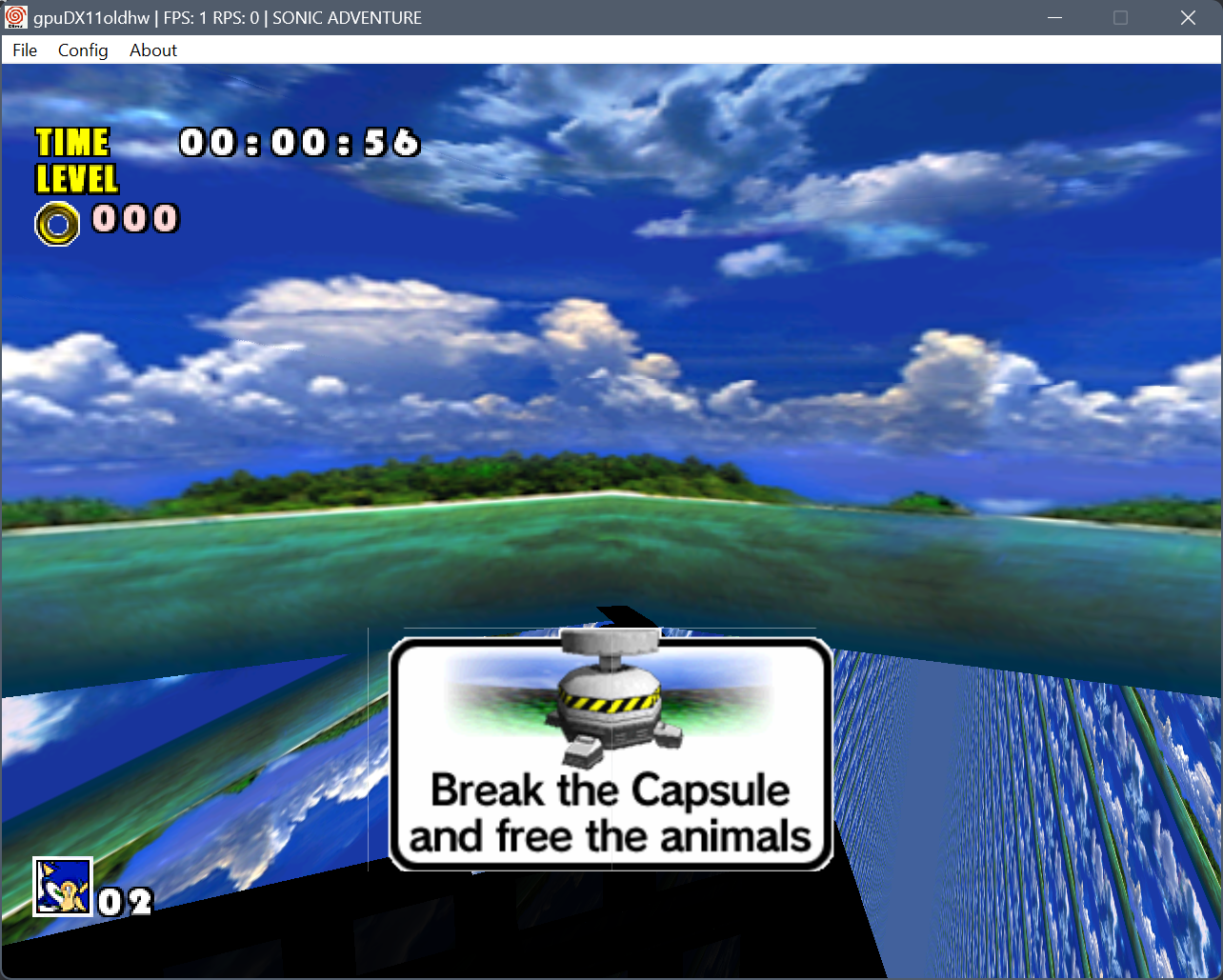
DrawLandModel,8c030788,8C5FDE50, no glitches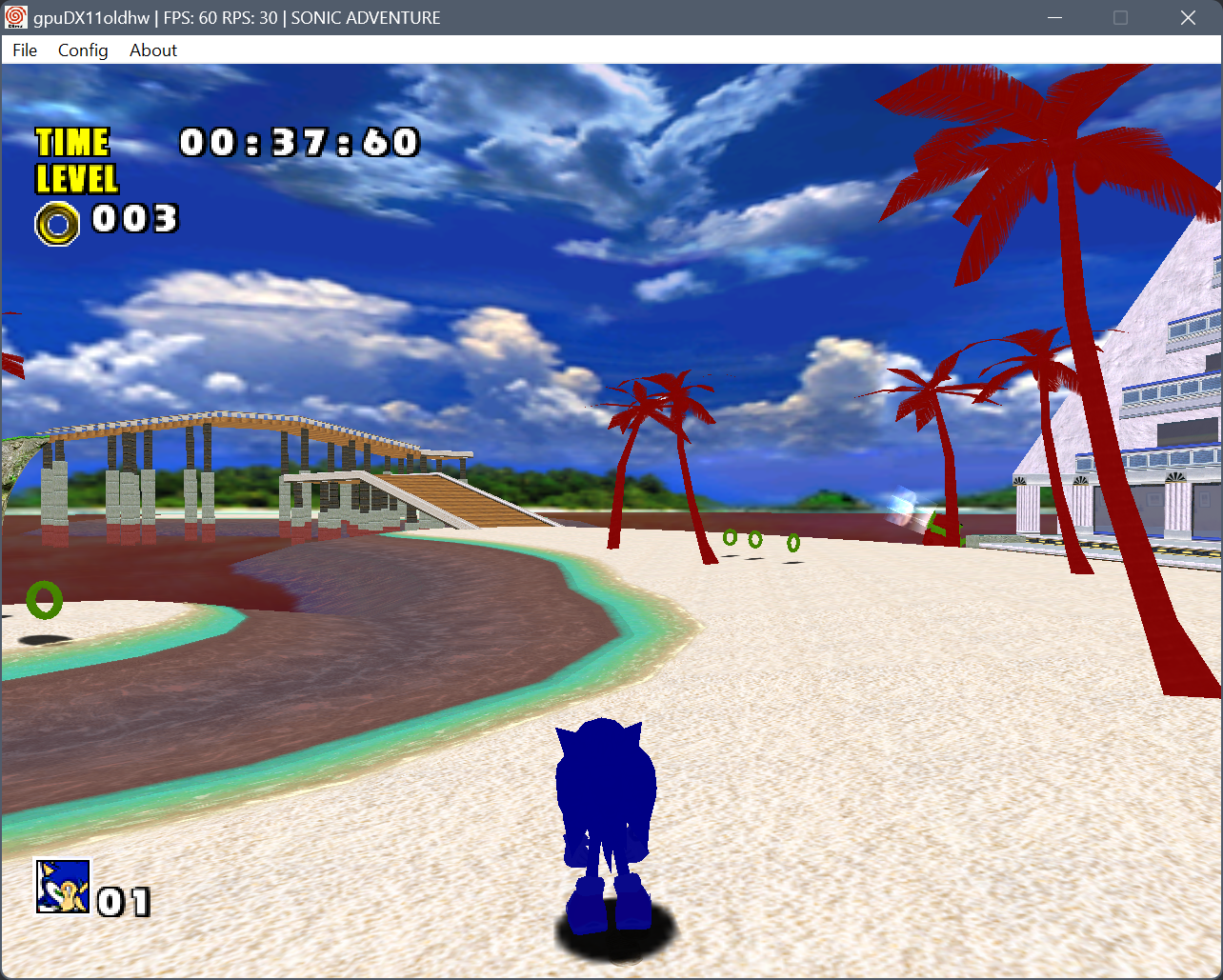
DrawLandModel,8c030788,8C5F1D2C works too lolDrawModel,8C03068C,8C5FDE50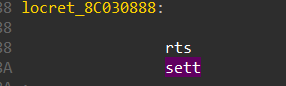
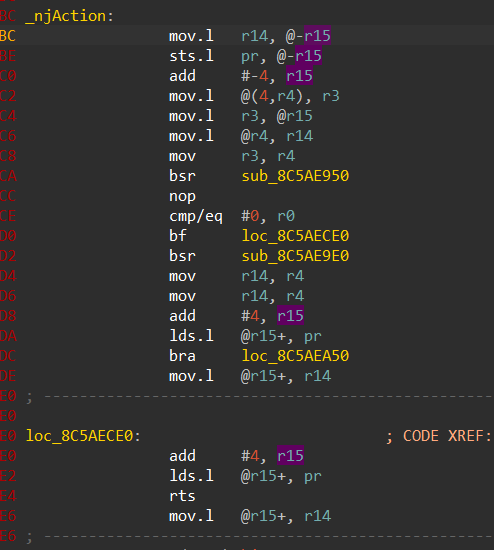
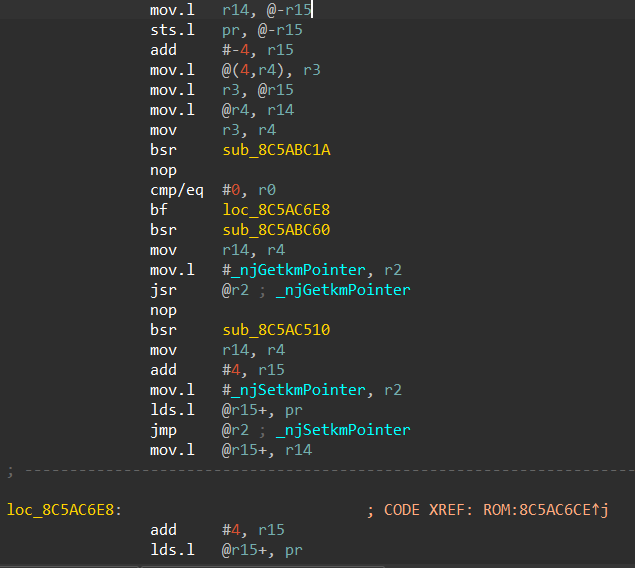 1 maybe. no guarantee at all it would be the same compiler tho
[Build Versions] - Info taken from IP.bin (Initial Program)

10-16-1998    NTSC-J    Sonic Adventure AutoDemo             v1.000
12-10-1998    NTSC-J    Sonic Adventure                      v1.007
03-02-1999    NTSC-J    Sonic Adventure Taikenban            v1.002
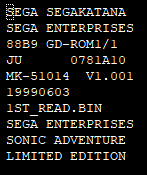
06-03-1999    NTSC-U    Sonic Adventure Limited Edition      v1.001
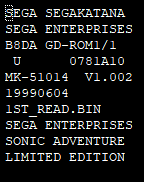
06-04-1999    NTSC-U    Sonic Adventure Limited Edition      v1.002
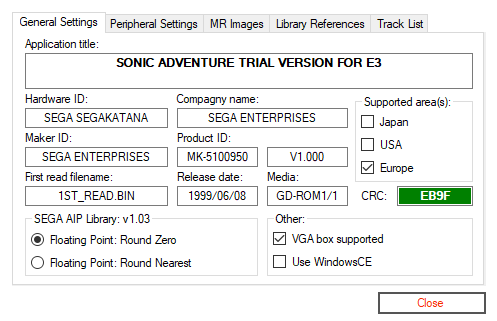
06-08-1999    PAL       Sonic Adventure Trial for E3         v1.000
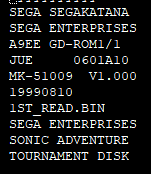
08-10-1999    NTSC-U    Sonic Adventure (Tournament Disk)    v1.000
08-12-1999    NTSC-U    Sonic Adventure                      v1.004
09-09-1999    PAL       Sonic Adventure                      v1.003
09-20-1999    NTSC-J    Sonic Adventure International        v1.003
10-05-1999 NTSC-U Sonic Adventure (Sega All Stars) v1.005 (edited)[Build Versions] - Info taken from IP.bin (Initial Program)
10-16-1998 NTSC-J Sonic Adventure AutoDemo v1.000
12-10-1998 NTSC-J Sonic Adventure v1.007
03-02-1999 NTSC-J Sonic Adventure Taikenban v1.002
06-03-1999 NTSC-U Sonic Adventure Limited Edition v1.001
06-04-1999 NTSC-U Sonic Adventure Limited Edition v1.002
06-08-1999 PAL Sonic Adventure Trial for E3 v1.000
08-10-1999 NTSC-U Sonic Adventure (Tournament Disk) v1.000
08-12-1999 NTSC-U Sonic Adventure v1.004
09-09-1999 PAL Sonic Adventure v1.003
09-20-1999 NTSC-J Sonic Adventure International v1.003
10-05-1999 NTSC-U Sonic Adventure (Sega All Stars) v1.005 (edited)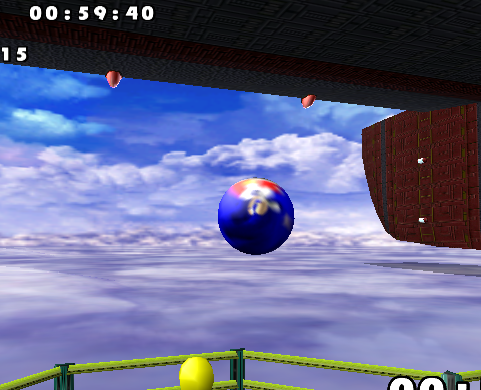
 3
3
 3 3
3 3 3 3 1
3 3 1 1
1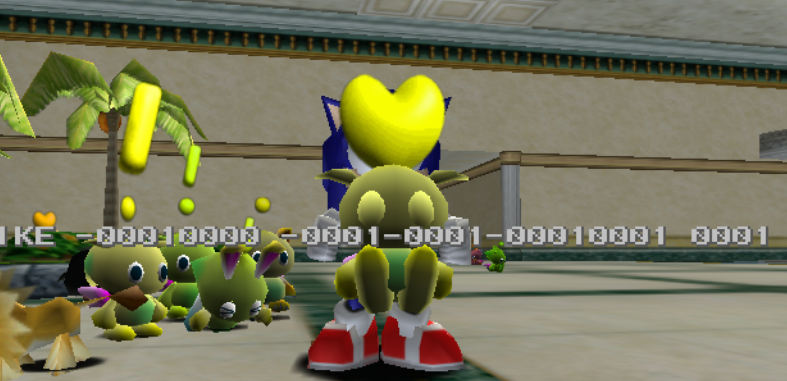 1
1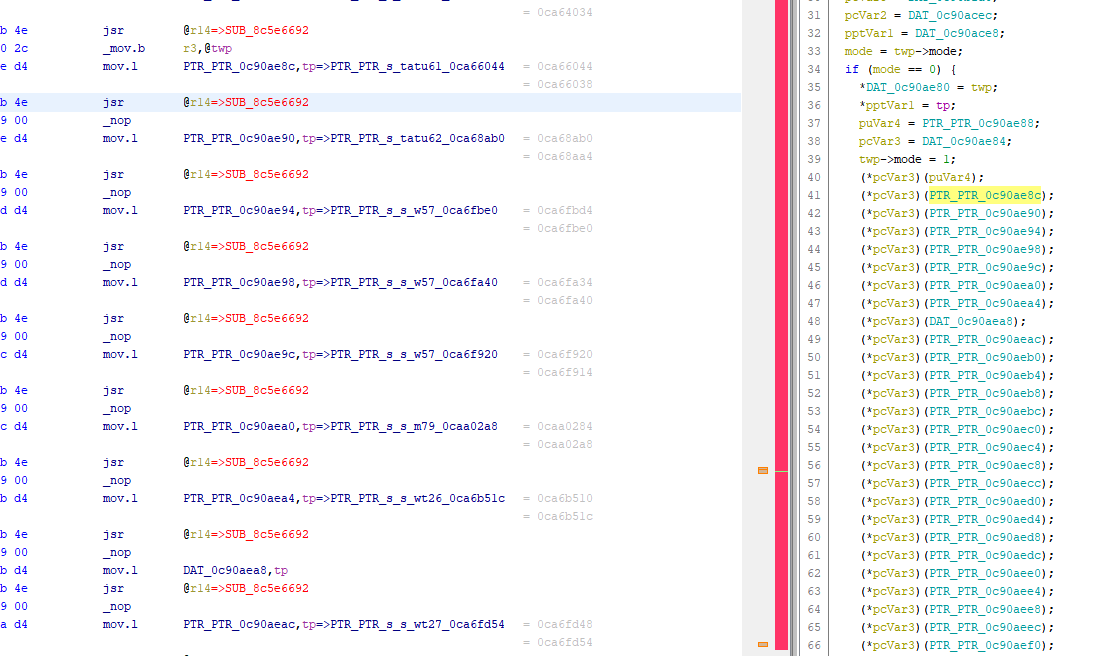 1 1
1 1 I wonder why they broke again for DX
 2
2 1 3 4
1 3 4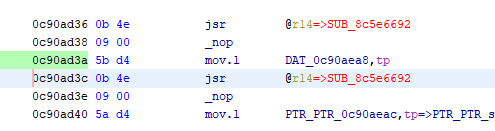
 2
2 1 1
1 1
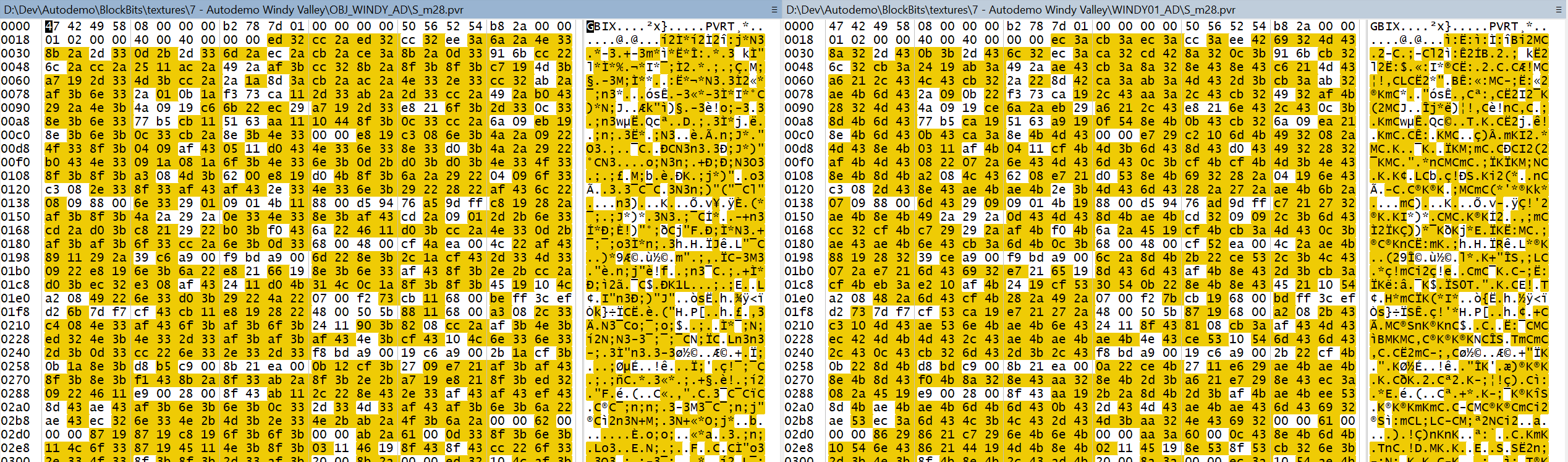
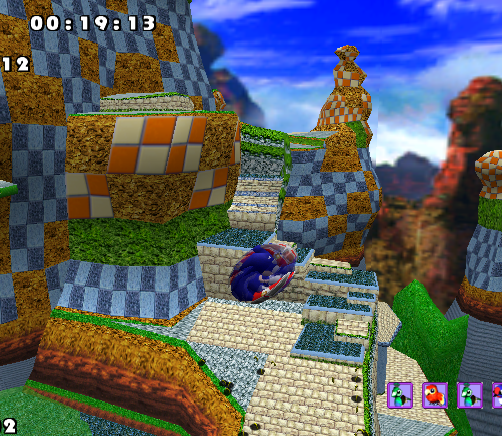
 will throw them in now
 1
18C0730C2: 0x3FF -> 0x7FF
0080B60C -> 0037C80C
40EA788C - > 701AC98C
44EA788C - > 741AC98C
48EA788C - > 781AC98C
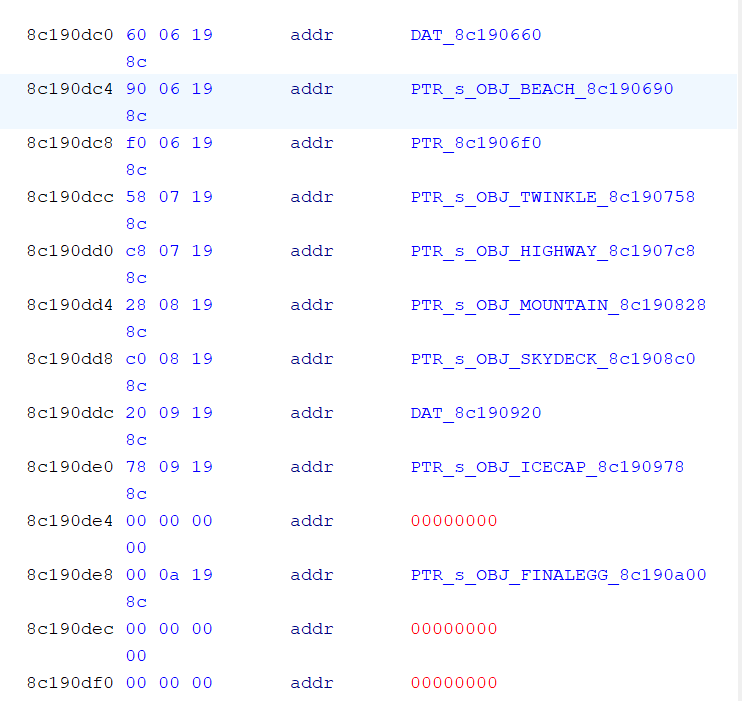
4CEA788C - > 7C1AC98C8C1906F0-F4 - 00000000 B8EC9F0C - 0x7A Textures (OBJ_WINDY)
8C190710-14 - 00000000 2CDDAA0C - 1 Texture ("win.pvr")
8C190718-1C - 00000000 F4E0AA0C - 0x2D Textures (WINDY_E103)
8C190720-24 - 00000000 B841AD0C - 8 textures (MOUNTAIN_MEXPLOSION)IncludeFolders=textures), this will add all files (including those in subfolders) to the game's root folder. Useful for organizing PVRsSTG02.ini in the mod folder, it will read that instead of pattern.ini when patching STG02. 1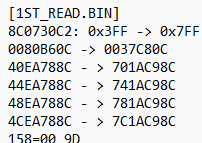
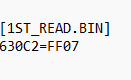
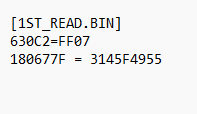
630C2=FF07
630C2 is the actual address in the file (memory address 8C0730C2 minus 1ST_READ key 8C010000), FF 07 are the bytes to be written at that address in the order they would appear in the file, so the value 0x03FF would be written as FF 03, and 0x07FF would be FF 07. Since the FF part doesn't change, this can be optimized to:
630C3=07
The other lines are pointer replacements. Basically you look for bytes 00 80 B6 0C and replace them with 00 37 C8 0C and so on. In the patcher, there's the "pattern patch" thing which looks through the file and patches all specified pointers. However, unlike byte patches (like the first line), pattern patches replace actual pointers, not byte sequences. So to convert what Speeps wrote to a pattern patch, you need to flip those values like this:
patch1,0CB68000,0CC83700
patch2,8C78EA40,8CC91A70
patch3,8C78EA44,8CC91A74
patch4,8C78EA48,8CC91A78
patch5,8C78EA4C,8CC91A7C
Save that in 1ST_READ.ini and place it in the mod folder. Then in mod.ini you need to include the file to be checked for pattern patching in the PatternFiles field. The whole file (without the texture stuff) would look like this:
Name=Windy Valley
Author=Speeps
Version=1.0
Description=
Autodemo=True
PatternFiles=1ST_READ.BIN

[1ST_READ.BIN]
;Expand object list for Act 1
630C3=07
Since the patcher is being developed alongside the mods made for it, I'm experimenting with different ways to make changes to files. This is how it's set up at this point. (edited)_s and _u files, like SA2?_s or _u named file based on what the data type was set to. and i'm doing some looking for those strings, but nothing is popping regarding set files in the autodemo. meanwhile checking sa2, it's riddled with references to the set filename formatting including those. (edited) 1
 1
1 1
1
 1
1
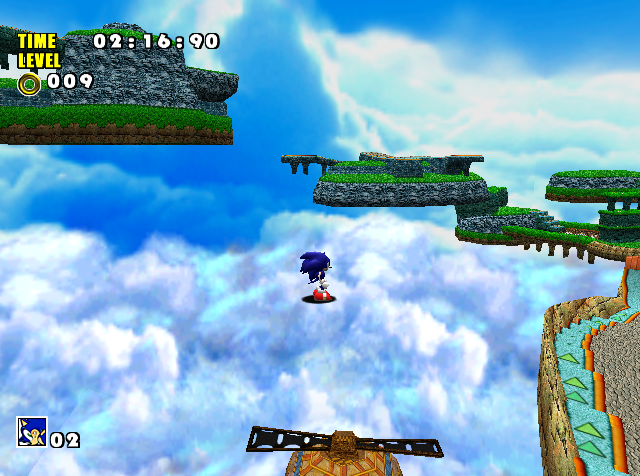
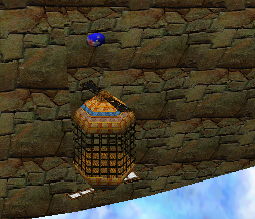
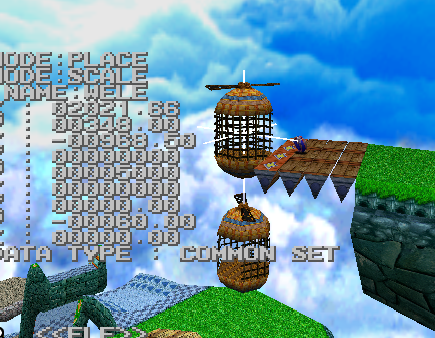 1 1 3
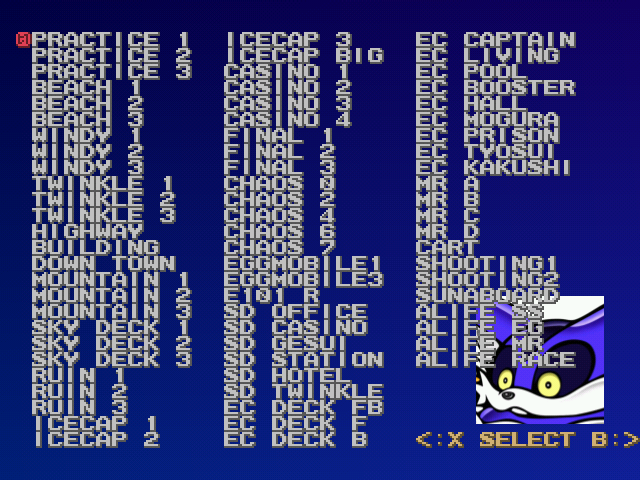
1 1 3TRAMPOL
B LEAF (Unused)
WC WIND
PU WIND
RAFT
RAFT 2
RAFT 3
T_RAFT1
T_RAFT2
TANPOPO
TAKO W
DOME 1
DOME 2
DOME 3
TSPRING
S BRIDG
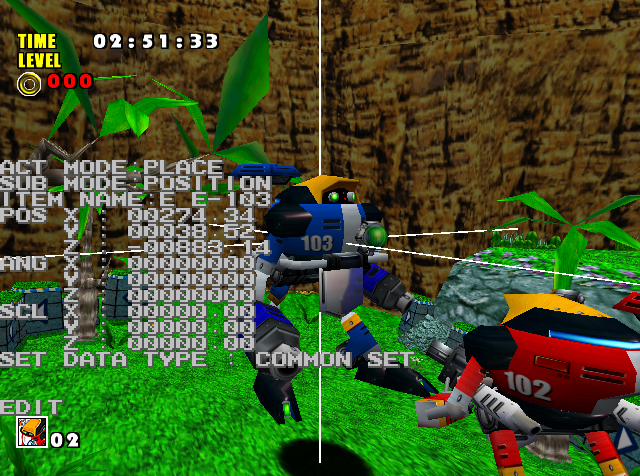
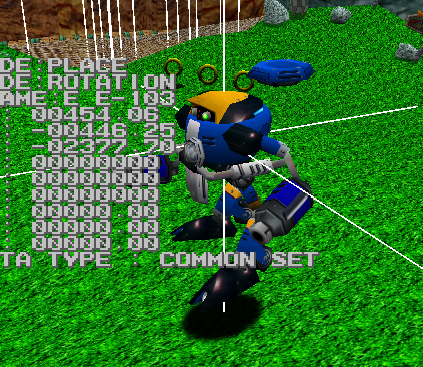
E E-103 3 2 1 1 1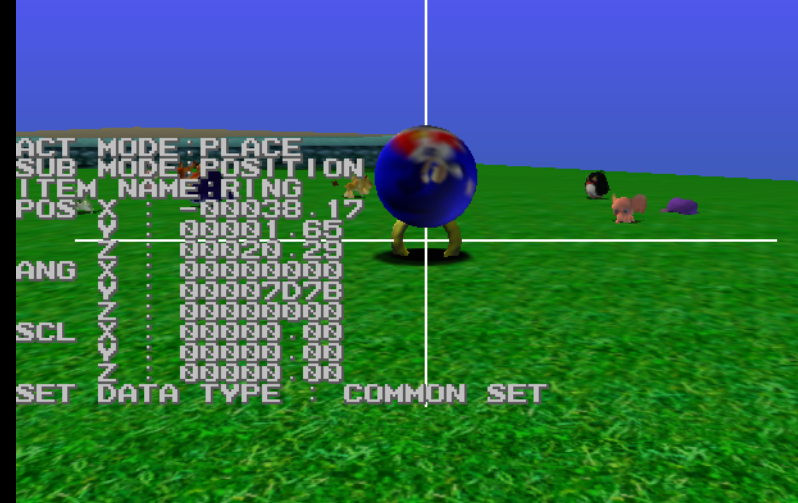
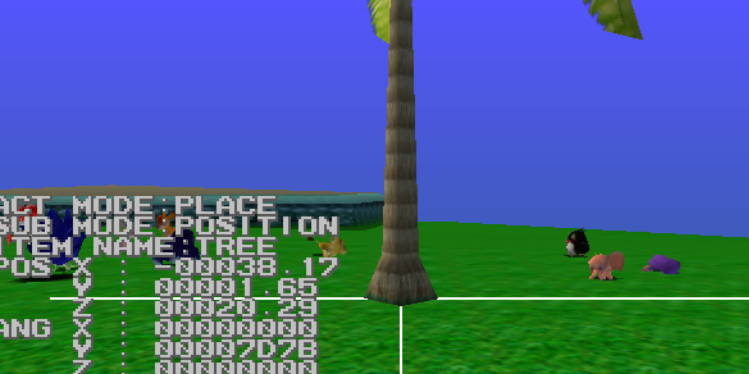
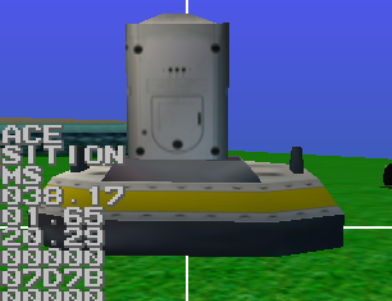
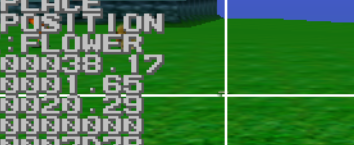





patternpatchmaker STG03.PRS STG03new.PRS -i
Then you add the contents of the output file to the bottom of mod.ini (edited)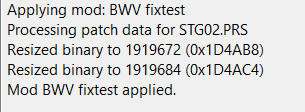

 1
1
- Transfer GBIX from one PVM to another for textures with the same names:
GBIXTool -t <file_src> <file_dst> [-i]
  file_src: PVM with GBIX to be transferred
  file_dst: PVM which will have the new GBIX
  -i: Treat upper and lower case as identical when comparing texture names.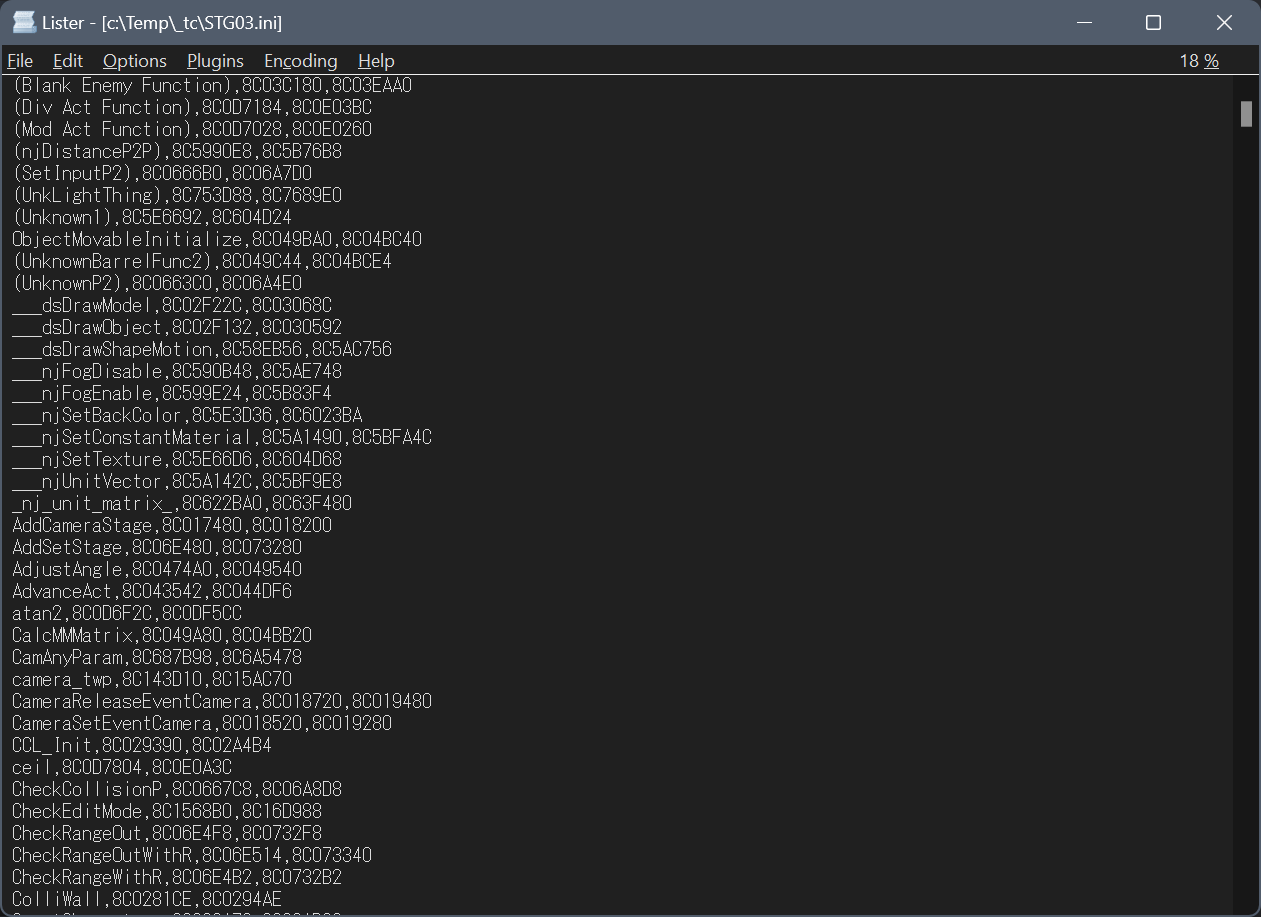

 1
1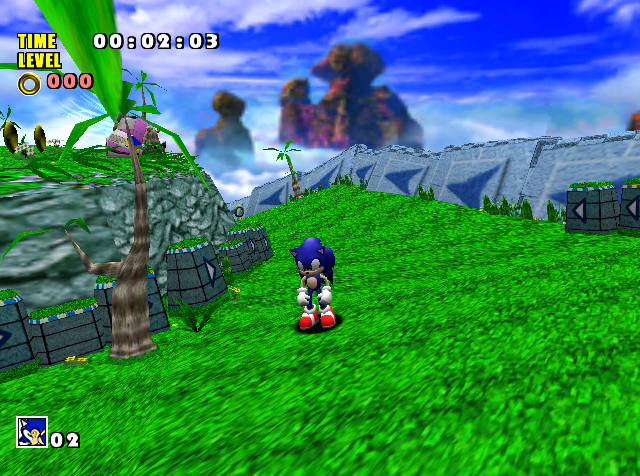
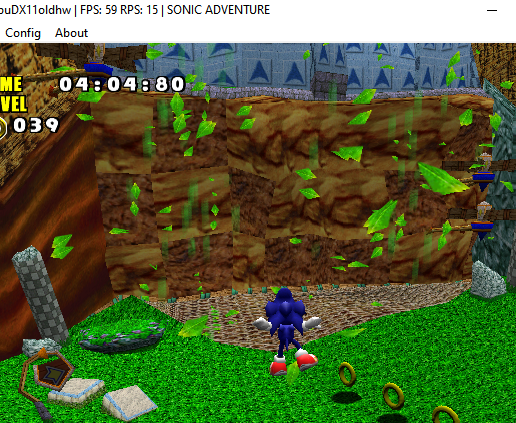
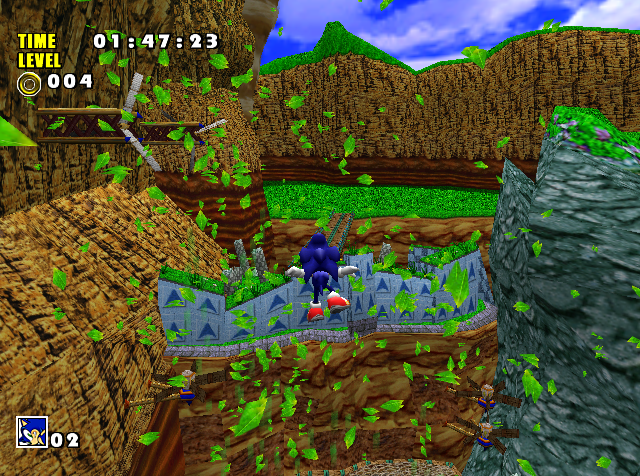

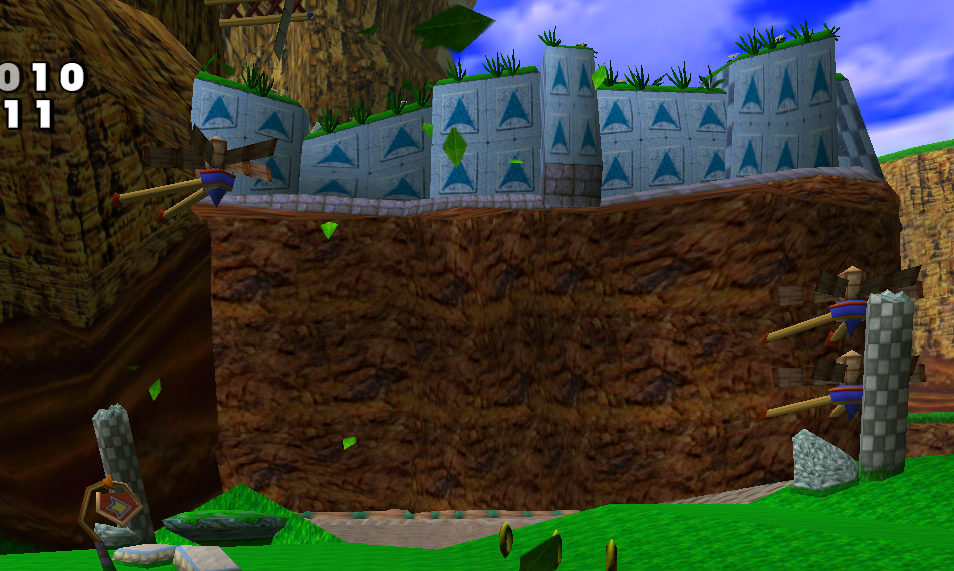
__ one which would cause issues (edited)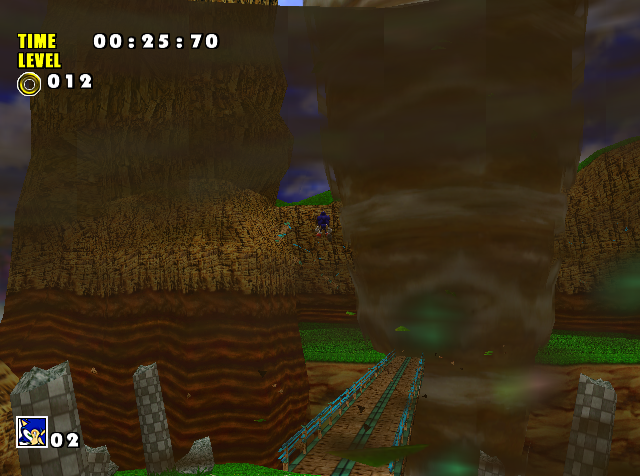 2
2
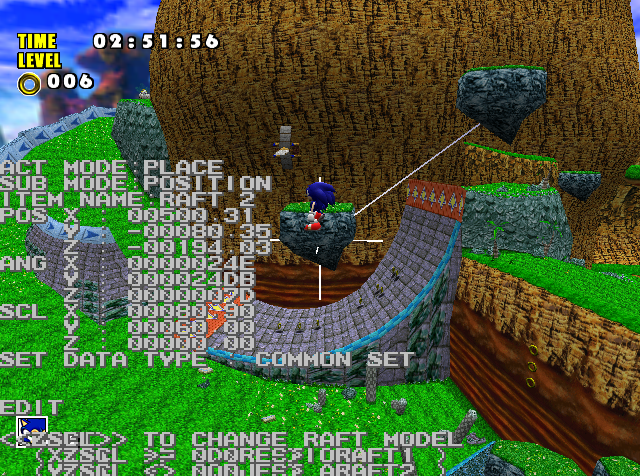 1
1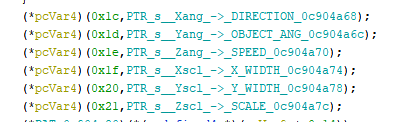 1
1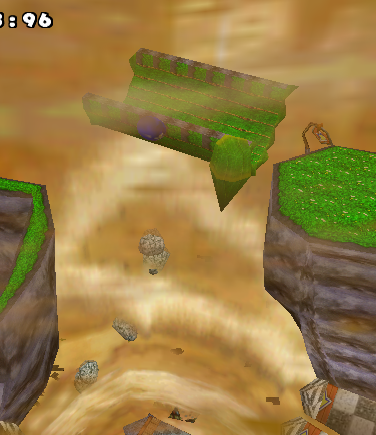
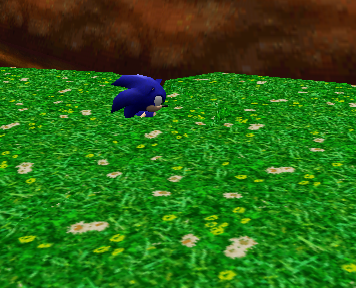
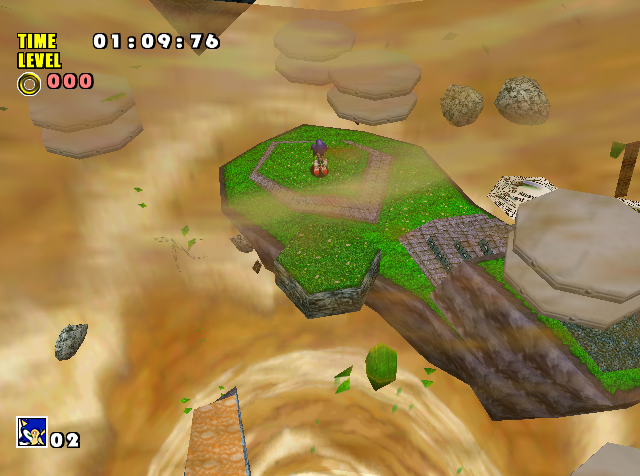
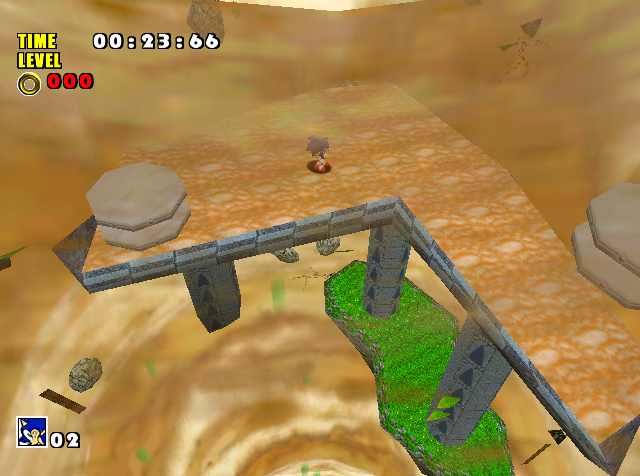 1
1
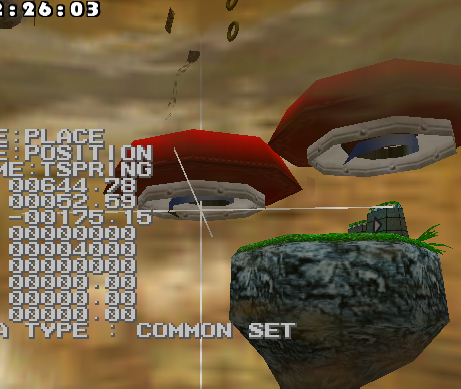
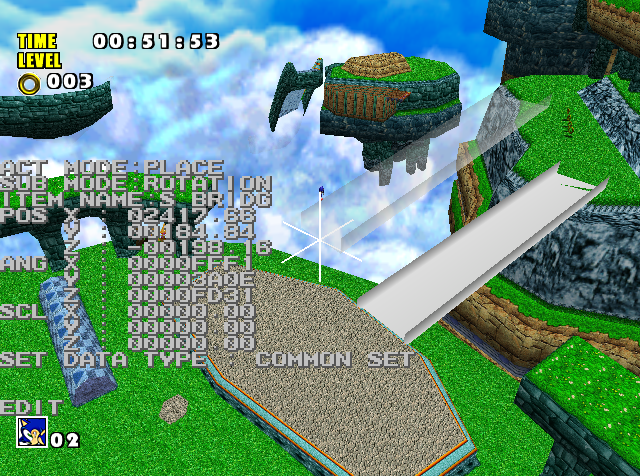

 Twitter • 19.04.2018 22:35 1 1
ROM:8C0DE1BA mov.l #aEvent_adx_afs, r5 ; "event_adx.afs"
ROM:8C0DE1BC mov.l #LoadFromAFS, r3 ; Move Immediate Long Data
ROM:8C0DE1BE mov.w #h'800, r7 ; voice amount?
ROM:8C0DE1C0 mov.l #h'8C797918, r6 ; Move Immediate Long Data
ROM:8C0DE1C2 jsr @r3 ; LoadFromAFS ; Jump to Subroutine
ROM:8C0DE1C4 mov #0, r4 ; Move Immediate Byte Data
ROM:8C0DE1C6 mov.l #aBgm_afs, r5 ; "bgm.afs"
ROM:8C0DE1C8 mov #h'20, r7 ; ' ' ; track no?
ROM:8C0DE1CA mov.l #LoadFromAFS, r2 ; Move Immediate Long Data
ROM:8C0DE1CC mov.l #h'8C798930, r6 ; Move Immediate Long Data
ROM:8C0DE1CE jsr @r2 ; LoadFromAFS ; Jump to Subroutine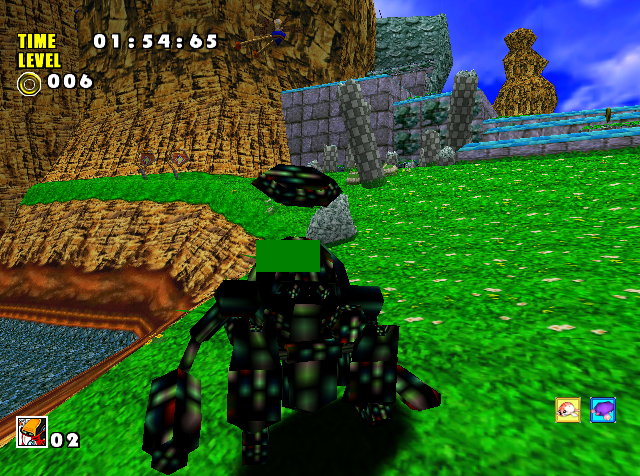
 3
3
 2
2 2
2A84AAD0C -> F44AAD0C
C84AAD0C -> 144BAD0C
D04AAD0C -> 2C4BAD0C
E84AAD0C -> 344BAD0C
I missed the first one last time and Act 3's textures seem to be working after the transition now lol 1 2 3 1 1
3 1 1
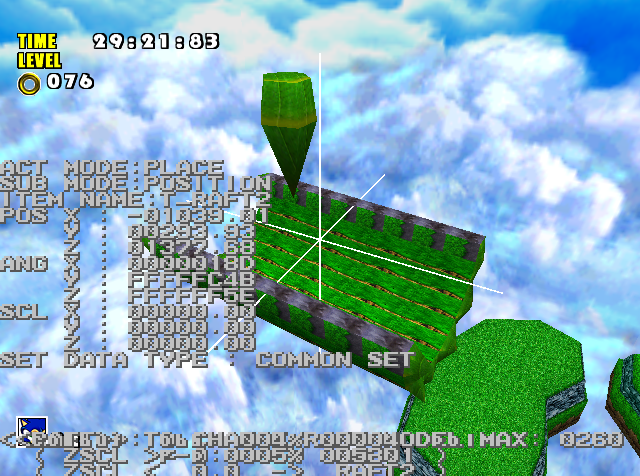 wonder why that isn't showing up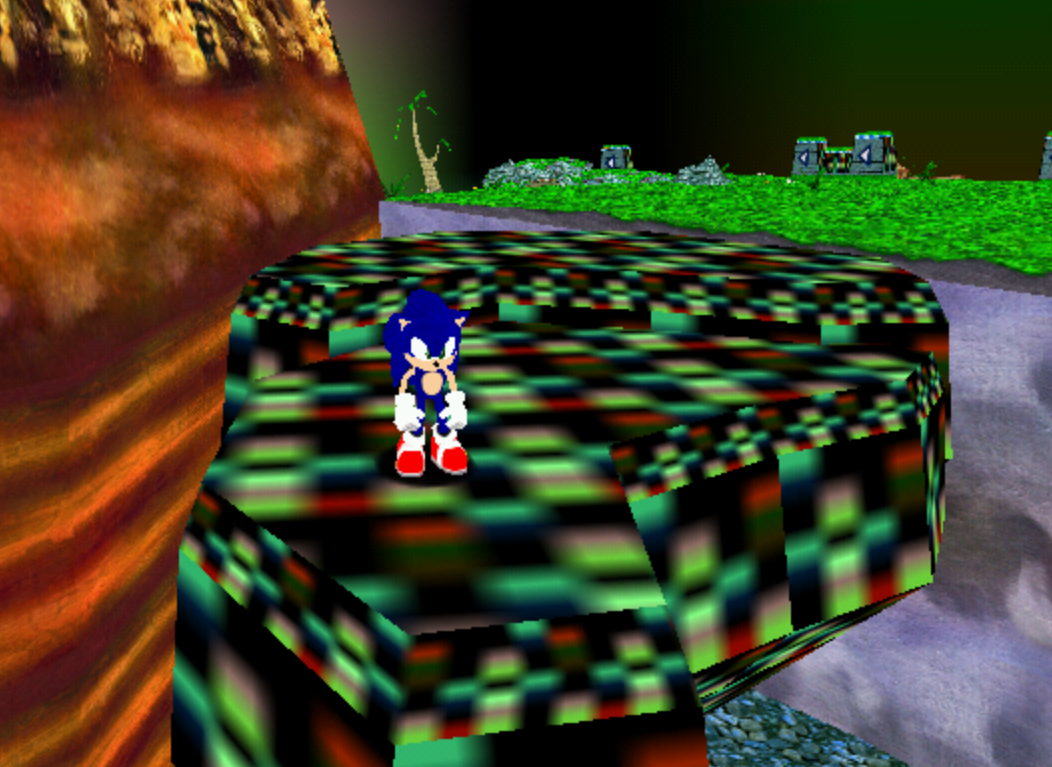
 1
1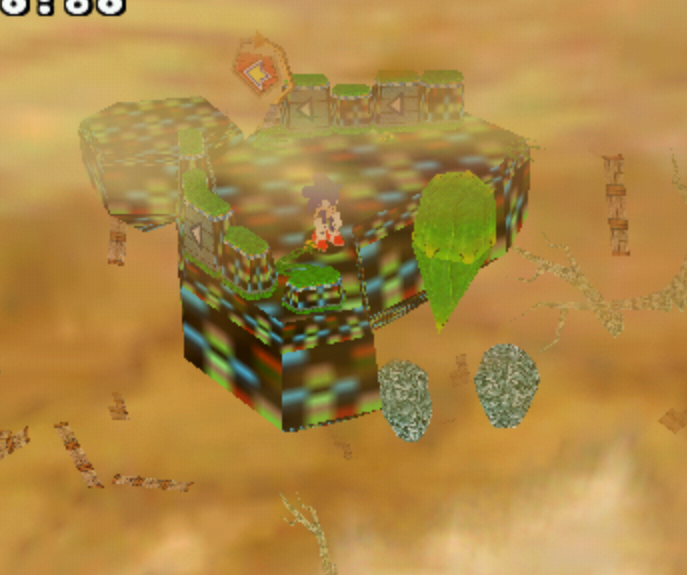
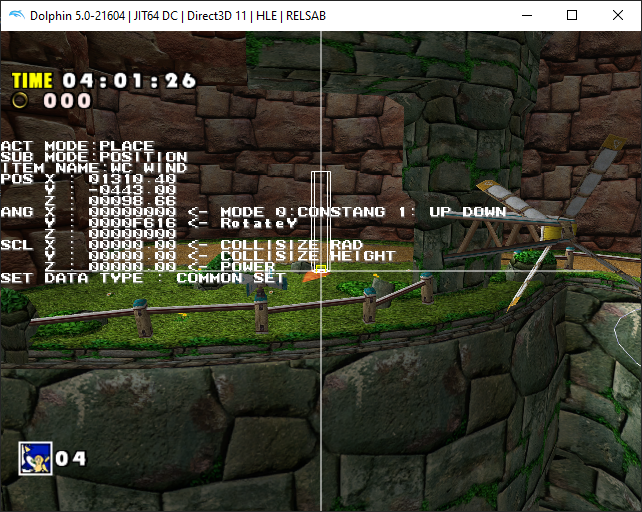
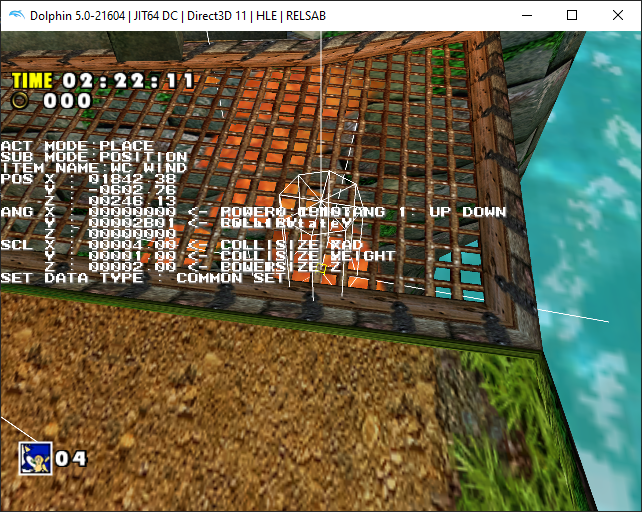

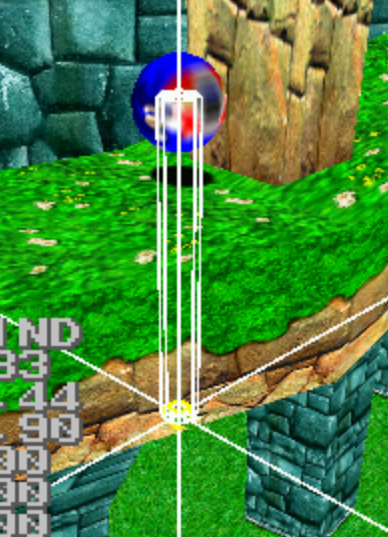
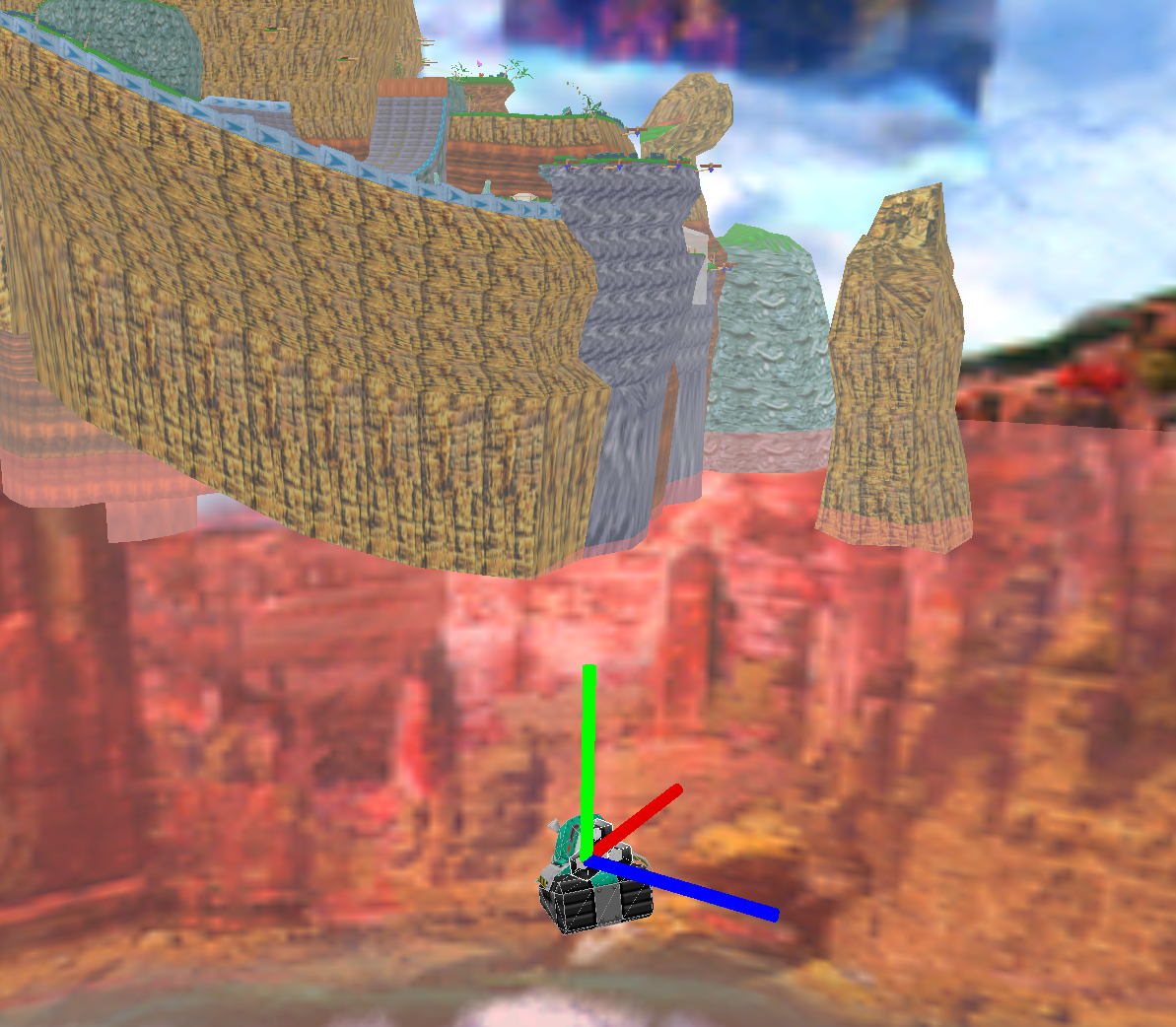 1
1 1
1

 1
1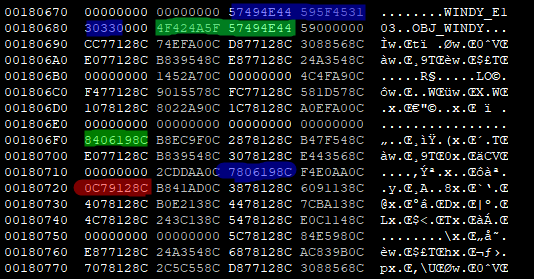
[1ST_READ.BIN]
180678 = 57 49 4E 44 59 5F 45 31 30 33 00 00 4F 42 4A 5F 57 49 4E 44 59 00 00 00
1806F0 = 84 06 19 8C
180718 = 78 06 19 8C
180720 = 0C 79 12 8C
 1
11F 0 53984 0 3065.58 -505.03 -1467.65 0 0 0

 2
28C02E14A -> () (found ) <-- this needs experimentation to find a pointer that wont crash
..tested..
..8C02F500 .. <-- object loads, no crash, but collision off
..8C02F45C .. <-- object loads, no crash, but collision off like above but "pushout" when walk away, using this
..8C02F420 .. <-- object loads, no crash, but collision off like above
..8C02F38C .. <-- object loads, no crash, but collision off like above
..8C02F5CA .. <-- object loads, no crash, but collision off like above
..8C02F640 .. <-- object loads, no crash, but collision off like above
..8C02FB00 .. <-- object loads, screen goes to Now Loading and crashes if you walk away.
places used:
c902814 <-ptr
c902908 <-ptr
C902788->C902790 <- nopping out crashes game if you walk away, this seems to be responsible
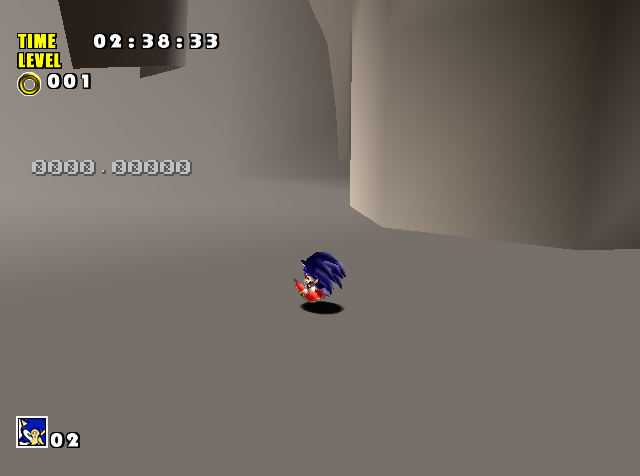
for erasing the object.
seg001:0C902782                 tst     r0, r0          ; Test Logical
seg001:0C902784 bt loc_D5902792 ; Branch if True (edited)seg001:0C90276A loc_D590276A: ; CODE XREF: Load_Dome1+28↑j
seg001:0C90276A bsr sub_D5902920 ; Branch to Subroutine
seg001:0C90276C mov r14, r4 ; Move Data
seg001:0C90276E mov.l #8C029560, r2 ; Move Immediate Long Data
seg001:0C902770 jsr @r2 ; 8C029560 ; Jump to Subroutine
seg001:0C902772 mov r14, r4 ; Move Data
seg001:0C902774 bra loc_D590277C ; Branch
seg001:0C902776 nop ; No Operationseg001:0CA55A48 dword_D5A55A48: .data.l 1, h'AF00, 0 ; DATA XREF: Load_Dome1+38↑o
seg001:0CA55A48 ; Load_Dome2:off_D5902804↑o
seg001:0CA55A54 .data.l h'41D80000, 0
seg001:0CA55A5C .data.l h'418C0000, h'41D80000
seg001:0CA55A5C .datab.l 6, 0
seg001:0CA55A7C dword_D5A55A7C: .data.l 1, h'AF00, 0 ; DATA XREF: Load_Dome2+38↑o
seg001:0CA55A7C ; Load_Dome2:off_D5902818↑o
seg001:0CA55A88 .data.l h'420C0000, 0
seg001:0CA55A90 .data.l h'418C0000, h'420C0000
seg001:0CA55A90 .datab.l 6, 0
seg001:0CA55AB0 dword_D5A55AB0: .data.l 1, h'AF00, 0 ; DATA XREF: Load_Dome3+38↑o
seg001:0CA55AB0 ; seg001:off_D5902910↑o
seg001:0CA55ABC .data.l h'422C0000, 0
seg001:0CA55AC4 .data.l h'418C0000, h'422C0000
seg001:0CA55AC4 .datab.l 7, 0 )
 1
1
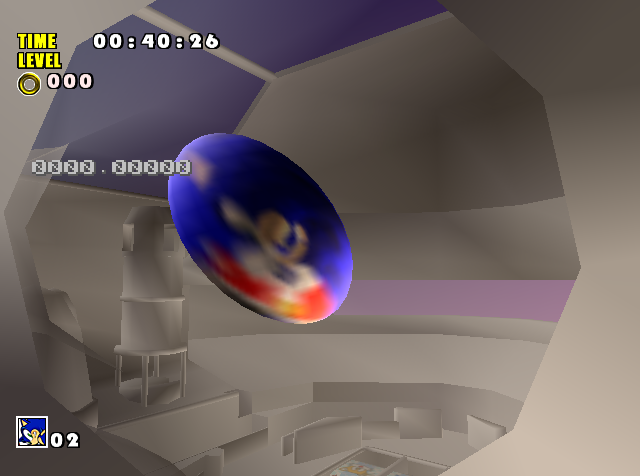
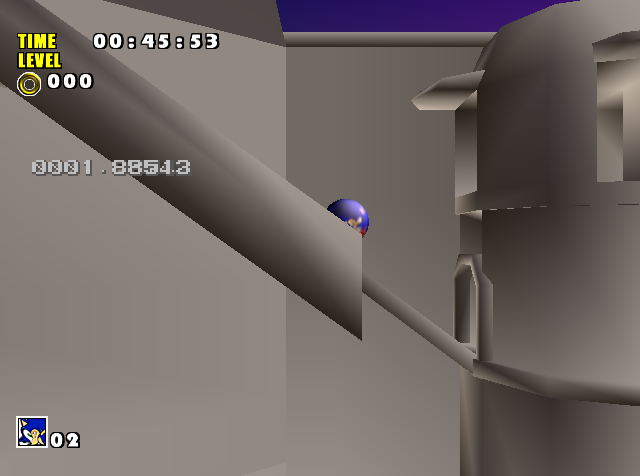
8C065F00 -> 8C06A020
8C017160 -> 8C017EE0
8C599BF4 -> 8C5B81C4
2 (edited)
 1
18C02E14A -> () (found ) <-- this needs experimentation to find a pointer that wont crash
..tested..
..8C02F500 .. <-- object loads, no crash, but collision off
..8C02F45C .. <-- object loads, no crash, but collision off like above but "pushout" when walk away, using this
..8C02F420 .. <-- object loads, no crash, but collision off like above
..8C02F38C .. <-- object loads, no crash, but collision off like above
..8C02F5CA .. <-- object loads, no crash, but collision off like above
..8C02F640 .. <-- object loads, no crash, but collision off like above
..8C02FB00 .. <-- object loads, screen goes to Now Loading and crashes if you walk away.
places used:
c902814 <-ptr
c902908 <-ptr
C902788->C902790 <- nopping out crashes game if you walk away, this seems to be responsible
for erasing the object. 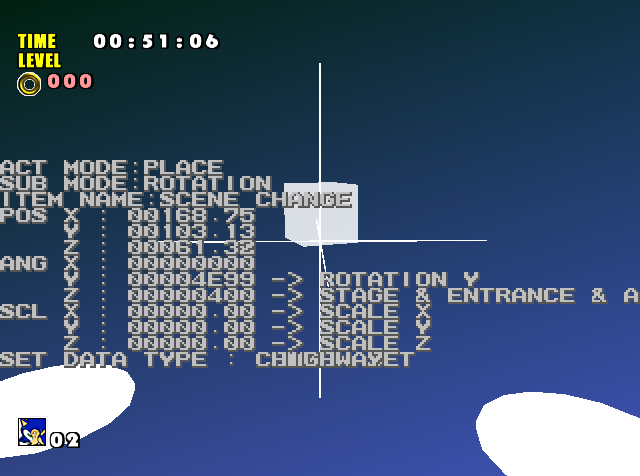
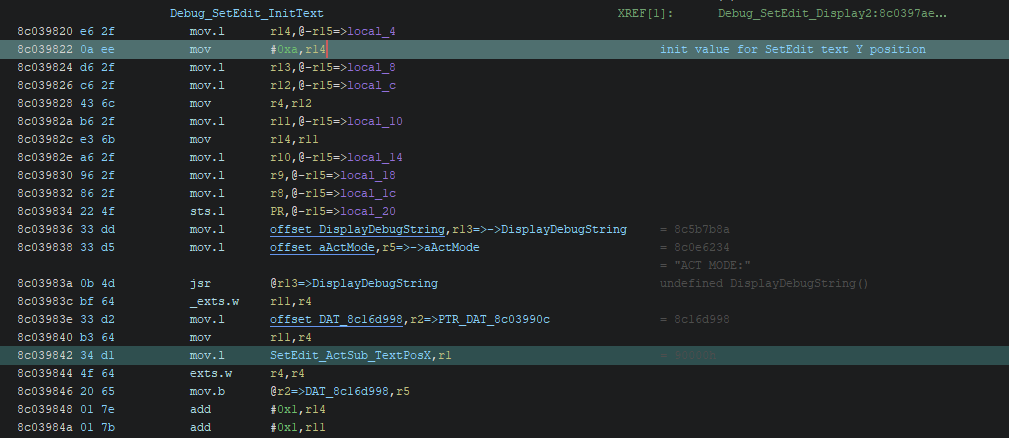
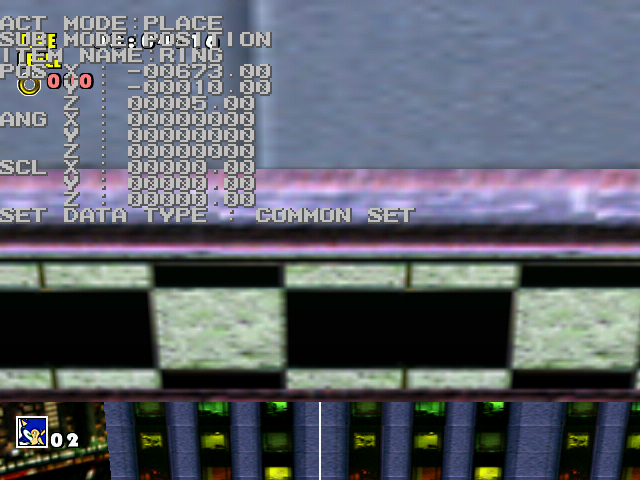
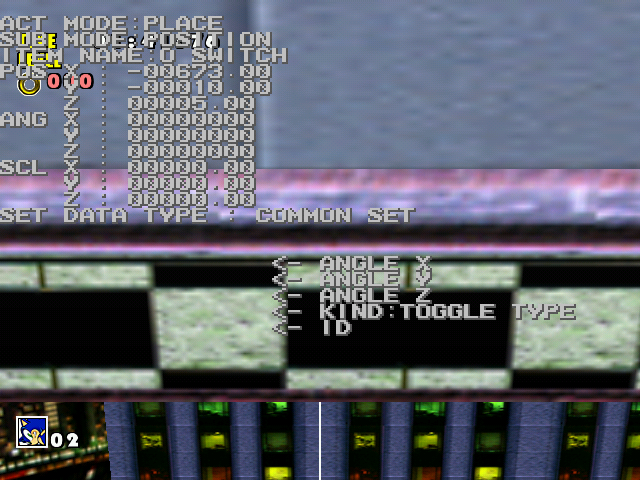
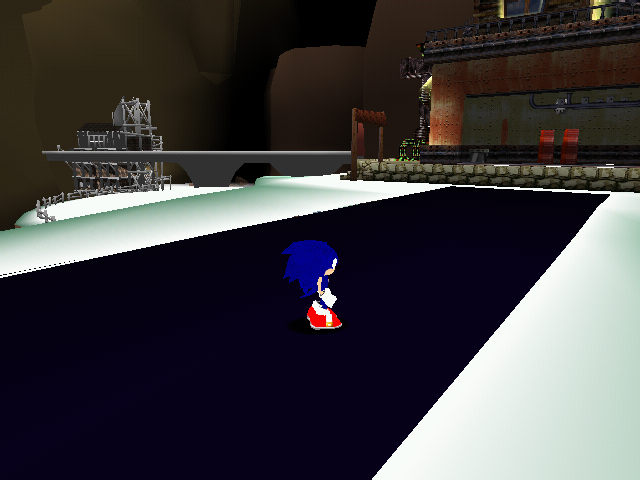
 1
1 1
1
 2
2
 1
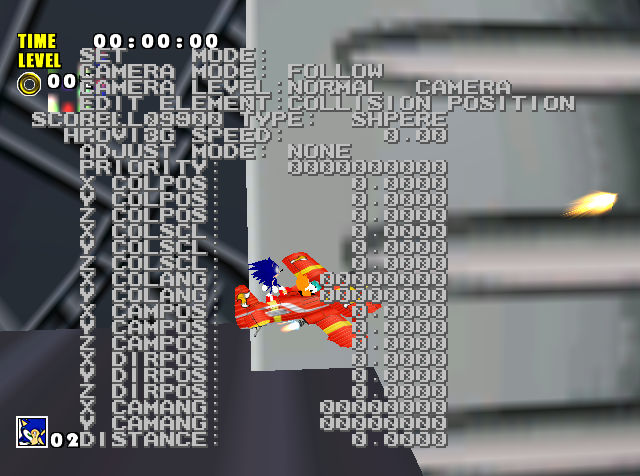
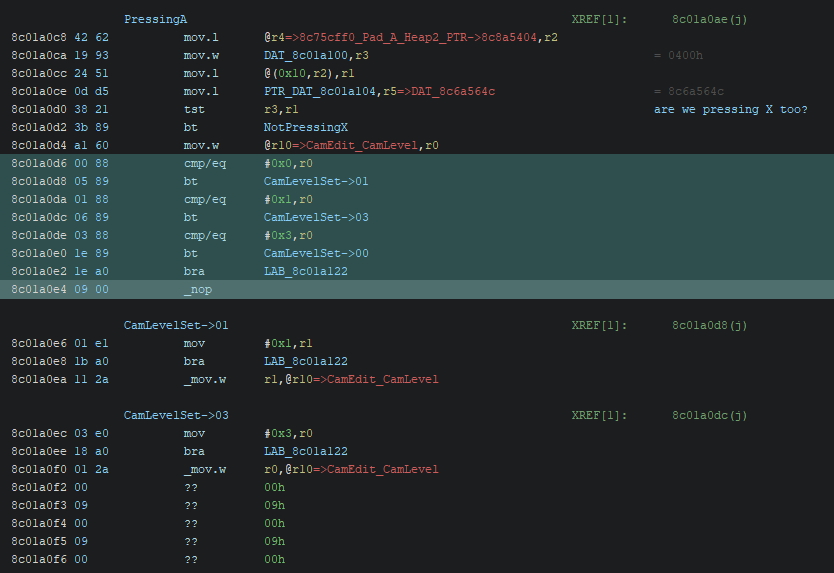
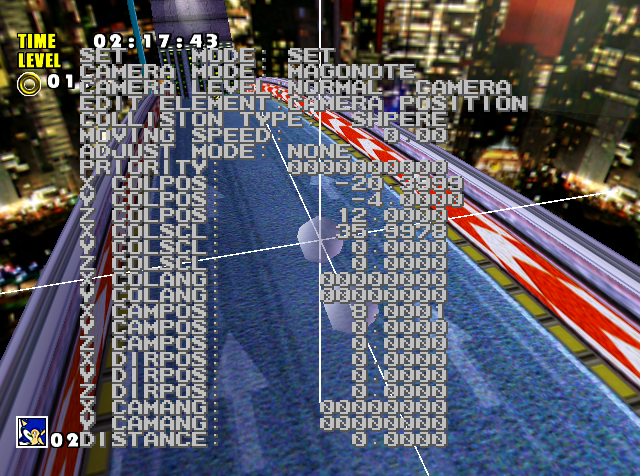
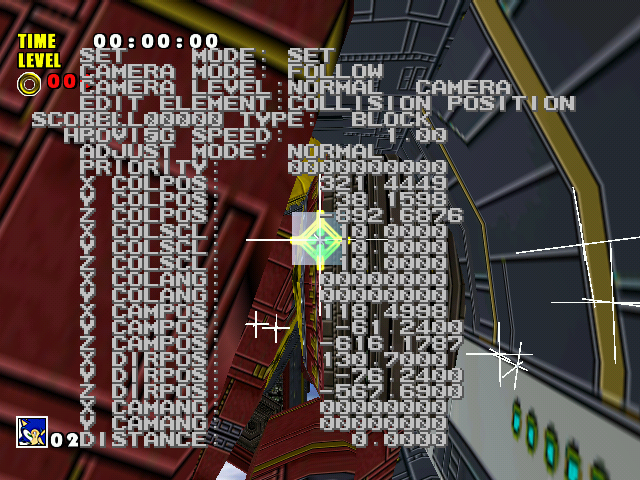
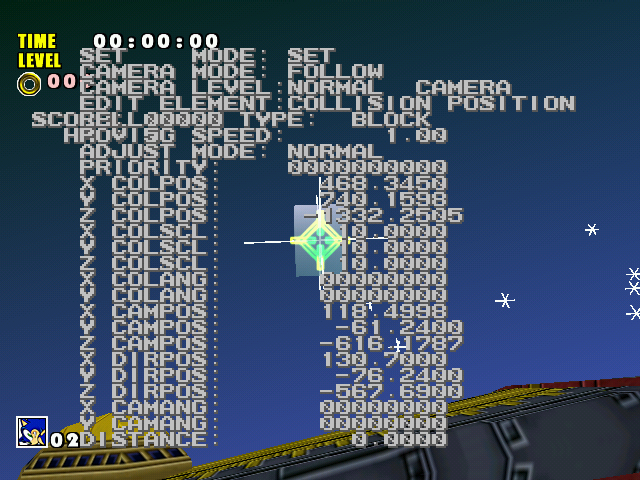
1A+B: Toggle Mode
SYSTEM:
B: Toggle visible cameras
Y: Toggle visible display
SET:
Start+A: Grab Camera
Start+B: Place Camera
Start+X: Adjust Mode
Start+Y: Collision Type
A+L/R - Camera Mode
A+U/D - Edit Element
A+X - Camera Level 1 2
2
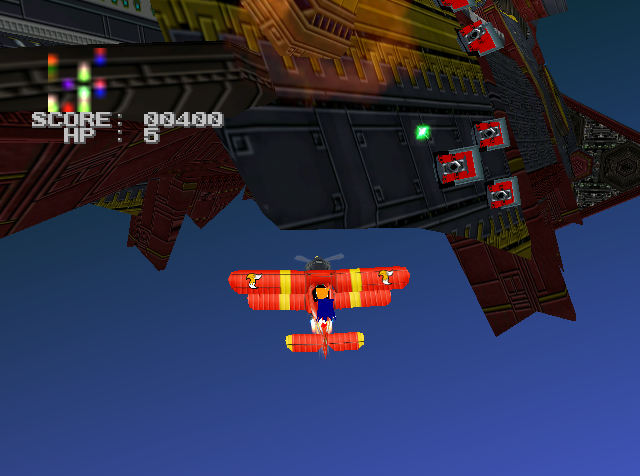 3
3
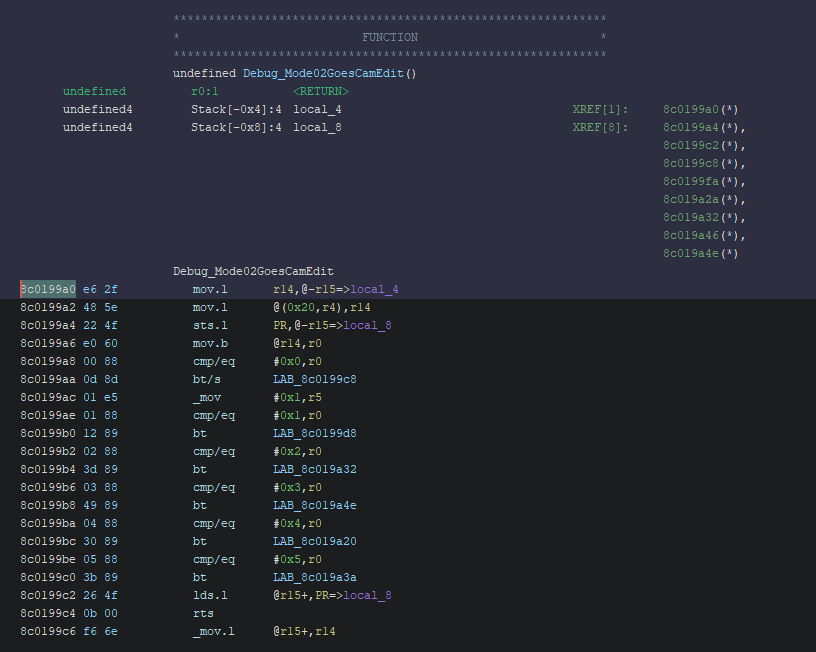 1 3
1 3SONICADV_P00 and SONICADV_S00 though I have a note saying it's PL_ and SL_ in the autodemoSONICADV_P00 and SONICADV_S00 though I have a note saying it's PL_ and SL_ in the autodemo 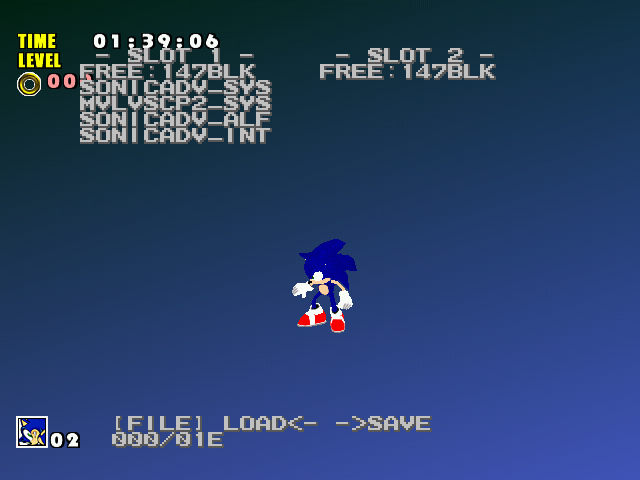 1
1struct LightInfo
{
int lsrc; // Ninja light flags
float spc;
float dif;
float amb;
NJS_ARGB argb;
NJS_POINT3 pos; // Light position (for spot and point lights)
NJS_POINT3 vec; // Light direction
float nrang; // Distance at which light source attenuation begins
float frang; // Distance to cut the effect of the light source (range)
int iang; // The angle at which the specular or spotlight is at maximum intensity
int oang; // The angle at which the specular or spotlight effect ceases
};NJD_DIR_LIGHTstruct LightInfo
{
int lsrc; // Ninja light flags
float spc;
float dif;
float amb;
NJS_ARGB argb;
NJS_POINT3 pos; // Light position (for spot and point lights)
NJS_POINT3 vec; // Light direction
float nrang; // Distance at which light source attenuation begins
float frang; // Distance to cut the effect of the light source (range)
int iang; // The angle at which the specular or spotlight is at maximum intensity
int oang; // The angle at which the specular or spotlight effect ceases
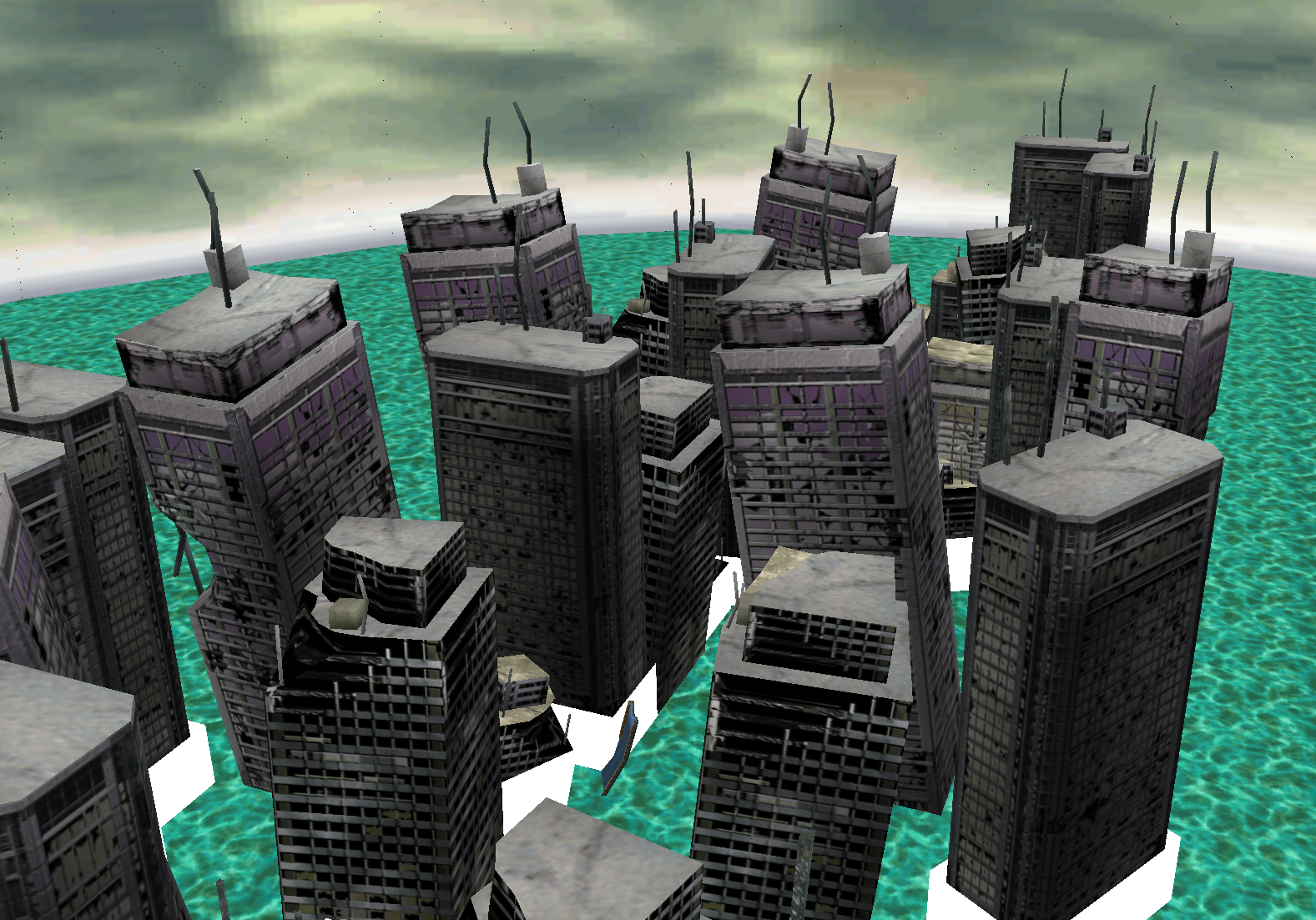
}; 
 2 1 1
2 1 1loop_count doesn't equal 0, I changed != to = by swapping between bt and bf instructions. In the function that animates Tails' tails when he is tired from flying, I just nopped some instructions to remove the check. 1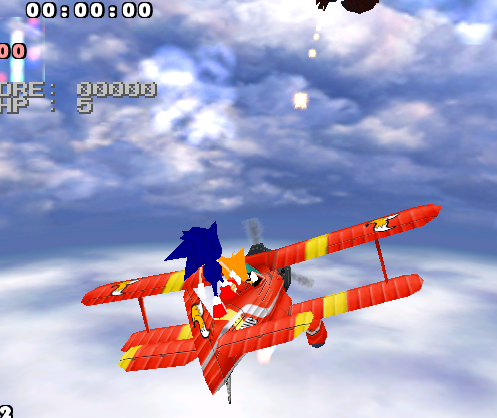 3
3 1 1
1 1
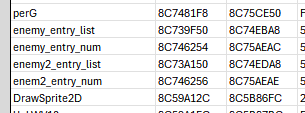
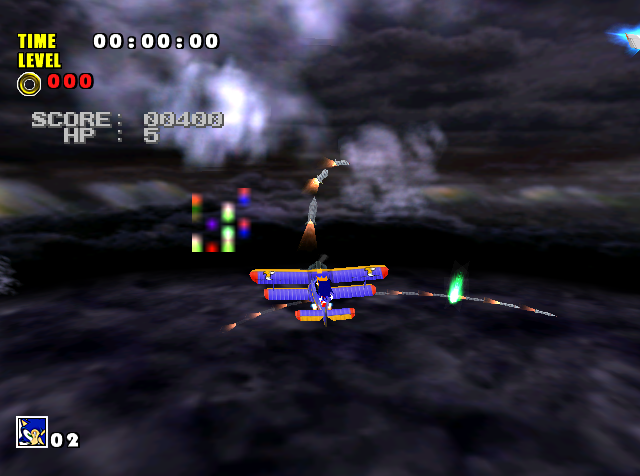 1
1objscan SA1 SHOOTING.BIN C900000 basicmodel -findall
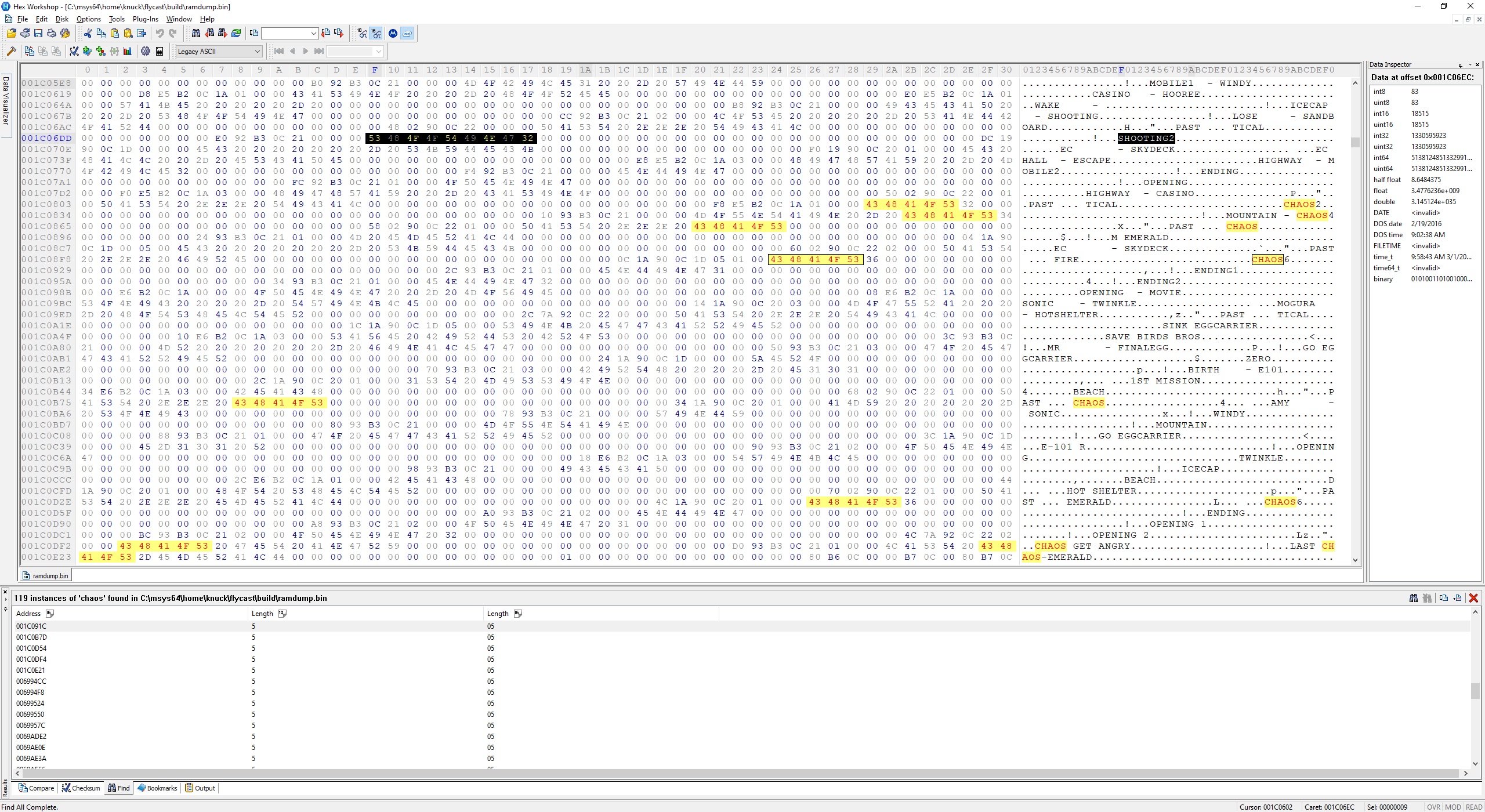
 1 1
1 1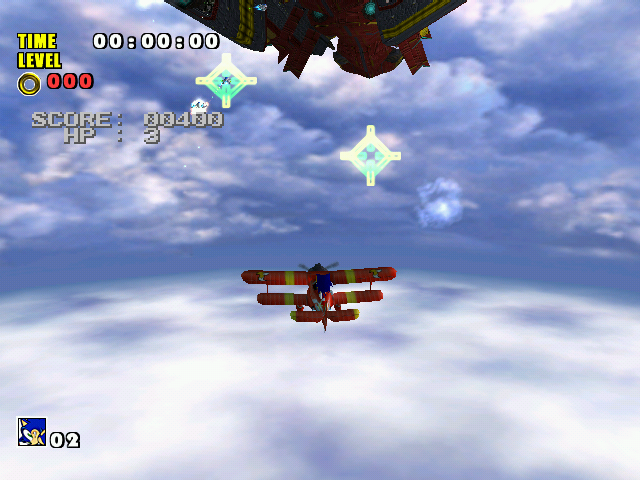 1 2
1 2CamSht1S
00 is used / Follow -> 00
08 is used / Knuckles2 -> 1f Knuckles
0a is used / C_Knuckles2 -> 2e C_Knuckles
0c is used / Magonote -> 02
0F is used / Col_Magonote -> 2a C_Magonote
unlisted video testing the manually placed Knuckles camera:
https://www.youtube.com/watch?v=oSOgFcjMj1U (edited) 2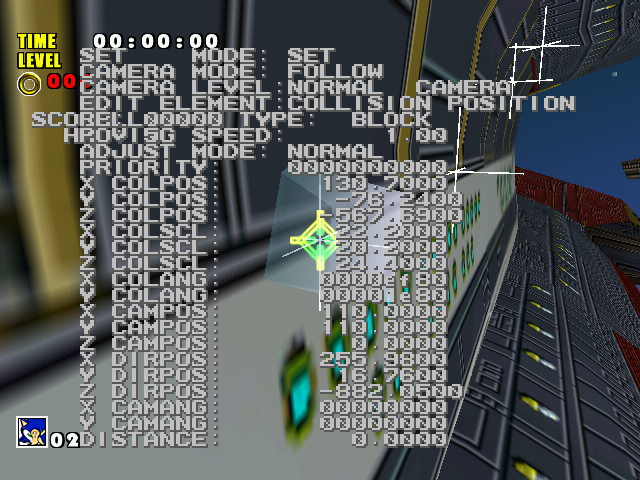
CamSht1S
00 is used / Follow -> 00
08 is used / Knuckles2 -> 1f Knuckles
0a is used / C_Knuckles2 -> 2e C_Knuckles
0c is used / Magonote -> 02
0F is used / Col_Magonote -> 2a C_Magonote
unlisted video testing the manually placed Knuckles camera:
https://www.youtube.com/watch?v=oSOgFcjMj1U (edited) 1 1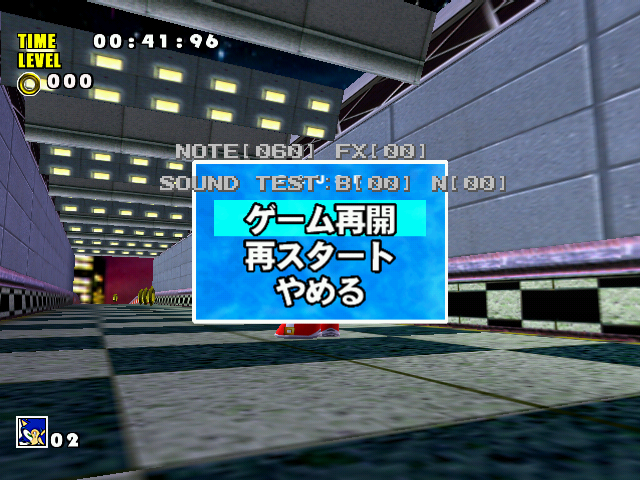
 2
2
 1
1
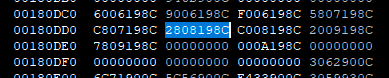
1809D8: C00A198C
180AC0: 4F424A5F 53414E44 424F4152 44000000
1
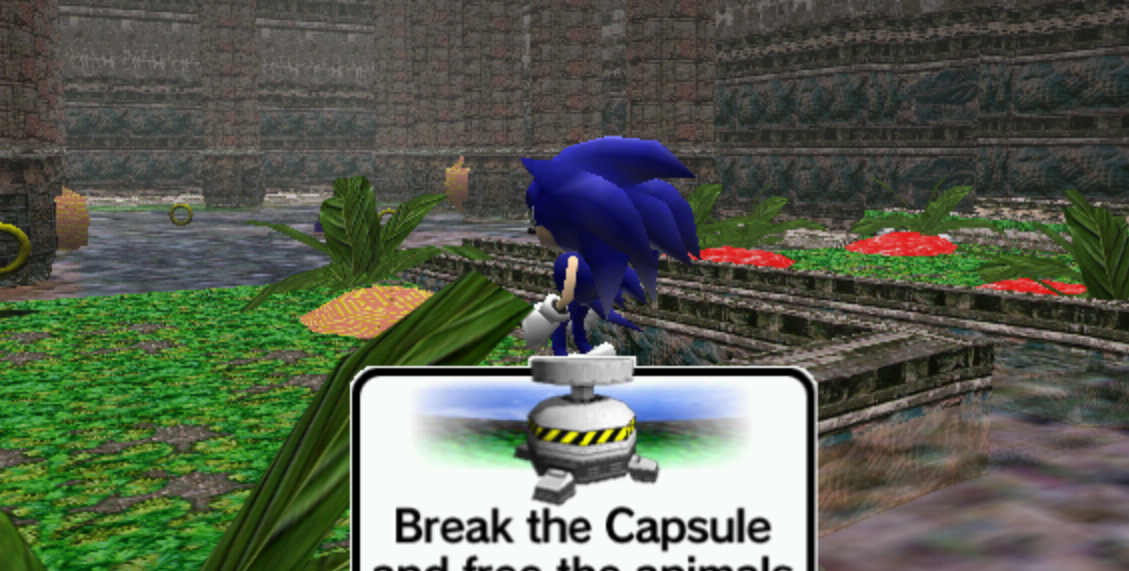
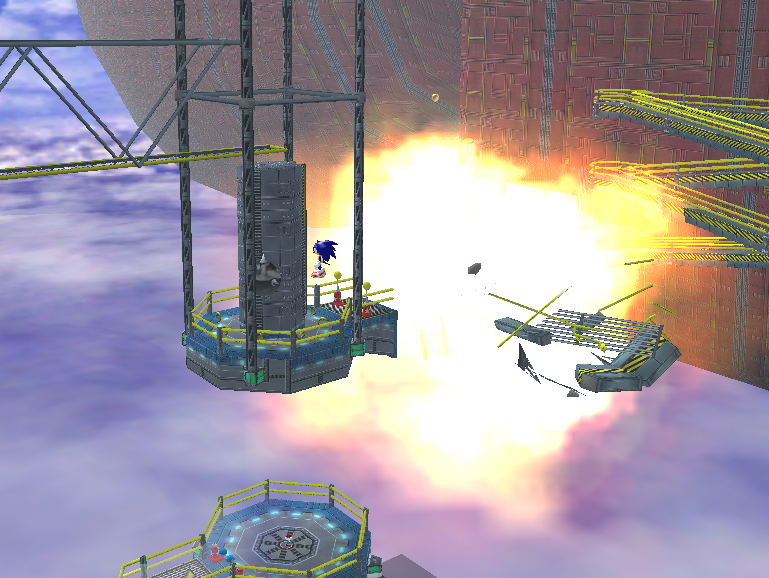
 1 Placing a capsule at the end of the level and breaking it puts Sonic in Station Square, at Knuckles' exit for Speed Highway...
 2
2
 1
1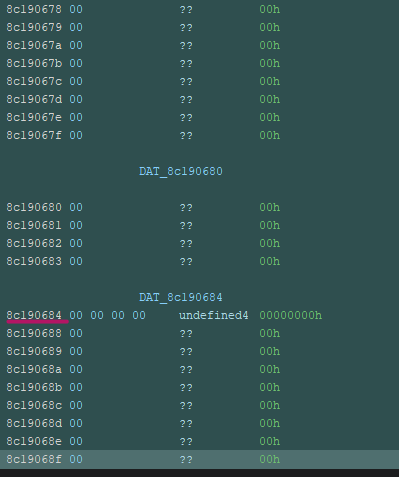

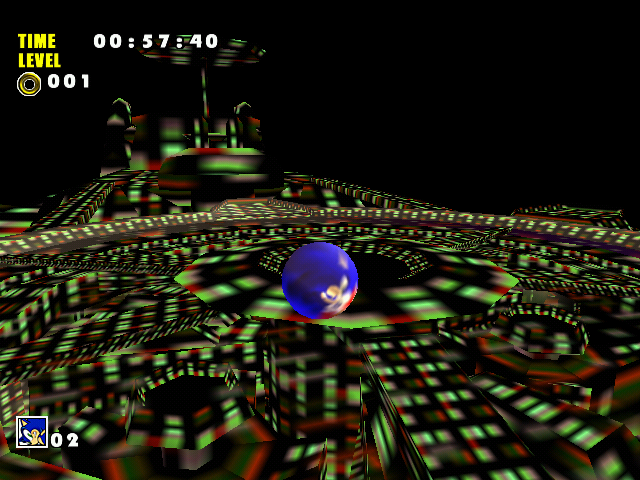
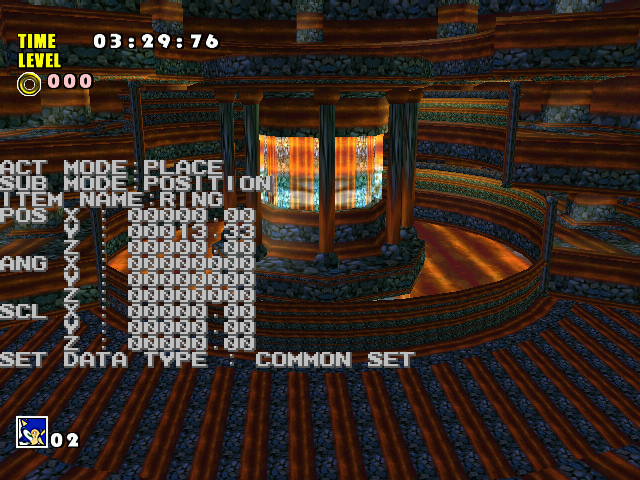
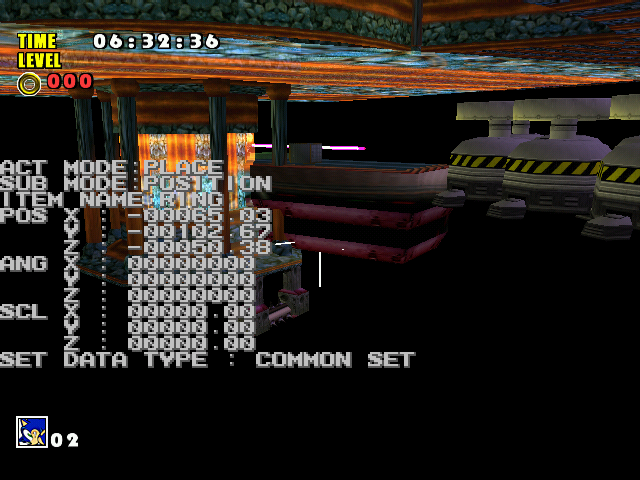
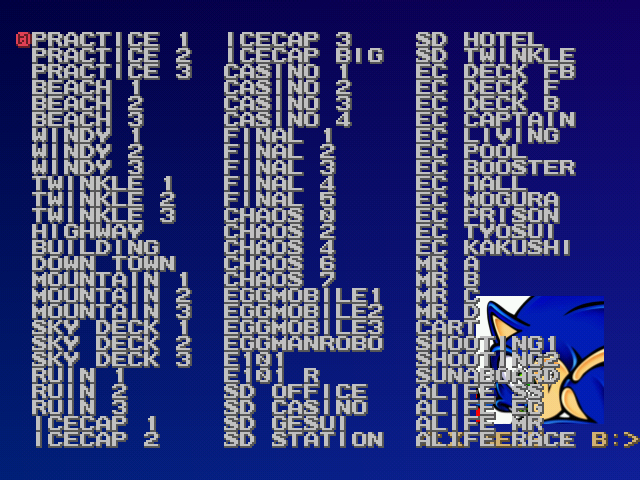
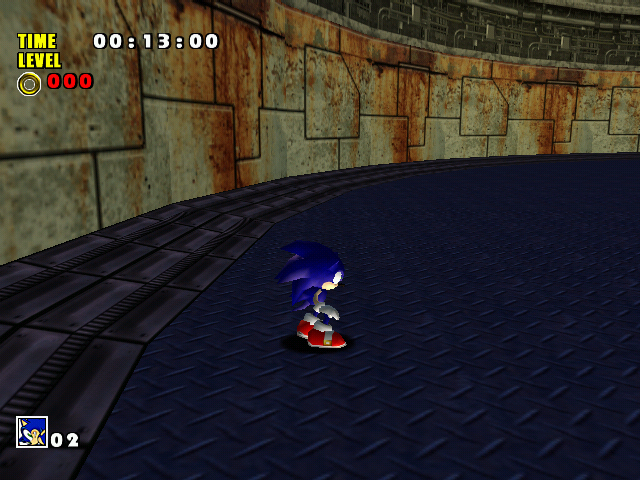 1
1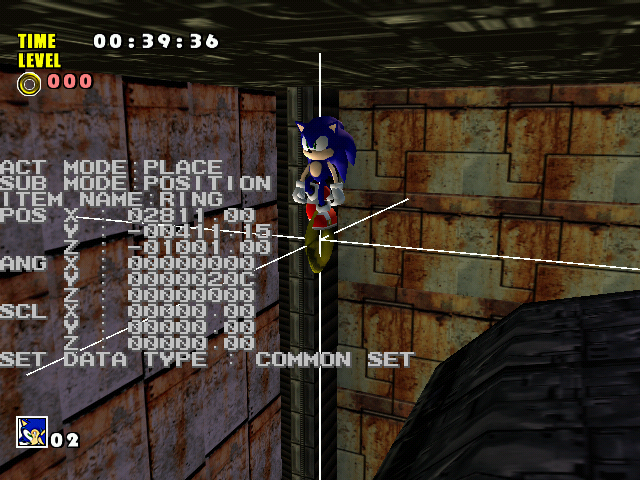
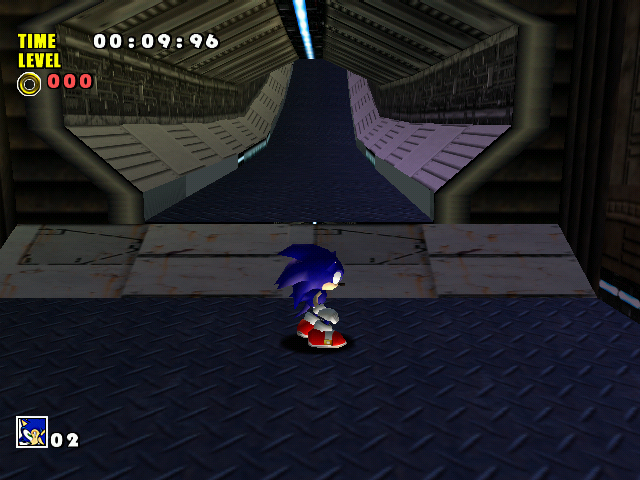

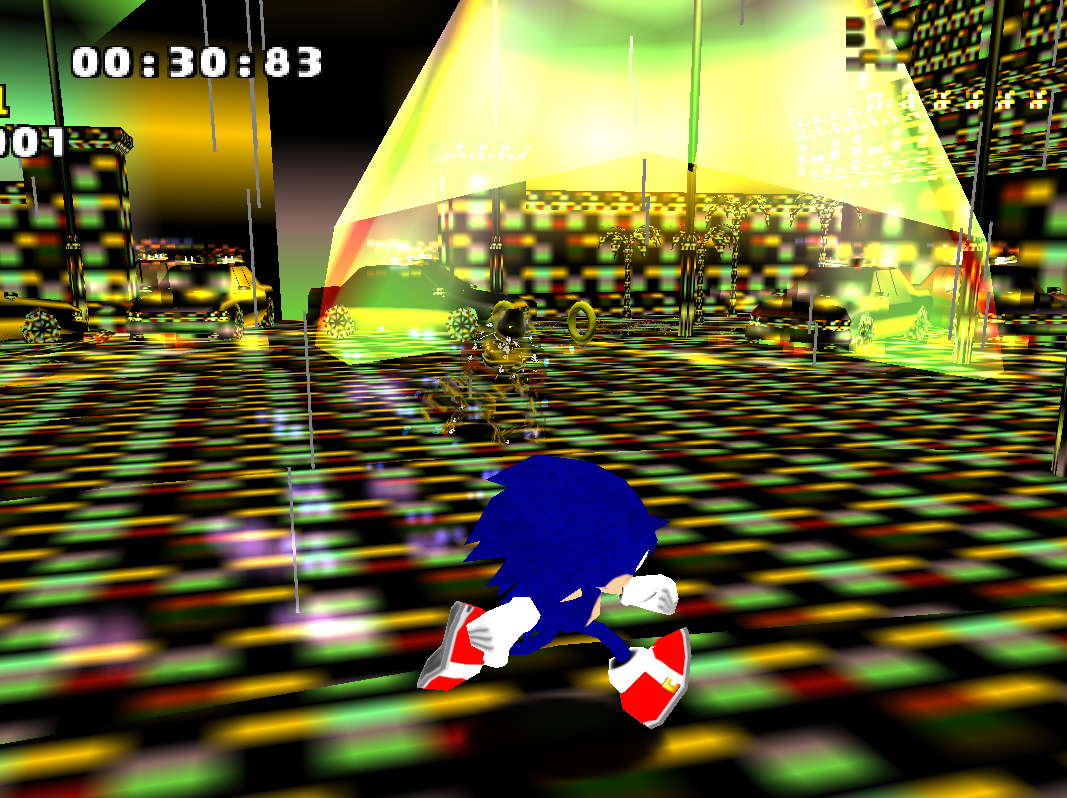
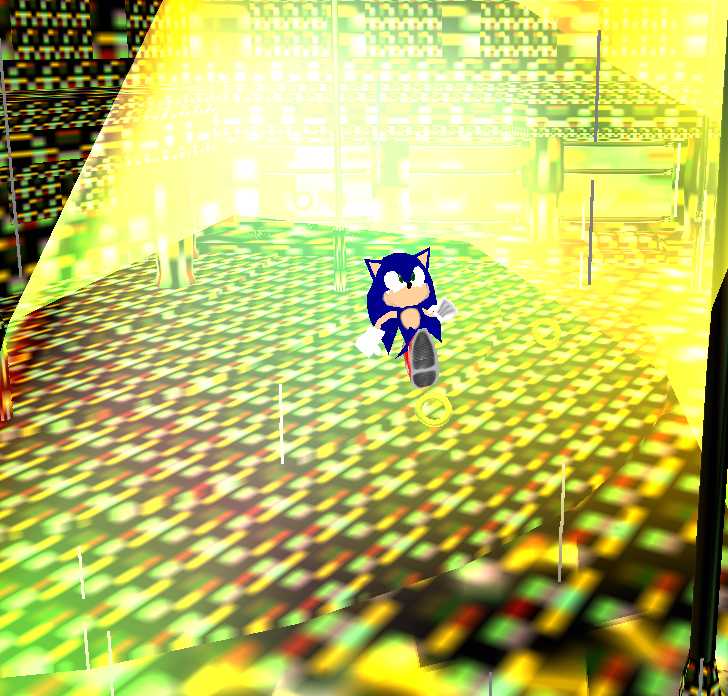
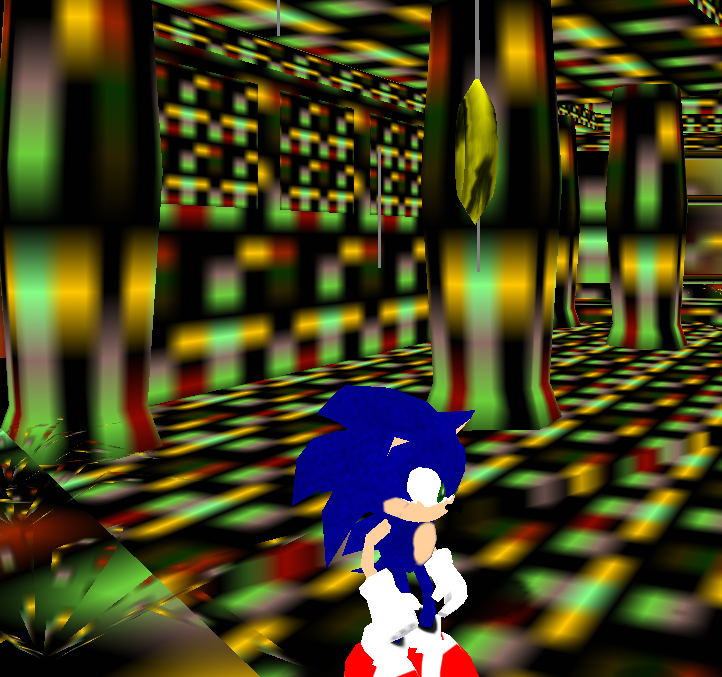 1
134 Cart (PL_Y0B)
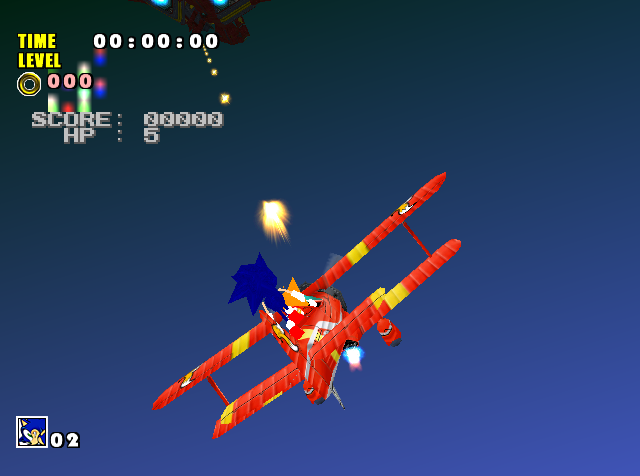
35 Sky Chase Act 1 (PL_Z0B)
35 Sky Chase Act 2 (PL_Z0B - looks like it loads the one for Act 1 even if the one for Act 2 exists)
36 Sand Hill (PL1A0B)
37 SS garden (PL1B0B)
38 EC garden (PL1C0B)
39 MR garden (PL1D0B)
40 Chao Race (PL1E0B)
Here's the updated mod https://dcmods.unreliable.network/owncloud/data/PiKeyAr/files/SA1%20research/autodemo/mods/Lighting.7z (edited) 1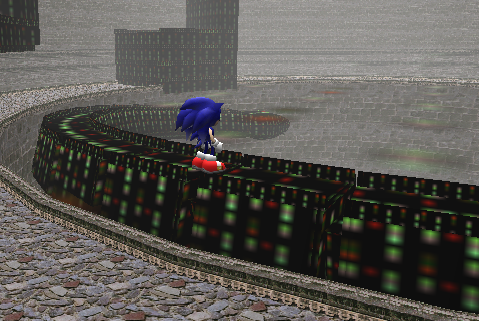
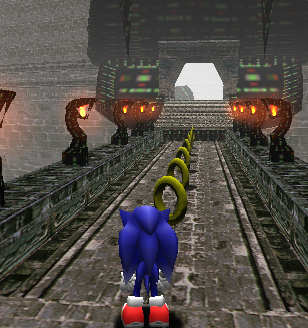







 yeah isn't this cool??